Nov 13, 2025
Productivity
12 Best Sales Lead Generation Tools to Boost Your Pipeline in 2026

The modern sales process is a complex puzzle of finding the right contacts, understanding their needs, and engaging them effectively. Relying solely on a CRM is like navigating a new city with an outdated map; you'll get somewhere, but probably not where you need to be, and definitely not fast enough. The difference between hitting and missing your quota often comes down to the efficiency and intelligence of your technology stack.
This is where specialized sales lead generation tools become non-negotiable. They are the engines that power your pipeline, uncovering opportunities, verifying contact data, and automating the initial outreach that frees your team to focus on what they do best: selling. To ensure your sales stack is robust and effective, exploring a broader range of options is key, including the best B2B lead generation tools available.
In this guide, we move beyond generic feature lists and provide a deep analysis of the 12 best sales lead generation platforms for 2026. For each tool, you will find:
Actionable insights based on real user experiences.
Specific use-cases for different sales roles and team sizes.
An honest assessment of strengths and limitations.
Screenshots and direct links to help you evaluate each option.
We will explore their ideal functions, weigh their pros and cons with real-world perspective, and offer clear guidance to help you choose the right tools to build a predictable and scalable revenue engine, regardless of your team's size or budget. Let's dive into the platforms that will define sales success this year.
1. GLINKY
GLINKY earns its top spot by uniquely combining two critical sales functions: intelligent meeting automation and built-in lead discovery. This dual-purpose platform addresses the entire sales cycle, from identifying new prospects to capturing and actioning insights from client conversations. It operates as a bot-free AI notetaker that allows sales professionals to remain fully present in discussions, confident that key details are being accurately captured.
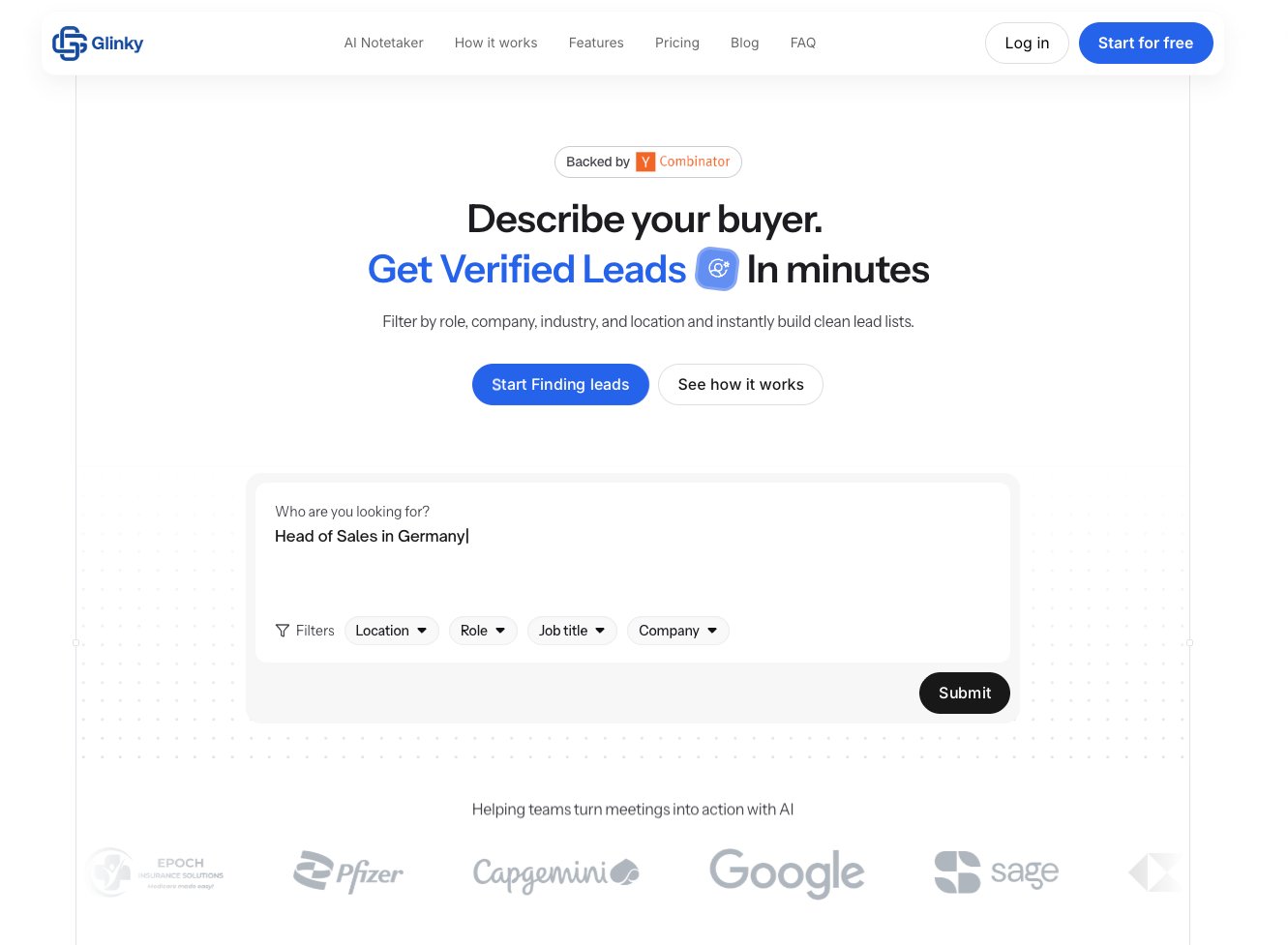
Unlike tools that only focus on one part of the funnel, GLINKY creates a continuous loop. You can find a prospect using its lead discovery search, reach out, and then use the notetaker during the call. The platform then drafts follow-up emails, syncs action items to your CRM, and keeps the entire history connected to that contact. This end-to-end workflow makes it one of the most cohesive sales lead generation tools for active sales teams.
Key Features and Use Cases
Bot-Free Meeting Automation: GLINKY natively recognizes speakers and creates structured notes, action items, and summaries without an intrusive bot joining your calls. This preserves the natural flow of conversation while eliminating manual admin work.
Integrated Lead Discovery: Search for prospects by role, company size, or industry and get verified business emails, LinkedIn profiles, and phone numbers. New leads can be added directly to your CRM from the same interface where you manage your meeting notes.
End-to-End Workflow: The system automates post-meeting tasks by drafting follow-up emails, assigning action items in project management tools, and syncing key decisions to calendars and CRMs. A crucial feature is the ability to review and approve all automated outputs before they are pushed to external systems, ensuring accuracy.
Practical Tip: Use GLINKY’s lead discovery to build a target list for an upcoming campaign. As you book meetings, the platform will automatically connect your call notes and outcomes to those specific contact records, creating a unified history that makes handovers and follow-ups much smoother.
Pricing and Access
GLINKY is accessible with a generous free-forever plan, making it easy to test its core functionality.
Personal (Free): Includes 10 hours of meeting processing per month (30-minute max per meeting) and 100 lead credits. No credit card is required to start.
Teams ($19.99/mo, billed annually): Unlimited meeting processing, 2-hour meeting length, and 500 lead credits per month.
Ultimate ($99.99/mo, billed annually): Extended meeting lengths, 3,500 lead credits, and unlimited tracked companies for power users.
Pros and Cons
Pros:
Combines meeting intelligence with lead generation, reducing the need for multiple separate tools.
Bot-free recording offers a less intrusive experience for clients and prospects.
Strong workflow automation with a review-and-approve step reduces manual data entry errors.
Cons:
The free plan’s 30-minute meeting limit may be too short for in-depth discovery calls or demos.
Public documentation on enterprise-grade security certifications like SOC 2 is not readily available, requiring direct inquiry for compliance-heavy organizations.
Website: https://www.glinky.ai/lead-gen
2. LinkedIn Sales Navigator
LinkedIn Sales Navigator is the premium prospecting suite built directly on top of the world's largest professional network. It stands apart from other sales lead generation tools by providing unparalleled real-time access to job changes, company updates, and professional connections, making it an essential platform for social selling and account-based strategies.
Instead of just scraping static data, Sales Navigator allows you to actively monitor your target accounts and leads. You can build precise lists using advanced filters like seniority level, company headcount growth, and function. The platform then alerts you to key triggers, such as a contact changing jobs or their company being mentioned in the news, providing a timely reason to reach out. Its greatest strength lies in mapping out organizational structures and identifying the best path for a warm introduction.
Practical Insights & Use Cases
Ideal for: SDRs and AEs focused on social selling and relationship-building. Teams that need deep organizational context to execute account-based marketing (ABM) plays.
Actionable Tip: Use the "Saved Leads" feature to create dynamic watchlists. When a lead changes roles, you get an instant notification—a perfect opportunity to congratulate them and restart a conversation. This is especially powerful if your product serves a specific role defined in your ideal customer profile.
Pros:
Unrivaled real-time data for job titles, role changes, and company hierarchies.
Seamless adoption for sales reps already active and comfortable on LinkedIn.
Cons:
InMail response rates can be low without a strong social selling discipline; it is not a silver bullet.
Lacks verified emails and direct phone numbers, often requiring a supplementary data enrichment tool.
Pricing for Sales Navigator Core (the primary tier for individuals and small teams) starts at around $99/month per user, with Advanced and Advanced Plus tiers available for larger teams needing CRM integrations and enterprise features.
Website: https://business.linkedin.com/sales-solutions
3. ZoomInfo SalesOS
ZoomInfo SalesOS is an enterprise-grade B2B intelligence platform designed to power an entire go-to-market strategy. It goes beyond a simple contact list by combining a massive database of company and professional data with direct-dial phone numbers, buyer intent signals, and data enrichment capabilities. Its strength lies in its deep North American data coverage and its ability to act as a central data hub for sales, marketing, and operations teams.
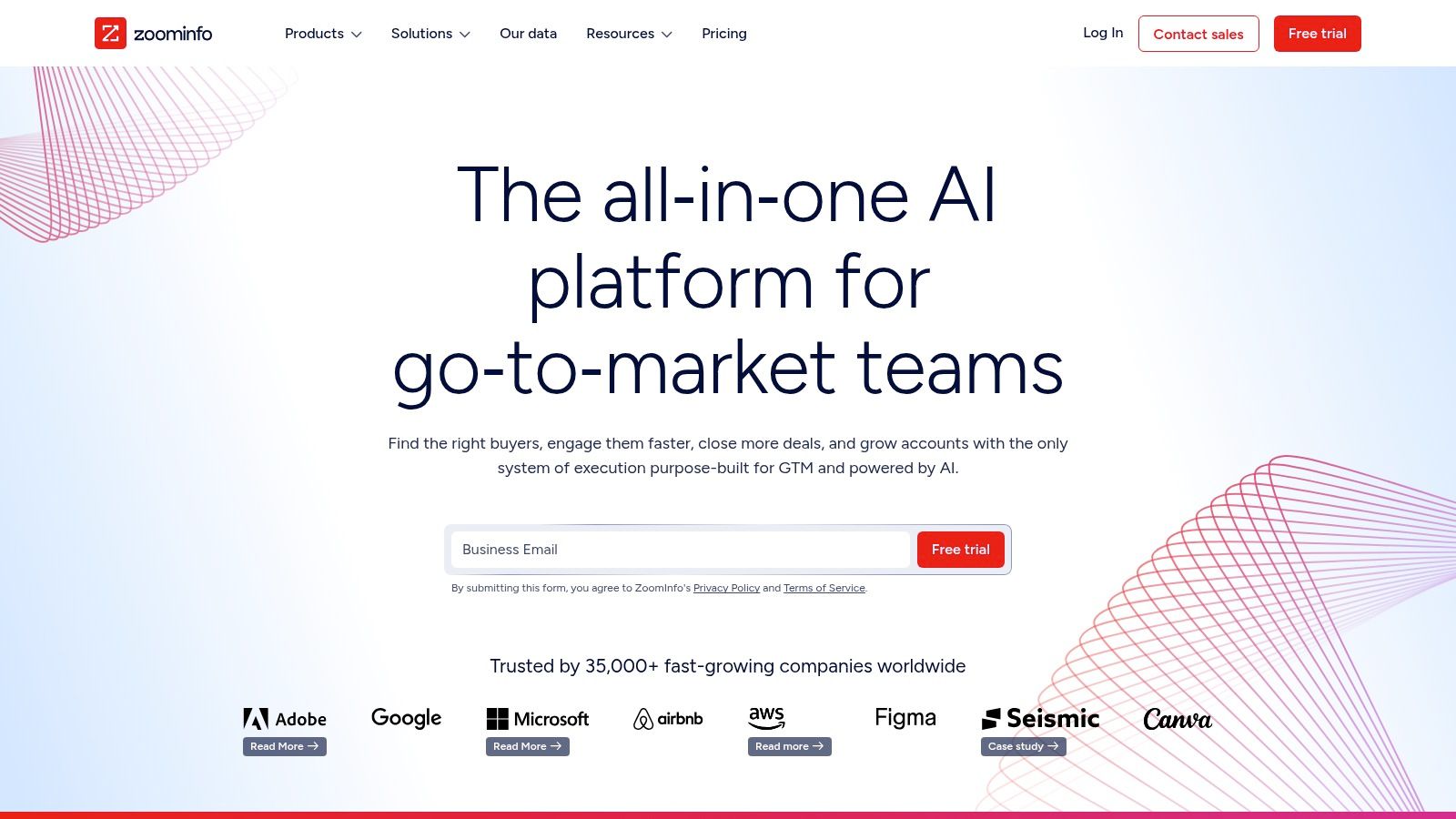
Unlike many tools that focus on a single piece of the puzzle, SalesOS aims to provide a complete operational picture. It identifies companies actively researching solutions like yours (intent data), reveals organizational charts to find key decision-makers, and automatically cleans and appends data within your connected CRM. This makes it a powerful asset for teams looking to orchestrate complex, multi-touch sales campaigns at scale.
Practical Insights & Use Cases
Ideal for: Mid-market to enterprise sales teams that require high-quality direct dials and robust data governance. Revenue operations (RevOps) teams focused on data hygiene and process automation.
Actionable Tip: Use the "Intent" feature to build priority lists of accounts showing early buying signals. Combine this with organizational charts to multi-thread your outreach, contacting multiple stakeholders in a target account simultaneously with a consistent message. To see how it compares to other options, check this guide to the best B2B data providers.
Pros:
Extensive US data with a high accuracy rate for direct-dial phone numbers.
Strong data operations features, including enrichment, cleansing, and robust administrative controls.
Cons:
Pricing is quote-based and represents a significant investment, making it inaccessible for most SMBs.
Contracts often require careful review, and renewals can be rigid. Be sure to negotiate terms upfront.
Pricing for ZoomInfo SalesOS is customized and requires a quote. It is generally positioned for mid-market and enterprise budgets, with costs scaling based on data credits, user seats, and included feature modules.
Website: https://www.zoominfo.com
4. Apollo.io
Apollo.io has established itself as a leading all-in-one prospecting platform, combining a massive B2B contact and company database with a built-in sales engagement suite. It stands out by consolidating data acquisition and outreach activities into a single, cohesive workspace, making it a powerful choice for sales teams looking to streamline their entire top-of-funnel process without juggling multiple tools.
Unlike platforms that only provide data, Apollo allows you to find prospects, build lists, and immediately enroll them into multi-step email and call sequences. Its robust database includes verified emails, direct-dial phone numbers, and detailed company information. The platform's real value lies in integrating these data points directly with its dialer and sequencing engine, which helps teams scale their outbound efforts efficiently. This combination makes it one of the most cost-effective sales lead generation tools available.
Practical Insights & Use Cases
Ideal for: SMB and mid-market sales teams (SDRs, BDRs, AEs) who need both data and outreach functionality in one tool. Startups looking for a scalable, high-value solution.
Actionable Tip: Use Apollo's API to enrich inbound leads from your website forms in real time. This ensures your reps have complete contact and firmographic data before their first interaction, which is a key component of effective outbound lead generation.
Pros:
Excellent value for money, combining data and engagement features in one subscription.
Rapid feature development, with frequent updates to its AI assistant and sequencing capabilities.
Cons:
Credit accounting can be complex, and overages may increase the actual cost beyond the sticker price.
International calling features and advanced analytics are often locked behind higher-priced tiers.
Pricing starts with a free tier offering limited credits. Paid plans like Basic and Professional begin around $49 and $99 per user/month, respectively, offering more credits and features.
Website: https://www.apollo.io
5. Cognism
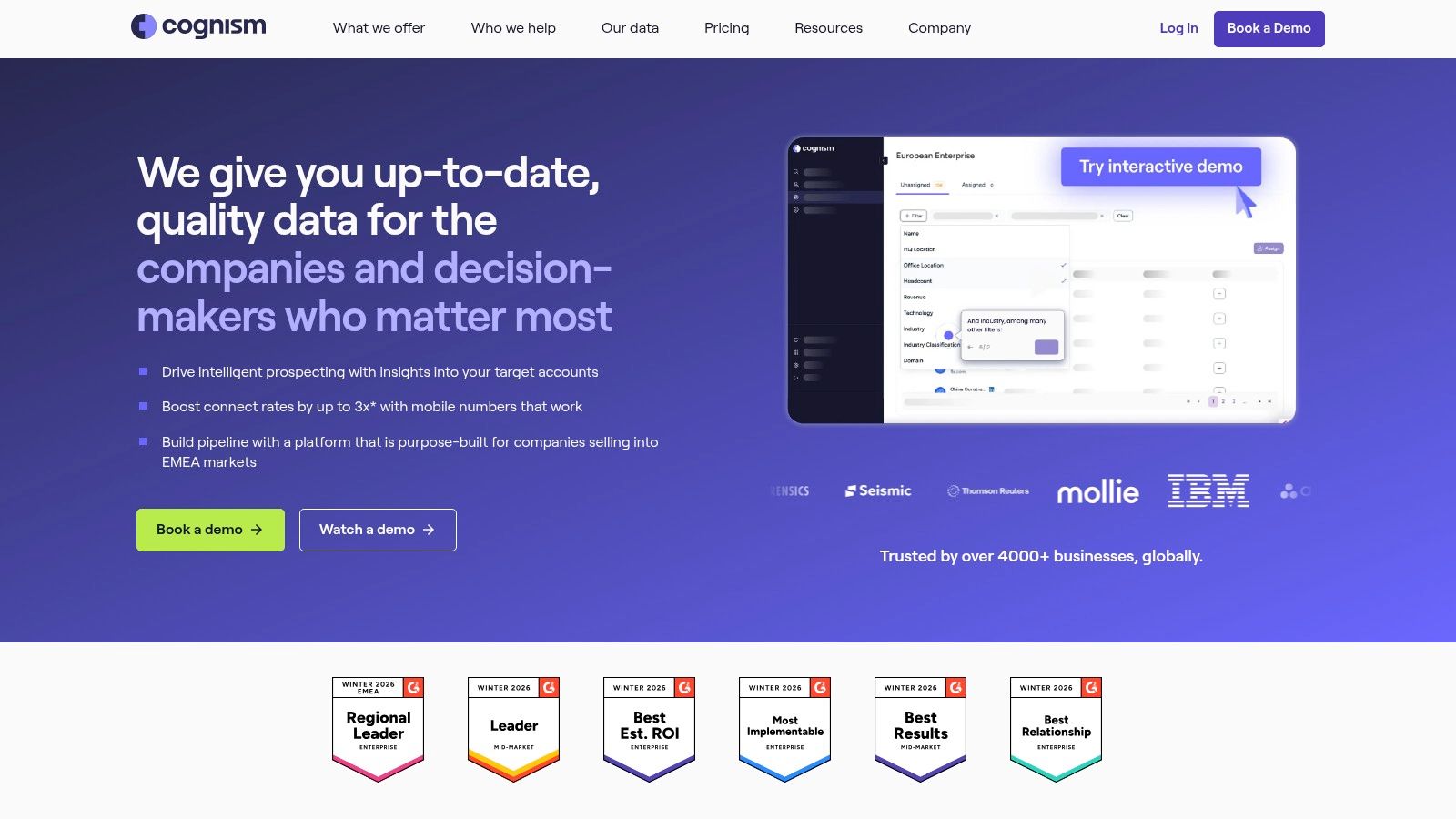
Cognism is a global B2B data provider specializing in high-quality, compliant contact information, particularly for teams targeting prospects in North America and EMEA. It distinguishes itself from other sales lead generation tools with its GDPR-first approach and proprietary "Diamond Data" feature, which consists of phone-verified mobile numbers, offering a critical advantage for phone-centric sales teams.
The platform provides direct-dial and mobile numbers, verified business emails, and firmographic data, which can be accessed through its web app or a versatile Chrome Extension that works over LinkedIn and company websites. Cognism also offers buyer intent data to help teams prioritize accounts actively researching solutions like theirs. This combination of compliance, data quality, and intent signals makes it a powerful choice for outbound sales motions that require both precision and global reach.
Practical Insights & Use Cases
Ideal for: Sales teams conducting outbound campaigns in both the US and Europe who need reliable mobile numbers and want to maintain strict data compliance.
Actionable Tip: Prioritize outreach efforts by combining intent data with the Diamond Data filter. This allows you to build a small, highly-targeted list of contacts who are not only showing buying signals but are also reachable via a verified mobile number, significantly increasing your chances of connecting with a decision-maker.
Pros:
Strong compliance posture, which is essential for global outreach into GDPR-regulated regions.
High-quality, phone-verified mobile data (Diamond Data) improves connect rates for cold calling.
Cons:
Premium pricing is quote-based and can be higher than many SMB-focused tools, reflecting its enterprise focus.
Database depth for certain niche US market segments may vary compared to US-only incumbents.
Cognism’s pricing is available upon request through a custom quote, tailored to the number of credits, users, and specific features needed. It is generally positioned as a premium solution for growth-stage and enterprise companies.
Website: https://www.cognism.com
6. Lusha
Lusha is a B2B contact and company data platform known for its simplicity and credit-based model. It excels at providing quick access to direct dials and verified emails, primarily through a popular browser extension that works directly on LinkedIn profiles and company websites. This makes it a go-to tool for sales teams needing immediate contact information without a complex, long-term commitment.
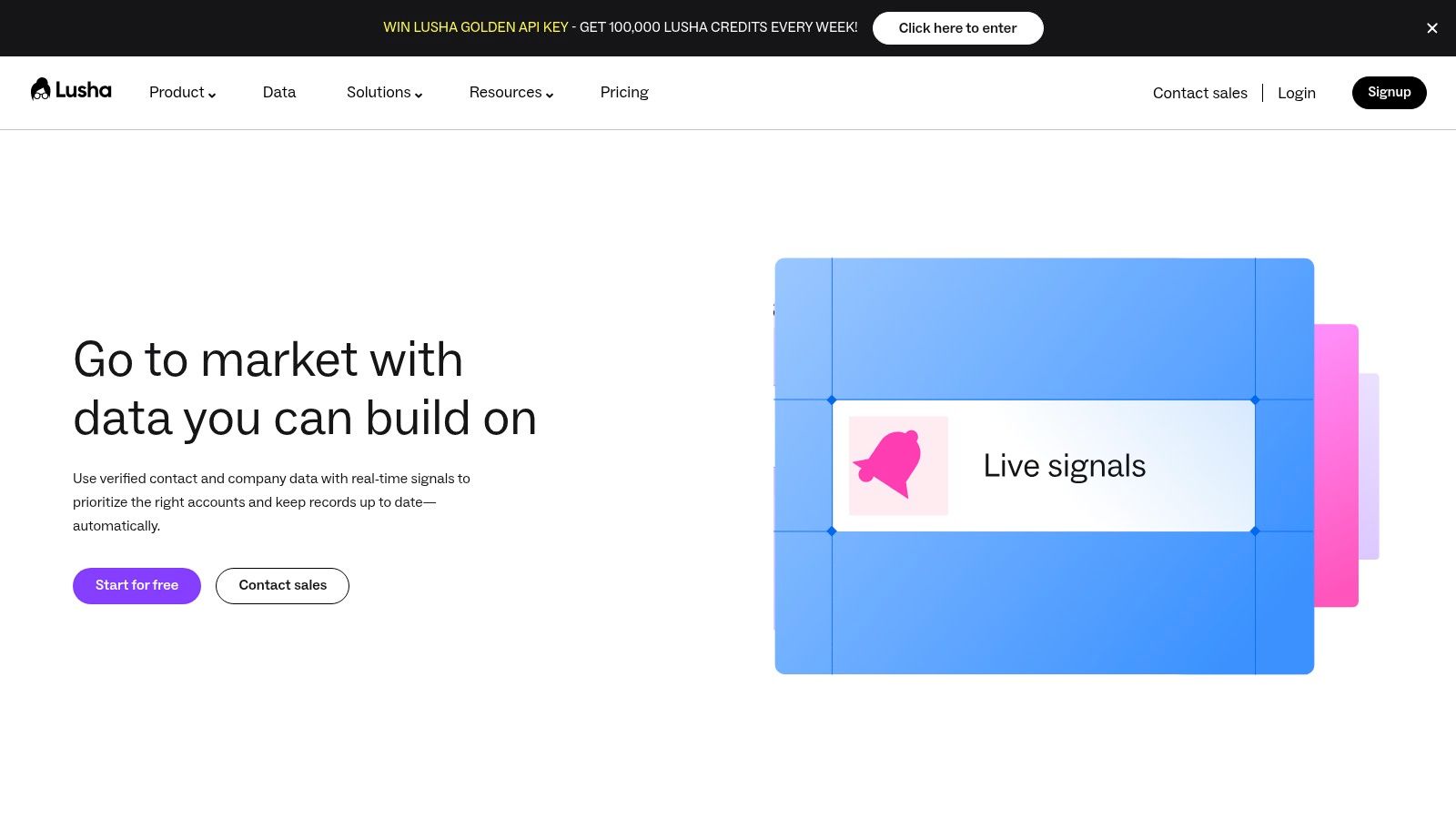
Unlike broad databases that require extensive filtering, Lusha focuses on the point of discovery. When a sales rep finds a promising lead on LinkedIn, the extension provides a simple button to reveal contact details, using credits for each successful lookup. Its ease of use and generous free plan make it one of the most accessible sales lead generation tools for individual users and small businesses testing the waters of outbound prospecting.
Practical Insights & Use Cases
Ideal for: SMBs, individual sales reps, and recruiters who need on-demand contact data. Teams that prioritize speed and ease of use over deep, complex datasets.
Actionable Tip: Use Lusha’s free credits to validate a small segment of your target market before committing to a paid plan. This helps confirm the data accuracy and coverage for your specific industry and region, preventing wasted budget on a tool that doesn't fit your ideal customer profile.
Pros:
Simple to deploy and use, with a generous free tier for testing its core functionality.
Convenient browser extension allows for quick lookups during active research on LinkedIn or company sites.
Cons:
Credit costs for mobile numbers can add up quickly for call-heavy teams.
Data depth can be inconsistent across certain regions and niche industries, requiring validation.
Lusha offers a free plan with 5 credits per month. Paid plans start with the Pro tier at around $36/month per user (billed annually), with Premium and Scale tiers available for larger teams needing higher credit volumes, CRM integrations, and advanced features like data enrichment.
Website: https://www.lusha.com
7. UpLead
UpLead is a B2B prospecting database that builds its reputation on data accuracy and transparent pricing. It stands out in the crowded field of sales lead generation tools by offering real-time email verification, guaranteeing that you only pay for contacts that are validated at the moment of download. This focus makes it a reliable choice for teams prioritizing deliverability for their cold email campaigns.
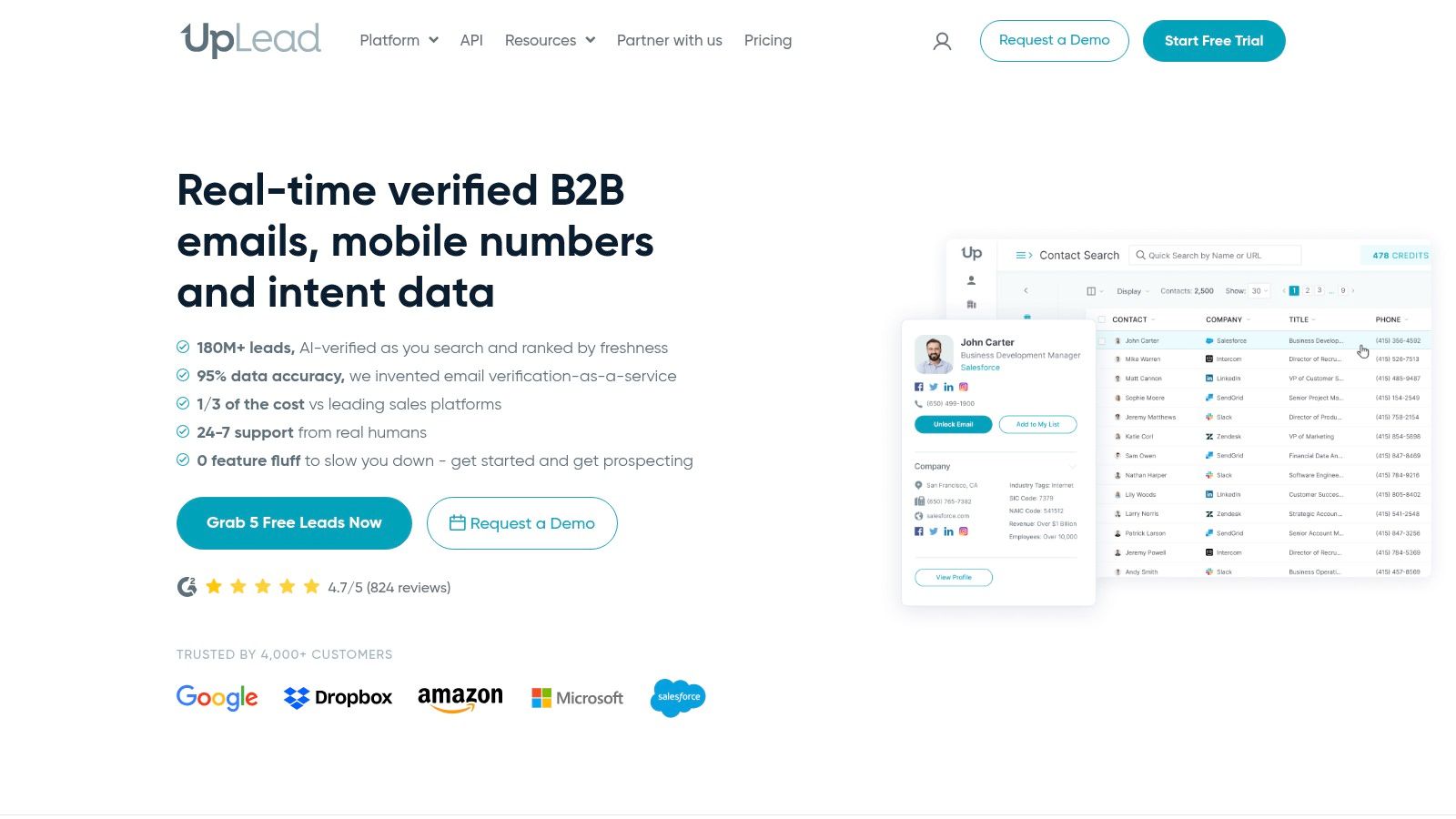
The platform provides a clean interface for building lead lists with over 50 search filters, including technographics (what software a company uses) and intent data to identify companies actively researching solutions like yours. While many tools lock you into annual contracts, UpLead’s credit-based system and month-to-month flexibility appeal to startups and teams that need predictable costs without a long-term commitment. It ensures you get verified emails and direct dials without the risk of paying for stale data.
Practical Insights & Use Cases
Ideal for: SDRs and SMBs who need a dependable source of verified emails for cold outreach. Teams that value pricing transparency and want to avoid annual contracts.
Actionable Tip: Use the technographics filter to find companies using a competitor's product or a complementary technology. This creates a highly relevant, built-in conversation starter for your outreach message, significantly improving response rates.
Pros:
Transparent, credit-based pricing with flexible month-to-month options.
Strong verified-email performance with a real-time verification guarantee, which reduces bounce rates.
Cons:
Database size is smaller than some enterprise-grade competitors like ZoomInfo.
Mobile phone and direct dial coverage can be inconsistent for teams with heavy call volume requirements.
Pricing starts with a free trial, and paid plans begin around $74/month for the Essentials plan, which includes 170 credits. Higher tiers offer more credits, CRM integrations, and advanced features like intent data.
Website: https://www.uplead.com
8. LeadIQ
LeadIQ is a prospecting and data enrichment platform built to solve one of the most persistent problems in sales: finding verified contact information. It operates as a powerful layer on top of platforms like LinkedIn Sales Navigator, allowing sales reps to capture profiles and instantly find verified work emails and direct-dial mobile numbers. The platform is designed for speed and accuracy, helping teams build high-quality lead lists without the manual guesswork of data validation.
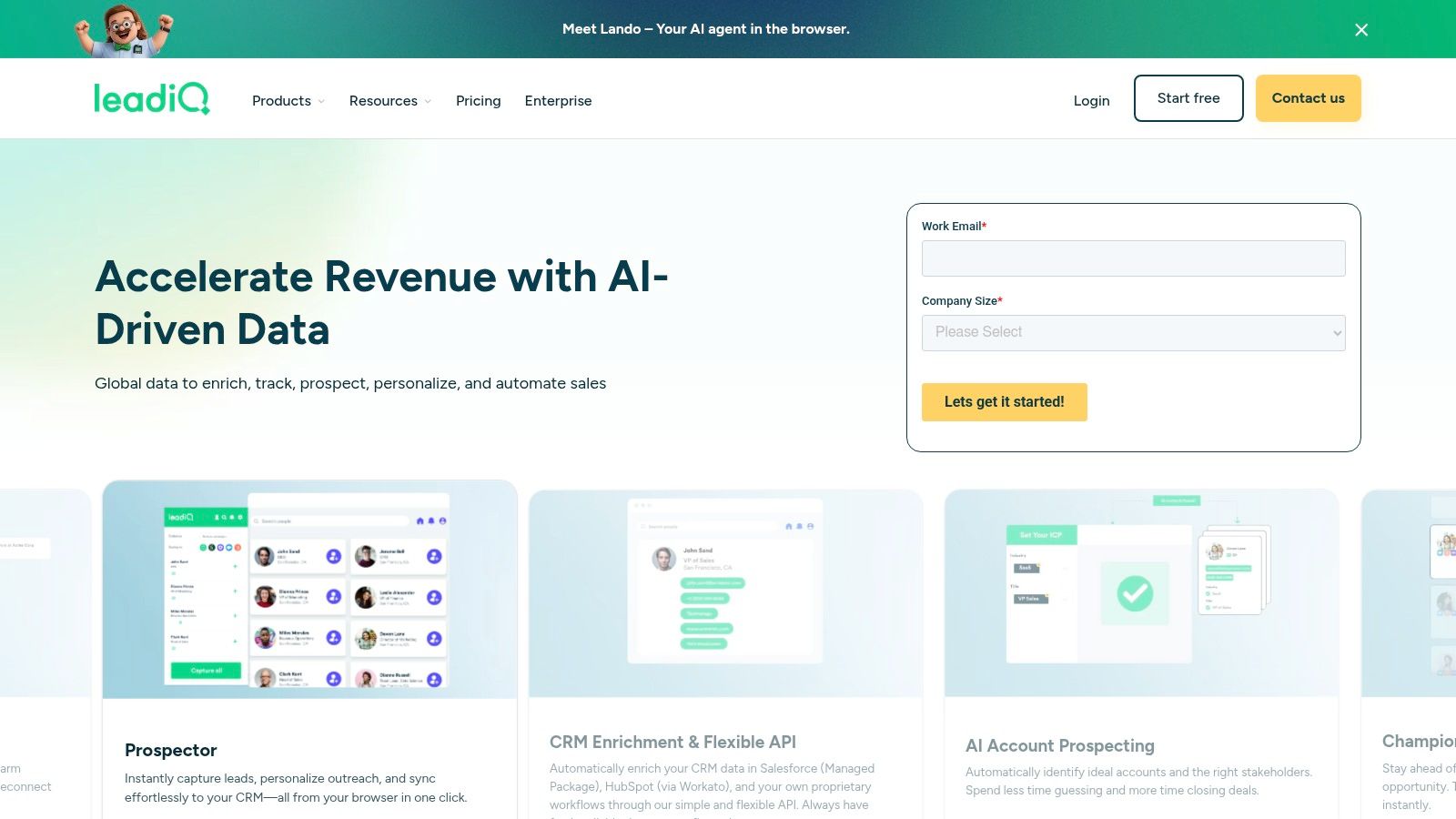
What sets LeadIQ apart among other sales lead generation tools is its multi-layer verification process and clear confidence scoring for contact data. It prioritizes mobile phone accuracy and includes features for tracking job changes, so you are alerted when a past champion moves to a new company. This focus on accurate, actionable data makes it an ideal complement to a broader sales engagement stack, ensuring that outreach efforts are directed at the right people through the right channels.
Practical Insights & Use Cases
Ideal for: Sales teams that rely heavily on both email and cold calling for outreach. Reps who use LinkedIn Sales Navigator but need a fast, integrated way to get verified contact details.
Actionable Tip: Use the Chrome extension to build lists directly from Sales Navigator searches. Before capturing a lead, check LeadIQ’s confidence score for their email and phone number to prioritize contacts with the highest probability of being accurate, saving credits and improving connect rates.
Pros:
Strong focus on verified mobile number accuracy, which is crucial for phone-first sales teams.
Straightforward universal credit model simplifies budget management and forecasting.
Tracks job changes to identify warm opportunities at new accounts (champion tracking).
Cons:
Functions primarily as a data provider, requiring a separate sales engagement tool for sequencing.
The per-credit cost for mobile numbers can add up for teams with high-volume calling strategies.
LeadIQ offers several tiers, with pricing for its entry-level "Starter" plan beginning around $39 per user/month. Higher tiers add mobile numbers, job change tracking, and deeper CRM integrations.
Website: https://leadiq.com
9. Seamless.AI
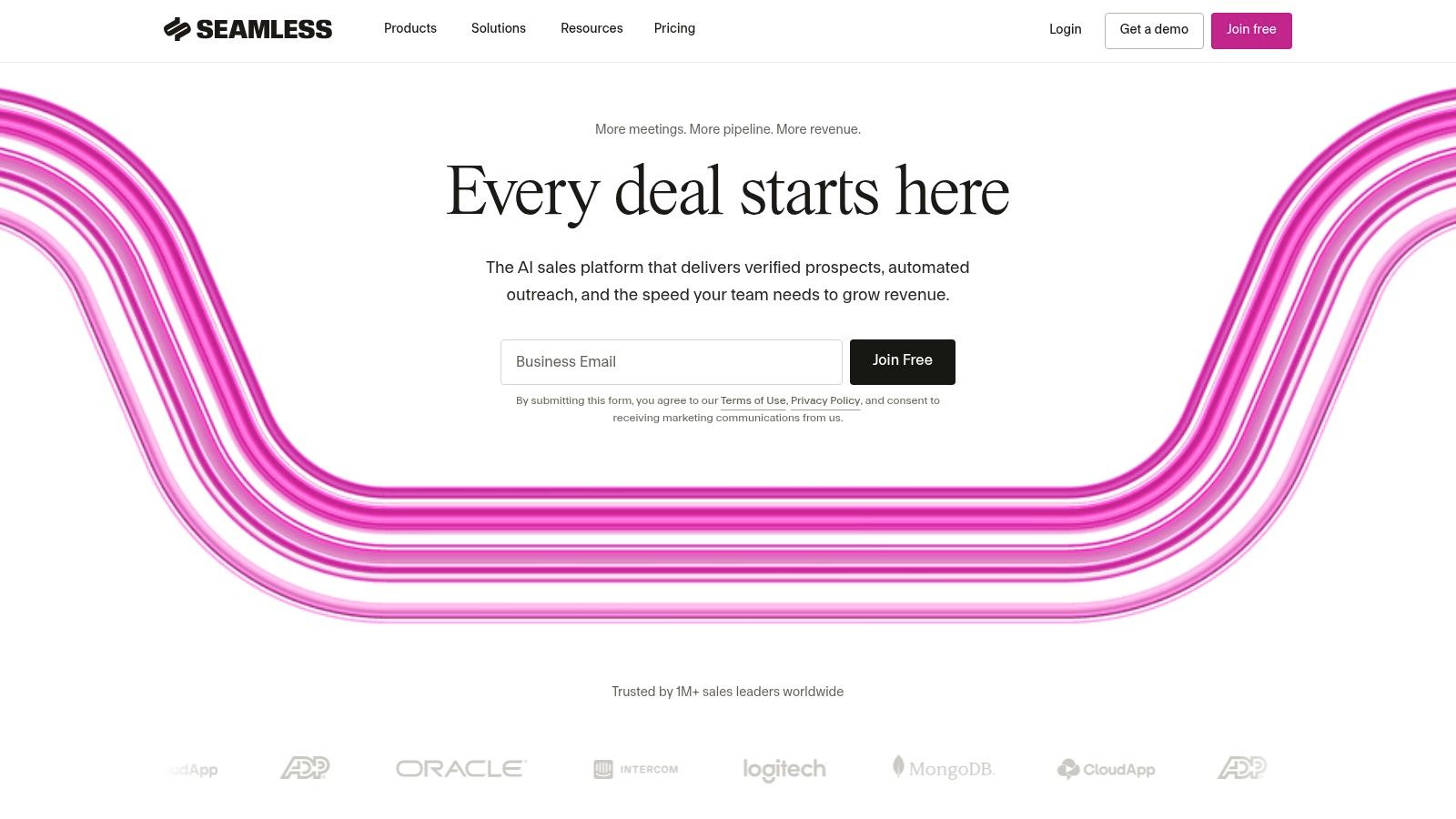
Seamless.AI positions itself as a real-time search engine for B2B contact and company data, making it one of the more accessible sales lead generation tools for reps needing to build lists quickly. It operates on a credit-based system, allowing users to find verified emails, cell phone numbers, and direct dials for prospects across any industry.
The platform's core strength is its directness and speed. With a straightforward interface and a Chrome extension, sales professionals can quickly find contact information while browsing LinkedIn profiles or company websites, adding contacts to lists and exporting them to a CRM in just a few clicks. It also offers add-on features like buyer intent data and data enrichment to provide more context for outreach.
Practical Insights & Use Cases
Ideal for: Sales reps who need a high volume of direct contact data without a complex setup. Teams looking for a simple tool to complement their LinkedIn prospecting efforts.
Actionable Tip: Use the free plan to test data quality for your specific industry before committing to a paid subscription. Cross-reference a sample of 20-30 contacts with other sources to gauge the accuracy of emails and phone numbers for your target audience.
Pros:
Generous free plan with daily credits makes it easy to evaluate without financial commitment.
Simple user interface and browser extension enable fast data acquisition for active prospectors.
Cons:
Pricing and contract details are not transparent online, often requiring a sales call and negotiation.
Data quality can be inconsistent; some users report a higher-than-average bounce rate for emails.
Seamless.AI offers a free plan with a limited number of credits. Paid plans are customized based on the number of users, credits, and features like buyer intent or API access, with pricing determined through a sales consultation.
Website: https://www.seamless.ai
10. Clay
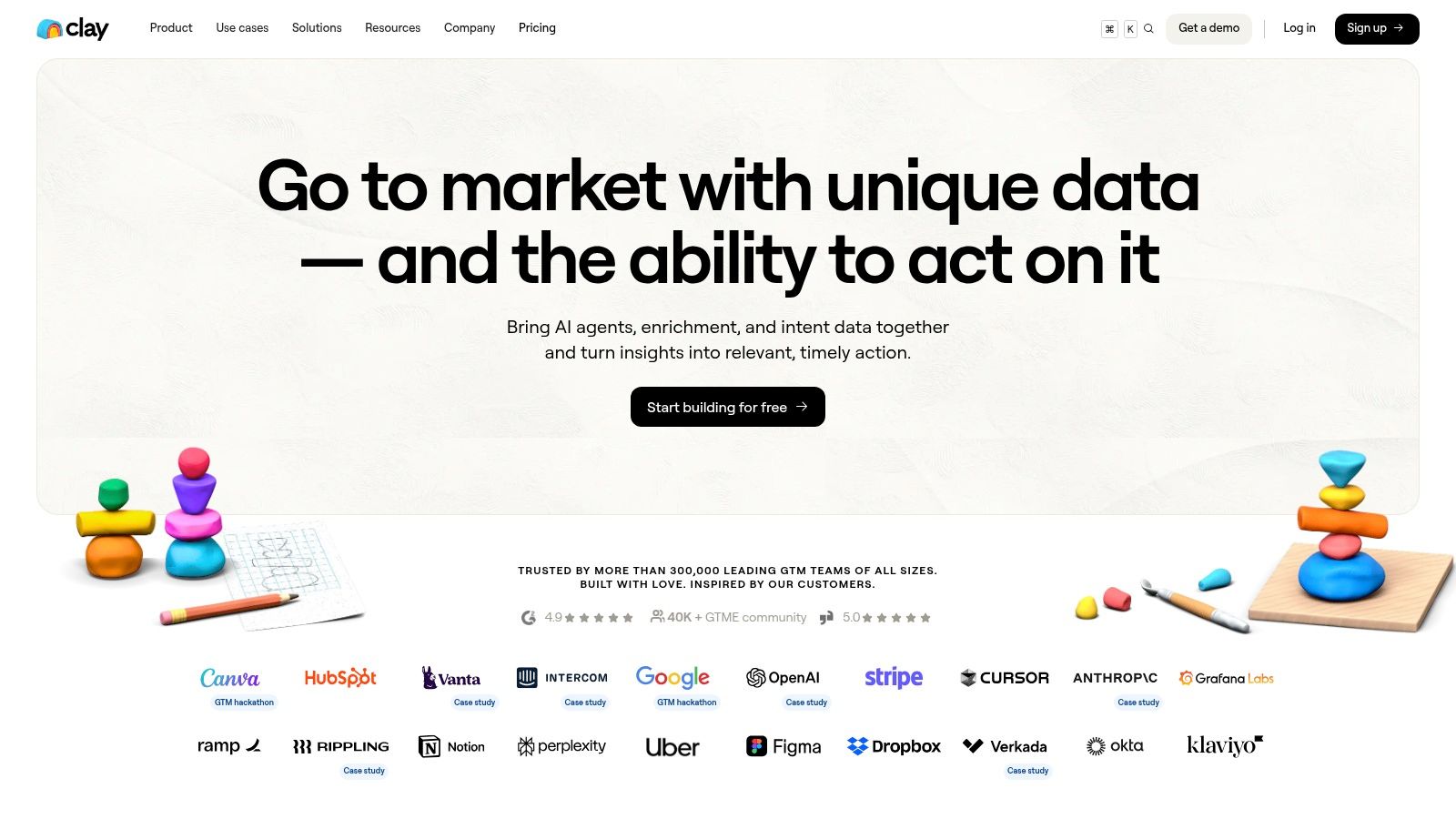
Clay is a flexible lead generation workspace that acts as a command center for your entire prospecting motion. It stands out by combining data from over 100 providers, powerful web scraping, and AI into a single spreadsheet-like interface, allowing sales teams to build custom enrichment and outreach sequences without needing engineering support.
Instead of being a static database, Clay is a dynamic engine for building highly targeted lead lists. It uses a "waterfall" enrichment model, where it tries one data source to find information (like an email), and if it fails, it automatically tries the next one in your sequence. This method, combined with its AI agent ("Claygent") for drafting personalized messages, makes it one of the most powerful sales lead generation tools for creating bespoke outbound campaigns at scale.
Practical Insights & Use Cases
Ideal for: Sales operations and growth teams who want to build sophisticated, multi-step lead enrichment and personalization workflows. Tech-savvy SDRs looking to automate hyper-personalized outreach.
Actionable Tip: Create a "recipe" that scrapes a prospect's recent blog posts or a company's job listings. Use the AI block to analyze this content and generate a highly relevant opening line for your email, referencing a specific point they made or a role they're hiring for.
Pros:
Extremely customizable workflows that consolidate multiple data tools into one platform.
Consolidates multiple data vendors through its "waterfall" model, reducing costs and simplifying your tech stack.
Cons:
Has a steeper learning curve compared to simple out-of-the-box database tools.
Credit-based pricing requires careful monitoring to manage costs effectively at high volume.
Clay offers a free tier with limited credits. Paid plans start at $149/month, providing more credits and features, with all paid tiers including unlimited user seats.
Website: https://www.clay.com
11. RocketReach
RocketReach is a widely used contact lookup platform known for its massive database and straightforward workflow. It excels at providing direct emails and phone numbers for professionals across a broad spectrum of industries, making it a go-to tool for sales reps, recruiters, and SMBs who need contact information quickly without deep account analysis.
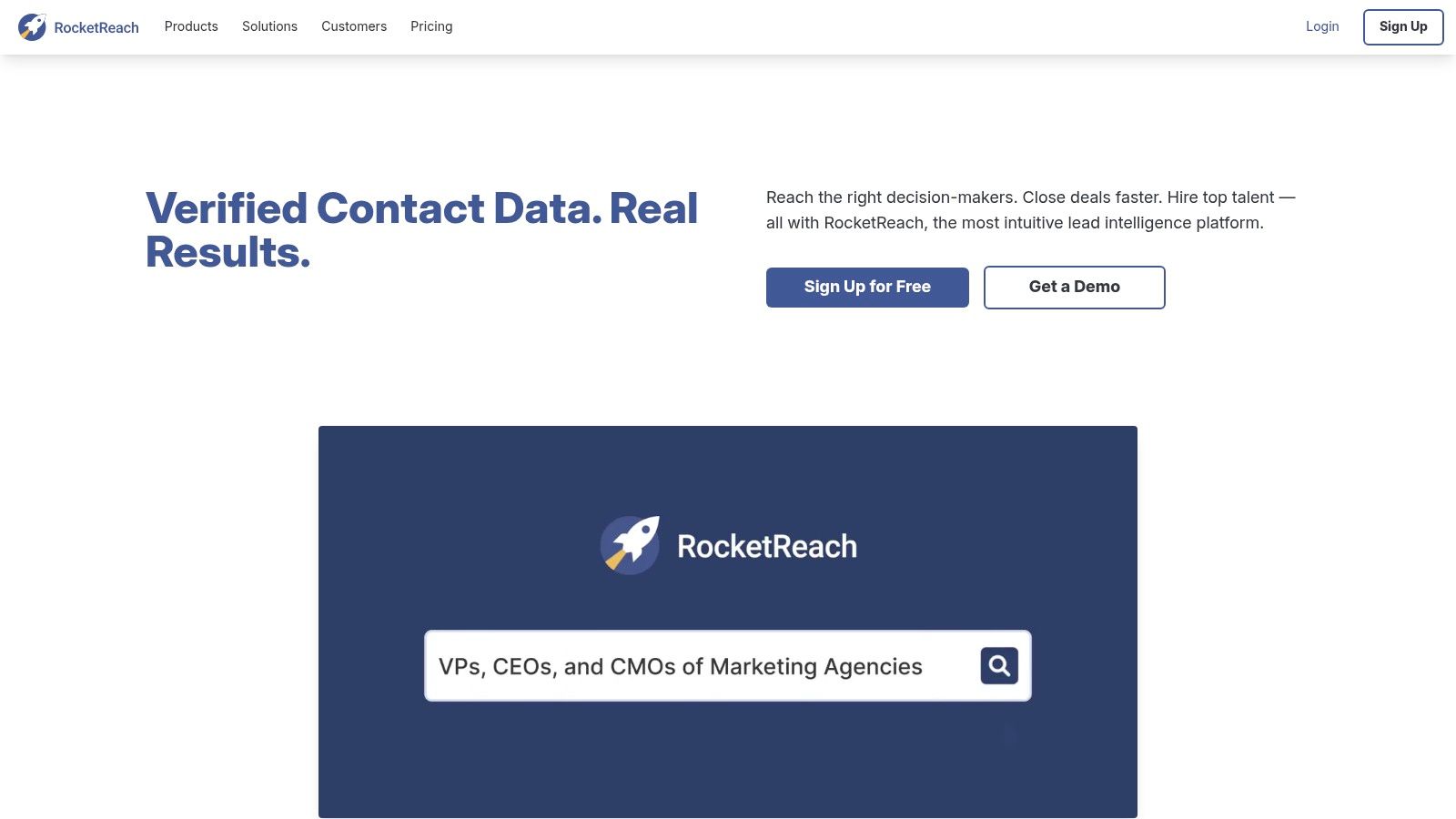
The platform operates on a simple lookup credit system, where users can search for contacts and use a credit to reveal their information. Its browser extension is a key feature, allowing users to find contact details directly from LinkedIn profiles, company websites, or even Google search results. This makes RocketReach a fast and effective tool for tactical prospecting and list-building activities, fitting neatly into the toolkit of many sales lead generation tools.
Practical Insights & Use Cases
Ideal for: SMB sales teams and recruiters needing a high volume of direct contact details. Sales reps who prioritize speed and need to quickly populate a CRM with emails and phone numbers.
Actionable Tip: Use the browser extension on a target company's "About Us" or "Team" page. RocketReach can often pull contact details for multiple people on the page at once, allowing you to build a list of key stakeholders in a single click.
Pros:
Broad coverage across many industries and roles, not just tech.
Simple lookup workflow enables quick wins for teams needing immediate contact data.
Cons:
Lookup credits are limited, and plans can be costly for heavy users.
Data accuracy can vary, often requiring a separate email verification tool to maintain high deliverability rates.
RocketReach offers individual plans starting around $39/month for a limited number of lookups, with team and enterprise plans providing more credits and features like CRM integrations.
Website: https://rocketreach.co
12. Hunter
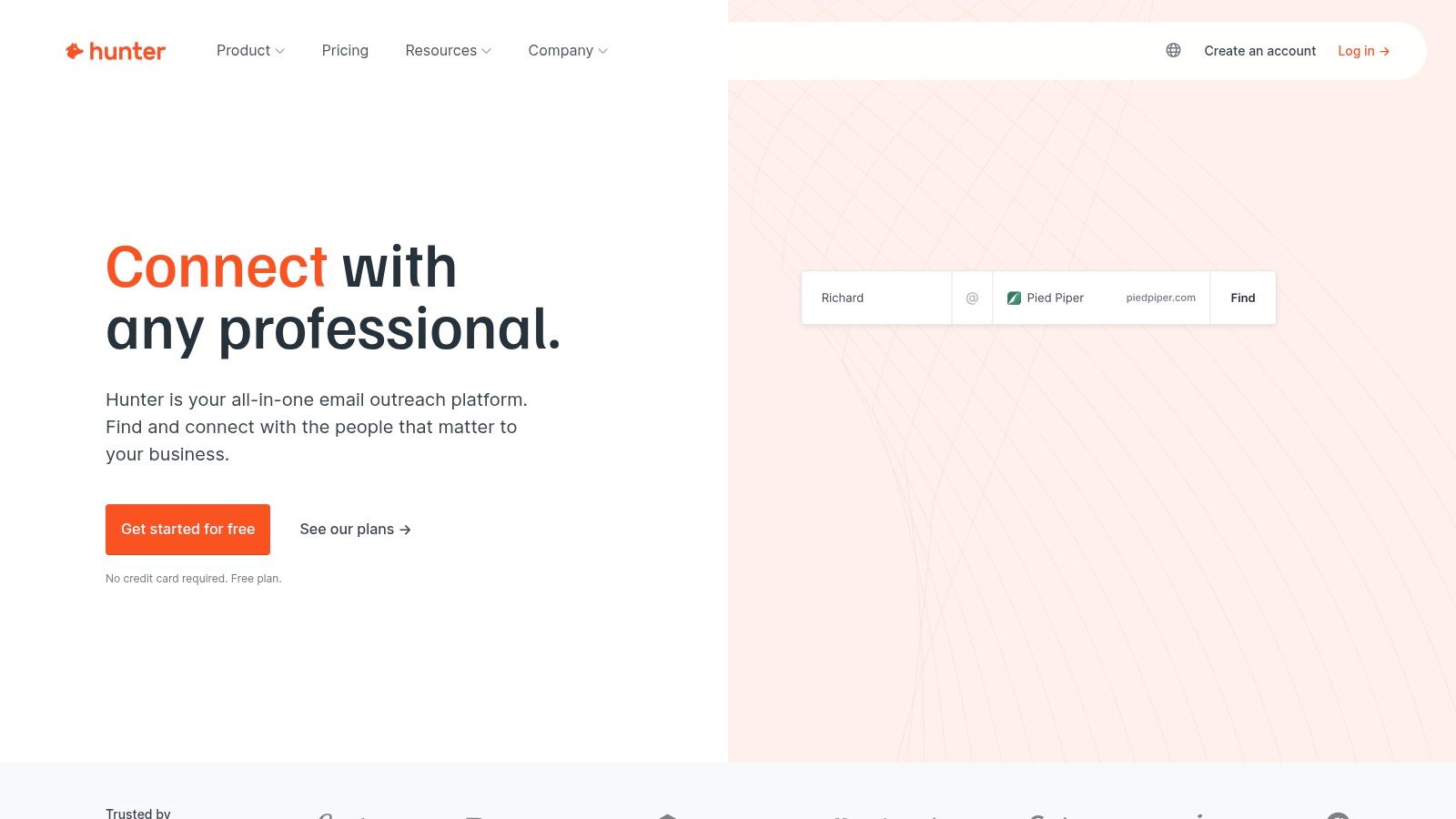
Hunter has carved out a niche as a highly effective, email-centric lead generation tool. It specializes in finding and verifying professional email addresses from company domains, making it a go-to platform for sales teams that prioritize direct email outreach and need to ensure high deliverability rates.
Unlike larger, all-in-one data providers, Hunter focuses on doing one thing exceptionally well: email discovery. Its core "Domain Search" feature allows you to instantly find all publicly available email addresses associated with a specific website. This simplicity, combined with a transparent credit system, makes it a straightforward and cost-effective addition to any sales lead generation tools stack.
Practical Insights & Use Cases
Ideal for: Startups, SMBs, and freelance sales reps who need a reliable and affordable way to find verified emails. Teams that run high-volume cold email campaigns and need to maintain a low bounce rate.
Actionable Tip: Use the Google Sheets add-on to enrich lists of company domains in bulk. You can quickly turn a list of target companies into a list of verified prospect emails without ever leaving your spreadsheet. This is a massive time-saver for preparing campaigns, especially when paired with an effective AI email writer to craft your outreach.
Pros:
Clear credit rules and no charge when an email can’t be found or verified.
Affordable tiers with unlimited users sharing plan credits, making it scalable for teams.
Cons:
Primarily email-centric with limited phone number data.
Smaller database compared to enterprise-grade data vendors like ZoomInfo.
Hunter offers a free plan with 25 searches per month. Paid plans start at $49/month for 500 searches, scaling up based on volume and features like bulk tasks and priority support.
Website: https://hunter.io
Top 12 Sales Lead Generation Tools Comparison
Product | Core features | Quality (★) | Pricing & Value (💰) | Target (👥) & Unique (✨) |
|---|---|---|---|---|
🏆 GLINKY | Bot‑free AI notetaker, native speaker recognition, meeting → notes, follow‑ups, CRM/calendar sync, built‑in lead discovery | ★★★★★ (4.9/5) | 💰 Free Personal → Teams $19.99/mo (annual) → Ultimate $99.99/mo | 👥 Sales, CS, recruiters, founders — ✨ native speaker rec + meeting automation + verified lead data |
LinkedIn Sales Navigator | Advanced lead/account search, saved alerts, InMail, CRM sync | ★★★★☆ | 💰 Paid per seat; mid‑range for teams | 👥 SDR/AE teams — ✨ best org/context & warm intro via LinkedIn |
ZoomInfo SalesOS | Large B2B database, direct dials, intent, enrichment, AI Copilot | ★★★★☆ | 💰 Quote‑based, enterprise pricing | 👥 Mid‑market & Enterprise — ✨ broad US data & governance controls |
Apollo.io | Contact/company database + sequences, dialer, API access | ★★★★☆ | 💰 Freemium → paid credits; strong value for combined data+outreach | 👥 SMB / Mid‑market sellers — ✨ all‑in‑one data + outreach |
Cognism | Phone‑verified mobile data, GDPR‑first, intent, enrichment | ★★★★☆ | 💰 Quote‑based, premium | 👥 Global/EMEA & US teams — ✨ phone‑verified mobile + compliance focus |
Lusha | Credit‑based contacts, browser extension, CRM enrichment | ★★★★☆ | 💰 Freemium → credits; affordable for light users | 👥 SMB & mid‑market — ✨ quick lookup extension for fast research |
UpLead | Real‑time email verification (refunds), direct dials, intent filters | ★★★★☆ | 💰 Transparent monthly plans; predictable credits | 👥 Teams prioritizing verified email programs — ✨ verified‑email + refunds |
LeadIQ | Verified emails/mobiles, job‑change alerts, Chrome/SF integration | ★★★★☆ | 💰 Seat + credit model; scalable | 👥 Sales teams paired with LinkedIn/SF — ✨ mobile accuracy & champion tracking |
Seamless.AI | Contact search/export, add‑ons (intent/enrichment/API), CRM integrations | ★★★★☆ | 💰 Free tier + modular add‑ons; pricing partly opaque | 👥 SMBs trialing fast — ✨ easy trial + broad filters |
Clay | Integrates 100+ sources, scraping, enrichment waterfalls, AI automation | ★★★★☆ | 💰 Paid plans with credits; customizable cost | 👥 Ops/advanced SDRs — ✨ highly customizable lead‑gen workflows |
RocketReach | Cross‑source contact lookup, extensions, bulk export, CRM sync | ★★★★☆ | 💰 Credit tiers; check lookup caps | 👥 Recruiters & SMB sellers — ✨ broad cross‑source index for quick lookups |
Hunter | Domain email finder, bulk verification, native cold email tools | ★★★★☆ | 💰 Affordable tiers; shared credits | 👥 Email‑first outreach teams — ✨ deliverability focus & clear credit rules |
Turning Your Tools Into a Cohesive Lead Generation Engine
Choosing from this extensive list of sales lead generation tools is a critical first step, but it’s not the final one. The real power comes from turning individual platforms into a single, cohesive engine that fuels your revenue growth. Think of it less like collecting tools and more like building a system where each part complements the others, creating a workflow that is greater than the sum of its parts.
The journey we've taken through tools like ZoomInfo, Apollo.io, Cognism, and Lusha highlights a clear theme: data is the lifeblood of modern sales. However, possessing vast amounts of data is not the same as having actionable intelligence. The true objective is to build a technology stack that moves your team from simply having information to actively using it to start meaningful conversations and close deals.
From Individual Tools to an Integrated Workflow
A common mistake is to view each subscription as an isolated solution. A truly effective setup connects the dots. For instance, you might use LinkedIn Sales Navigator to identify key decision-makers at target accounts. Then, you could use a tool like UpLead or Seamless.AI to acquire their verified contact information. Finally, you can push that data into an all-in-one platform like Apollo.io to execute a multi-channel outreach sequence.
The key is to map this flow before you commit. Ask yourself:
Where does a lead first enter our ecosystem?
How does their data move from discovery (e.g., LeadIQ) to engagement (e.g., outreach sequence)?
What happens after a meeting is booked? How is that valuable information captured and stored?
This final point is where many sales processes break down. Valuable insights from discovery calls and demos are often lost, trapped in a sales rep's handwritten notes or forgotten entirely. This is precisely where a tool like GLINKY becomes a central hub. It captures the conversation, updates your CRM automatically, and even surfaces new potential leads mentioned during the call, closing the loop and feeding your pipeline from your most valuable source: existing interactions.
A Practical Approach to Implementation
Adopting new sales lead generation tools can feel overwhelming. To avoid analysis paralysis and ensure a successful rollout, follow a structured, problem-first approach. Don't chase the tool with the longest feature list; identify the single biggest point of friction in your current sales process and find the tool that solves it best.
Identify Your Bottleneck: Is it inaccurate contact data? Inefficient prospecting? Manual data entry into the CRM? Wasted time on non-selling activities? Be specific and honest. If your reps spend hours logging call notes instead of selling, a conversation intelligence tool is a better starting point than another data provider.
Start with a Pilot Program: Resist the urge to roll out a new platform to your entire team at once. Select one or two motivated reps to run a pilot test. This small-scale experiment allows you to build a business case, work out any integration kinks, and develop best practices without disrupting the entire organization.
Measure and Iterate: Define what success looks like beforehand. Are you aiming to increase the number of meetings booked per week? Improve data accuracy in your CRM? Reduce time spent on administrative tasks? Track these metrics closely during the pilot and use the feedback to refine your workflow before a wider implementation.
By adopting a strategic, step-by-step method, you transform the process of buying software into a deliberate act of system building. You're not just adding another subscription; you're installing an upgrade to your entire sales operation, empowering your team to focus on what they do best: building relationships and closing deals.
Ready to close the loop in your sales process and turn every conversation into a source of new leads? See how GLINKY automatically captures meeting intelligence, updates your CRM, and discovers opportunities you're currently missing. Explore GLINKY and start building a smarter, more connected sales engine today.
People also read

10 Sales Enablement Best Practices to Unify Your Revenue Engine in 2026
Productivity
Mar 13, 2026

How to Manage Sales Pipeline for Predictable Revenue Growth
Productivity
Mar 14, 2026

How to Qualify Leads in Sales Without Wasting Time
Productivity
Mar 17, 2026

What is Conversation Intelligence? A Practical Guide for Sales Teams
Productivity
Mar 18, 2026

Top 10 Sales Discovery Questions That Close More Deals
Productivity
Mar 25, 2026

Taking Minutes of Meeting: A Guide to Transforming Chaos into Action
Productivity
Feb 16, 2026

Action Items List: A Practical Guide to Drive Real Results
Productivity
Feb 19, 2026

Master the summary of a meeting for clear decisions and follow-ups
Productivity
Feb 22, 2026

Track Action Items: A Practical Guide to Using AI for Flawless Follow-Up
Productivity
Feb 17, 2026

Unlock: How to Take Notes on a Computer for Peak Productivity in 2026
Productivity
Feb 26, 2026

How to Record Google Meet: A Complete Guide for 2026
Productivity
Mar 4, 2026

12 Best AI Note Taking App Choices for 2026: The Definitive Guide
Productivity
Mar 6, 2026

How to Improve Customer Retention: Practical Tips to Boost Loyalty
Productivity
Mar 8, 2026

10 Client Communication Best Practices to Master in 2026
Productivity
Mar 7, 2026

The 12 Best AI Meeting Assistant Tools for 2026: A Deep Dive
Productivity
Mar 15, 2026

Your Guide to the Ultimate AI Email Writer
Productivity
Feb 27, 2026

10 Essential Customer Success Best Practices for 2026
Productivity
Mar 1, 2026

Your Guide to Sales Call Recording Software in 2026
Productivity
Mar 2, 2026

How to Take Better Meeting Notes and Drive Real Results
Productivity
Mar 5, 2026

Top 10 Picks for best crm for small business
Productivity
Mar 3, 2026

What is an Ideal Customer Profile: A Guide to Driving Growth
Productivity
Mar 9, 2026

Automated meeting minutes: Turn talks into actionable notes
Productivity
Mar 11, 2026

The Top 12 AI Powered Sales Tools to Boost Revenue in 2026
Productivity
Mar 16, 2026

AI Note Taking For Meetings: Fast, Smart AI Notes That Drive Collaboration
Productivity
Mar 19, 2026

Understanding Transcription Service Cost: A 2026 Guide
Productivity
Mar 20, 2026

Master Your Meetings With The Note Taking Charting Method
Productivity
Feb 18, 2026

The Ultimate 2026 Guide: 8 Meeting Follow Up Email Template Scenarios
Productivity
Feb 20, 2026

Master the Art of Taking Meeting Notes for Actionable Outcomes
Productivity
Feb 25, 2026

Translation Vs Transcription: Which Service Do You Really Need?
Productivity
Mar 12, 2026

Mastering the goals of a meeting to drive decisions and boost team alignment
Productivity
Mar 23, 2026

The 12 Best Free AI Email Writer Tools for 2026
Productivity
Mar 22, 2026

A Guide to AI Sales Enablement Platforms in 2026
Productivity
Mar 21, 2026

Automate Follow Up Emails: Actionable Insights for Boosting Sales & Efficiency
Productivity
Mar 26, 2026

Follow Up Email Subjects That Convert: Increase Opens and Replies
Productivity
Feb 17, 2026

Your Playbook for Outbound Lead Generation in 2026
Productivity
Feb 28, 2026

Your Essential Meeting Action Items Template to Drive Results
Productivity
Feb 23, 2026

Your Guide to Using an Email Writer AI for Maximum Impact
Productivity
Feb 23, 2026

8 Essential Ground Rules at Meetings to Maximize Productivity in 2026
Productivity
Mar 24, 2026

Otter.ai vs Glinky
Productivity
Feb 5, 2026

AI Tools for Startup Founders [2026]
Productivity
Feb 4, 2026

Best AI Tools for Startups [2026]
Tools
Feb 3, 2026

Sales Call Notes: How to Capture Every Detail Without Losing the Deal
How to
Feb 2, 2026

How to Take Meeting Notes: 7 Methods That Actually Work [2026]
How to
Jan 14, 2026
![AI Meeting Minutes | Free Forever [2026]](https://framerusercontent.com/images/zYQGRjgLX63tiouLTK65LvCcjK8.png?width=402&height=263)
AI Meeting Minutes | Free Forever [2026]
How to
Jan 13, 2026
![How to Record Zoom Meetings Without a Bot [2026] 3 Easy Methods](https://framerusercontent.com/images/gGoQV8bPb9zR5weVruinbjaxO0.png?width=402&height=263)
How to Record Zoom Meetings Without a Bot [2026]
How to
Jan 9, 2026

Bot-Free AI Meeting Notes: We Tested the 6 Best Tools in 2026
Tools
Jan 8, 2026

Glinky vs Fireflies.ai
Tools
Jan 7, 2026

15 Best AI Tools to Boost Your Productivity in 2026
Productivity
Jan 6, 2026