Backed by

Describe your buyer.
Get Verified Leads
In minutes
Filter by role, company, industry, and location and instantly build clean lead lists.
Turn every meeting into clear notes, action items, and follow-ups automatically.
Who are you looking for?
Filters
Location
Role
Job title
Company
Who are you looking for?
Filters
Location
Role
Job title
Company
Helping teams turn meetings into action with AI

























Find leads in 3 simple steps
Find leads in 3 simple steps
01
Search your ICP
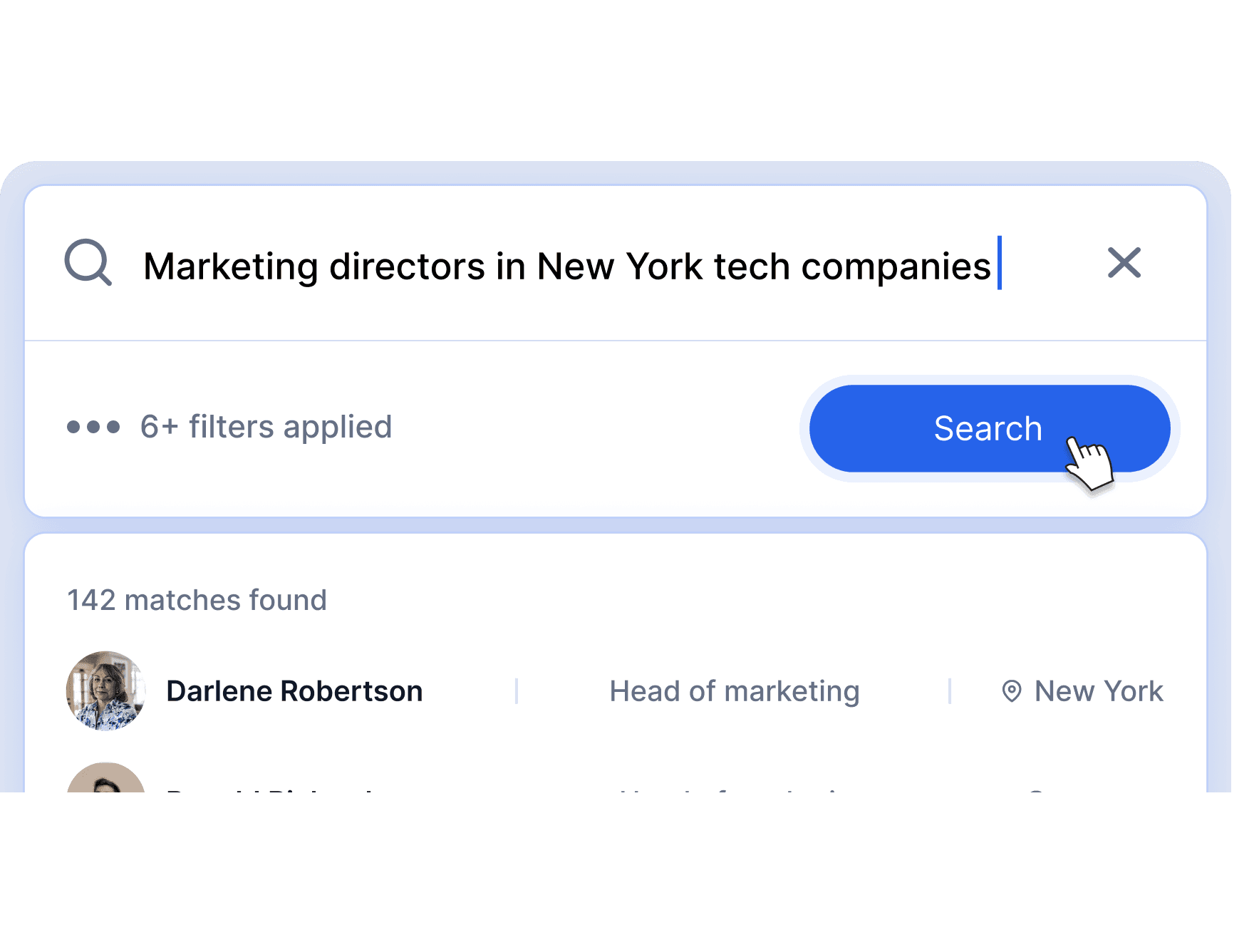
Describe your ideal buyer in plain English or use advanced filters for role, industry, company size, revenue, and location.
Location
Industry
Job title
Company
Role
02
Unlock verified contacts
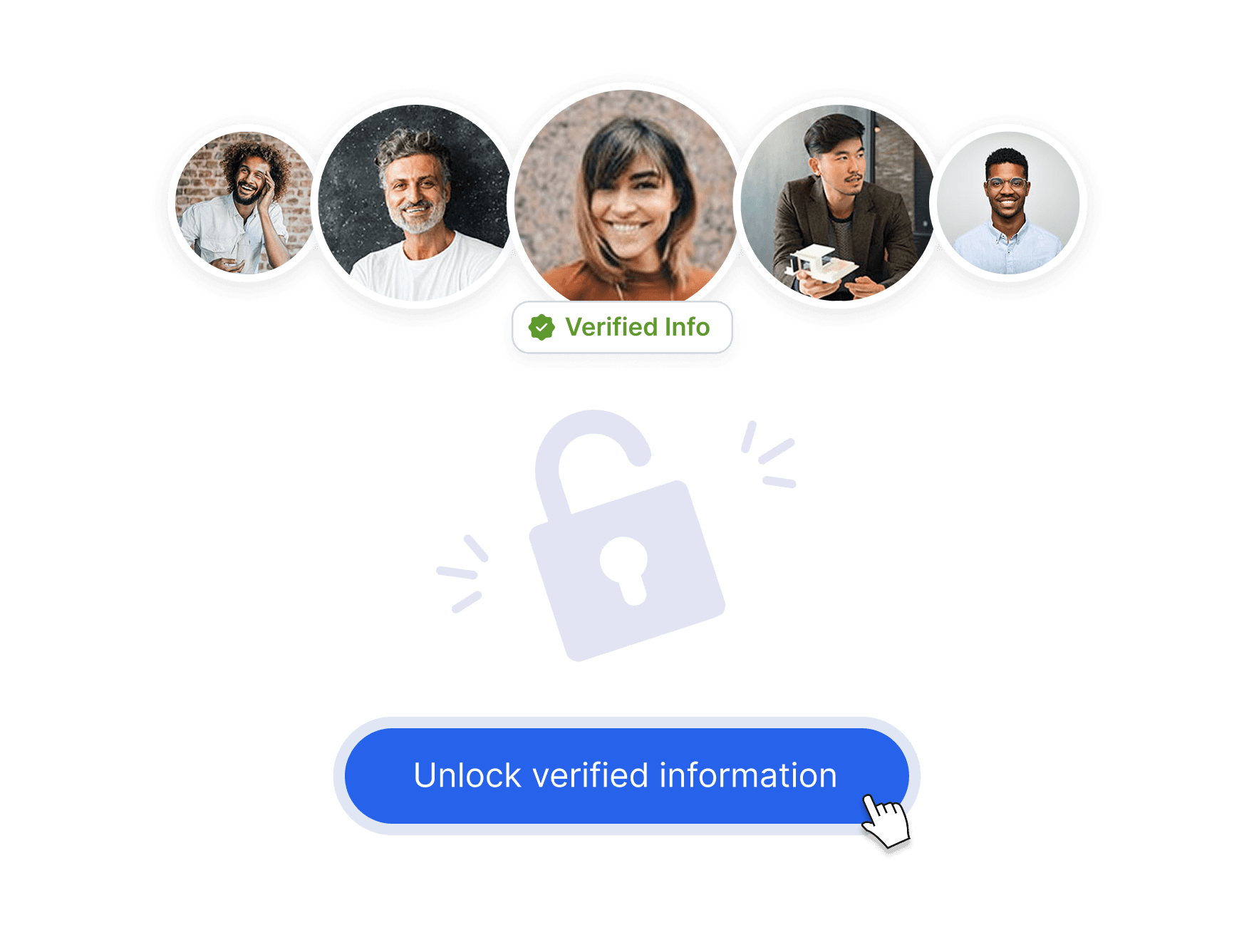
Preview matches instantly. Use credits only when you unlock verified email or mobile numbers.
03
Build lists and export.
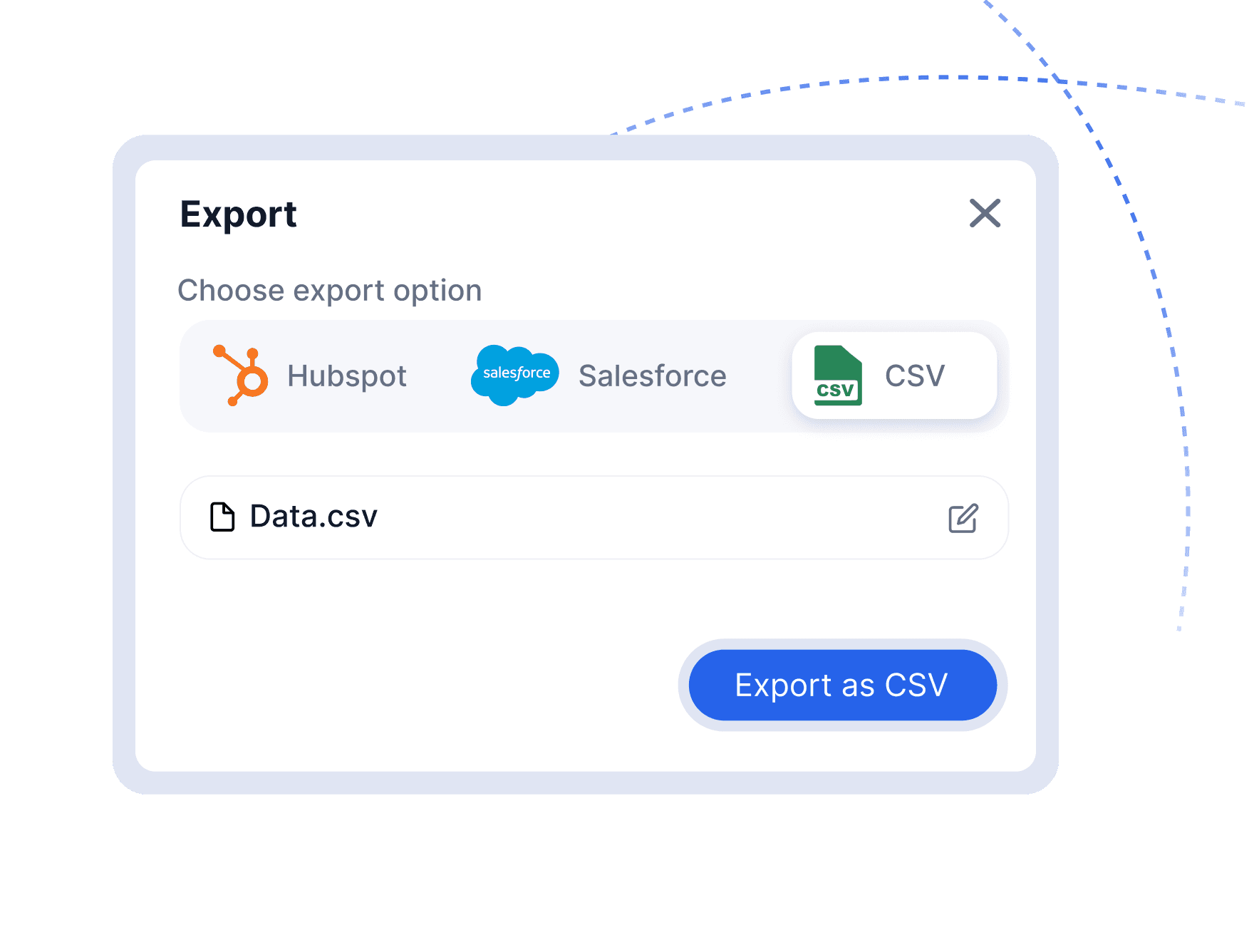
Save leads into curated lists, organize columns, and export to CSV or push to your CRM.
Turn searches into sales-ready leads
Find the right people and companies, access verified email and mobile data, and export clean lists in minutes.
AI-Powered Natural Language Search
Type exactly what you want — “Marketing directors in Berlin fintech startups” — and get structured results instantly.
Sync notes and key details
Push summaries, next steps, and outcomes into your CRM without extra admin.
Sync notes and key details
Push summaries, next steps, and outcomes into your CRM without extra admin.
99+ Advanced Filters for Precision Targeting
Go beyond job title.Filter by seniority, revenue, employee count, keywords, technologies, geography, and exclusions.
Review before pushing
Every call becomes part of your account history, handovers are seamless.
Review before pushing
Every call becomes part of your account history, handovers are seamless.
Real-Time Data Preview
See contact availability before spending credits.Know which leads have verified email, mobile, and LinkedIn — upfront.
No forced automation
Keep working the way you always do. G LNK fills the CRM while you move on.
Use SpecifiNo forced automationc Tools
Keep working the way you always do. G LNK fills the CRM while you move on.
Built for High-Volume Outbound
Create segmented lists, manage columns, and export clean data ready for CRM or automation tools.
No forced automation
Keep working the way you always do. G LNK fills the CRM while you move on.
Use SpecifiNo forced automationc Tools
Keep working the way you always do. G LNK fills the CRM while you move on.
Find leads in 3 simple steps
01
Search your ICP
Describe your ideal buyer in plain English or use advanced filters for role, industry, company size, revenue, and location.
Location
Industry
Job title
Company
Role
02
Unlock verified contacts
Preview matches instantly. Use credits only when you unlock verified email or mobile numbers.
03
Build lists and export.
Save leads into curated lists, organize columns, and export to CSV or push to your CRM.
01
Find the right people
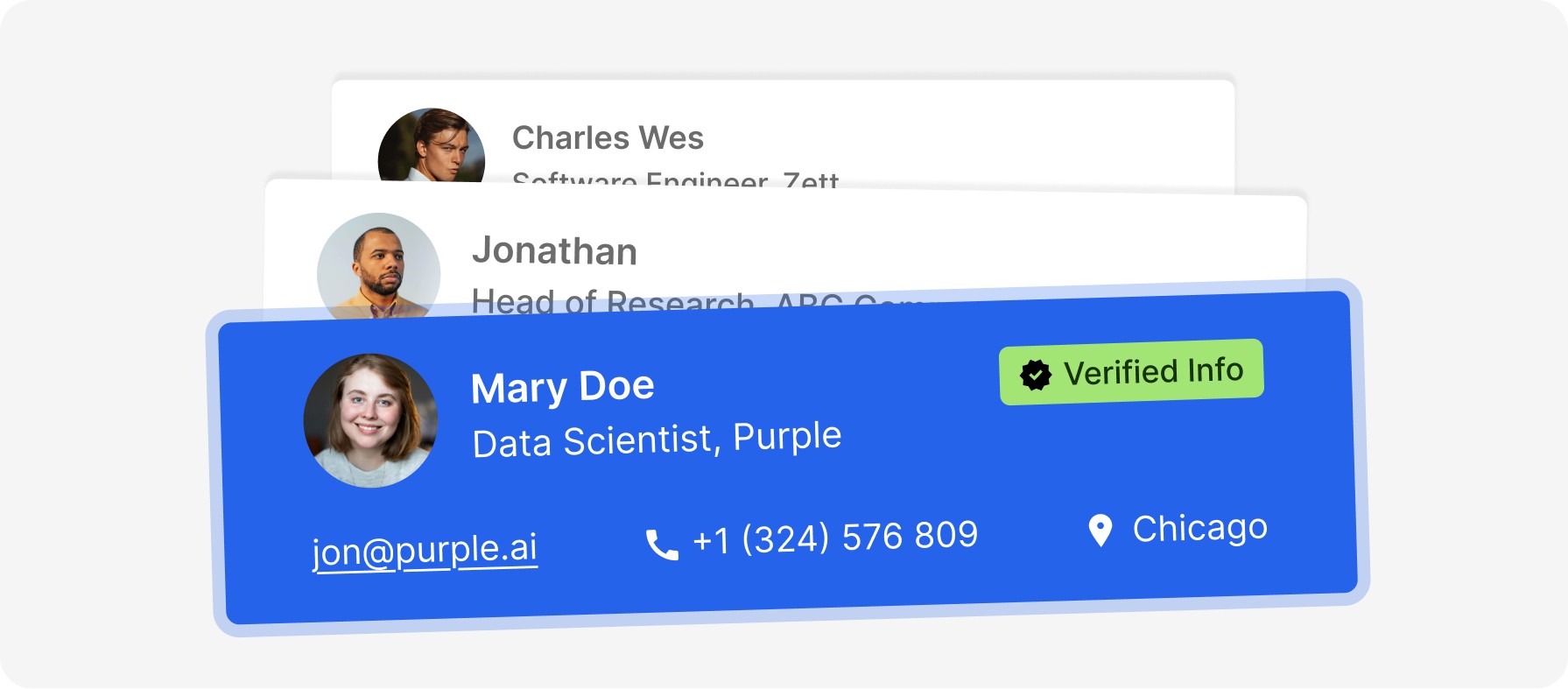
Search and build lead lists with full profiles.
02
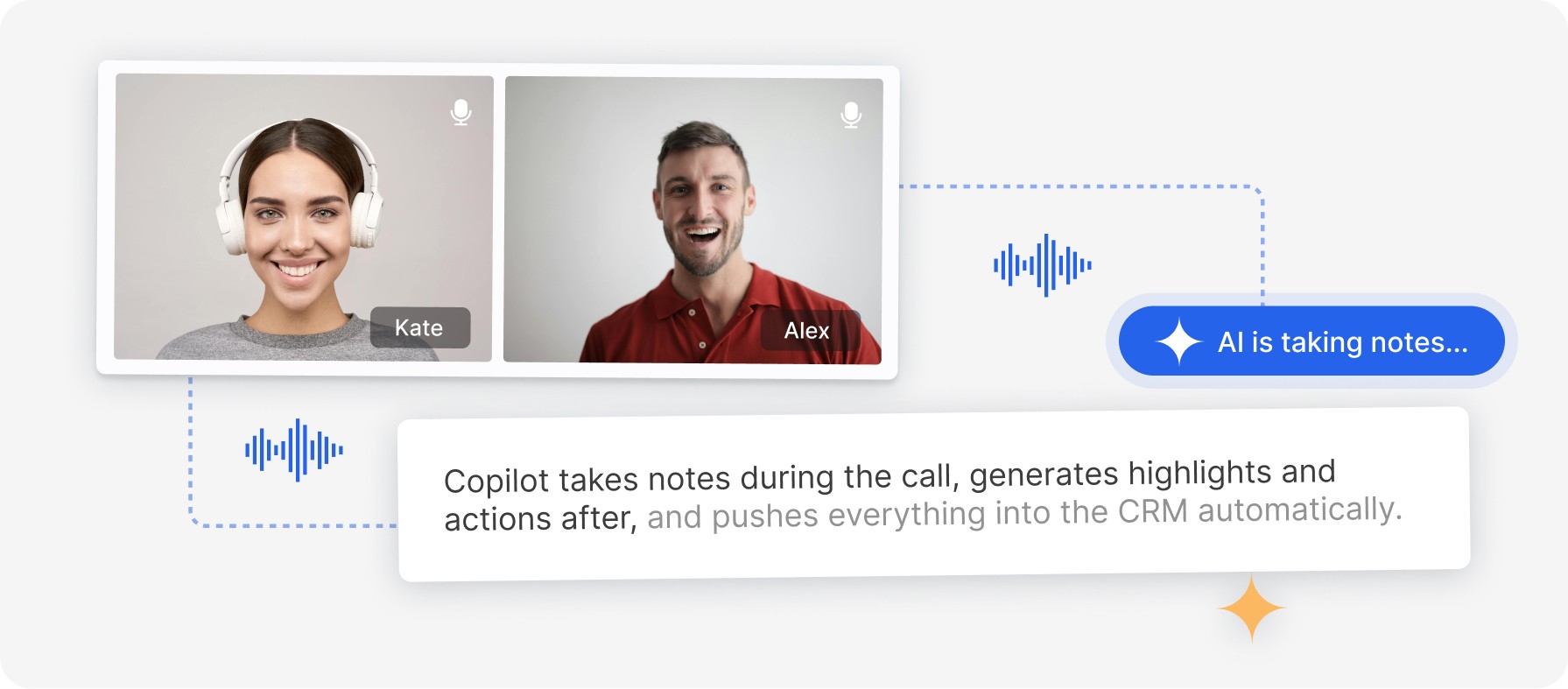
Run the conversation
GLINKY captures the call while you stay focused.
03
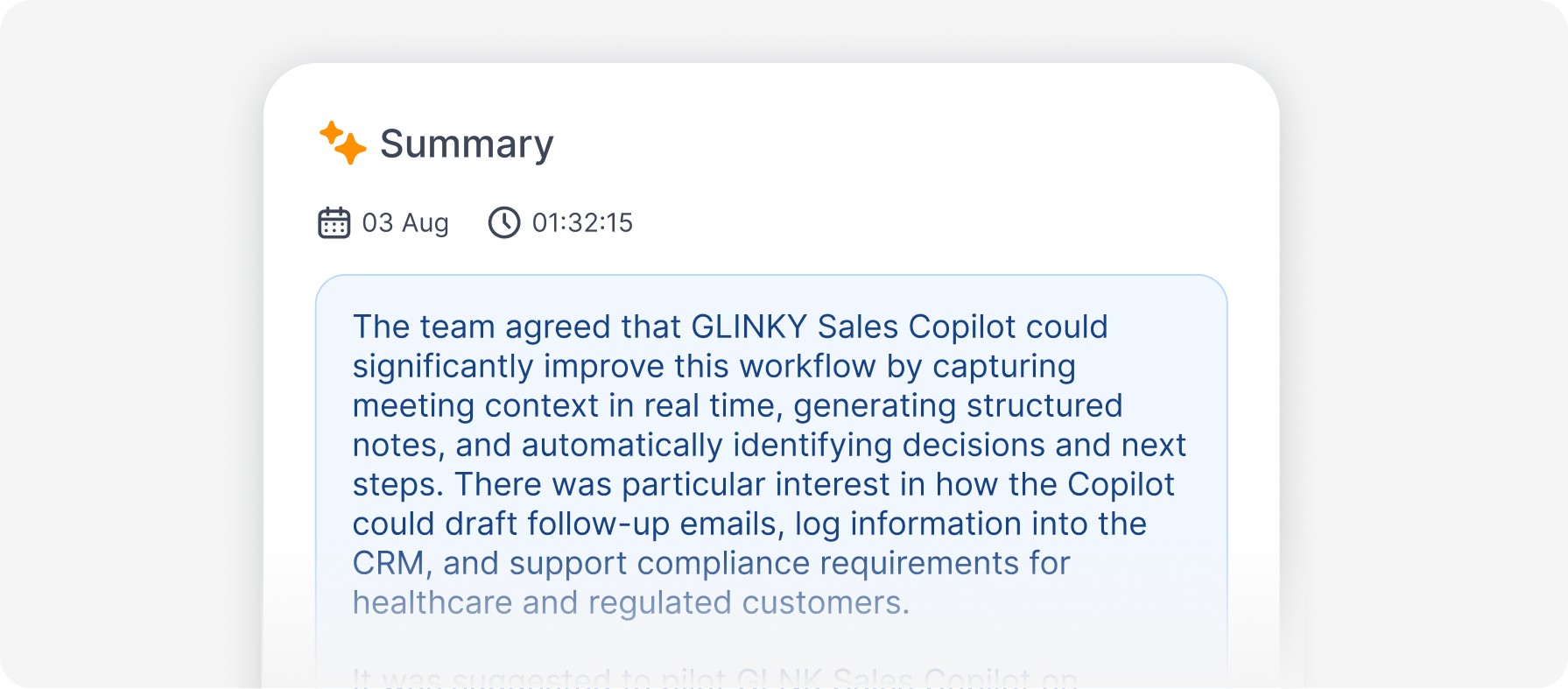
Get the summary
Notes, decisions, speaker highlights, and next steps are ready immediately.
04
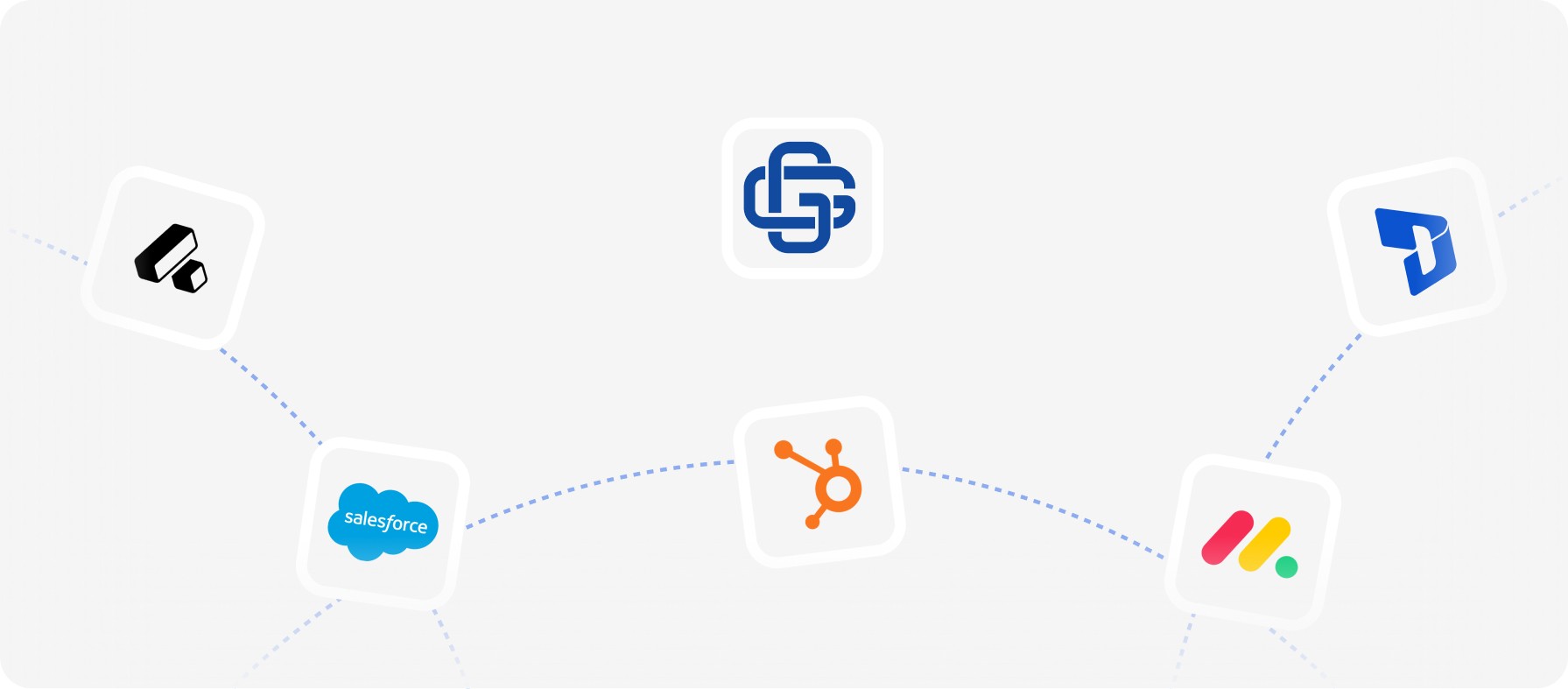
Push to your CRM
Keep every summary, decision, and next step in one place, with full visibility over account history.
Choose the Plan That Fits Your Workflow
Every plan includes AI transcription, summaries, and action items. Unlock more automation as you scale.
Personal
1
Teams
2+
Billed annually
20% off
Free
Popular
Start Free. Upgrade anytime.
$0
$0
/month
Billed annually
Meeting processing
10 hours/mo
Max meeting length
30 minutes
Lead generation credits
100 credits/mo
Tracked companies
5
Plus
Popular
Great for busy professionals.
$19.99
$19.99
/month
Billed annually
Meeting processing
Unlimited
Max meeting length
2 hours
Lead generation credits
500 credits/mo
Tracked companies
50
Pro
Popular
Build for back-to-back calls
$49.99
$49.99
/month
Billed annually
Meeting processing
Unlimited
Max meeting length
8 hours
Lead generation credits
1,500 credits/mo
Tracked companies
Unlimited
Personal
1
Teams
2+
Billed annually
20% off
Free
Popular
Start Free. Upgrade anytime.
$0
$0
/month
Billed annually
Meeting processing
10 hours/mo
Max meeting length
30 minutes
Lead generation credits
100 credits/mo
Tracked companies
5
Plus
Popular
Great for busy professionals.
$19.99
$19.99
/month
Billed annually
Meeting processing
Unlimited
Max meeting length
2 hours
Lead generation credits
500 credits/mo
Tracked companies
50
Pro
Popular
Build for back-to-back calls
$49.99
$49.99
/month
Billed annually
Meeting processing
Unlimited
Max meeting length
8 hours
Lead generation credits
1,500 credits/mo
Tracked companies
Unlimited
Product & Capabilities
Lead Discovery & Data
Security & Privacy
Pricing & Support
What types of conversations does GLINKY support?
Does GLINKY work before, during, and after calls?
Can I use GLINKY without a CRM?
Product & Capabilities
Lead Discovery & Data
Security & Privacy
Pricing & Support
What types of conversations does GLINKY support?
Does GLINKY work before, during, and after calls?
Can I use GLINKY without a CRM?
Never take notes on calls again.
Focus on the conversation. Every detail is captured, organized, and synced to your CRM automatically.

4.9/5.0 based on 247 verified reviews
Never take notes on calls again.
Focus on the conversation. Every detail is captured, organized, and synced to your CRM automatically.
4.9/5.0 based on 247 verified reviews
Never take notes on calls again.
Focus on the conversation. Every detail is captured, organized, and synced to your CRM automatically.
4.9/5.0 based on 247 verified reviews
Choose the Plan That Fits Your Workflow
Every plan includes AI transcription, summaries, and action items. Unlock more automation as you scale.
Personal
1
Teams
2+
Billed annually
20% off
Free
Popular
Start Free. Upgrade anytime.
$0
$0
/month
Billed annually
Meeting processing
10 hours/mo
Max meeting length
30 minutes
Lead generation credits
100 credits/mo
Tracked companies
5
Plus
Popular
Great for busy professionals.
$19.99
$19.99
/month
Billed annually
Meeting processing
Unlimited
Max meeting length
2 hours
Lead generation credits
500 credits/mo
Tracked companies
50
Pro
Popular
Build for back-to-back calls
$49.99
$49.99
/month
Billed annually
Meeting processing
Unlimited
Max meeting length
8 hours
Lead generation credits
1,500 credits/mo
Tracked companies
Unlimited
Personal
1
Teams
2+
Billed annually
20% off
Free
Popular
Start Free. Upgrade anytime.
$0
$0
/month
Billed annually
Meeting processing
10 hours/mo
Max meeting length
30 minutes
Lead generation credits
100 credits/mo
Tracked companies
5
Plus
Popular
Great for busy professionals.
$19.99
$19.99
/month
Billed annually
Meeting processing
Unlimited
Max meeting length
2 hours
Lead generation credits
500 credits/mo
Tracked companies
50
Pro
Popular
Build for back-to-back calls
$49.99
$49.99
/month
Billed annually
Meeting processing
Unlimited
Max meeting length
8 hours
Lead generation credits
1,500 credits/mo
Tracked companies
Unlimited
Product & Capabilities
Lead Discovery & Data
Security & Privacy
Pricing & Support
What types of conversations does GLINKY support?
Does GLINKY work before, during, and after calls?
Can I use GLINKY without a CRM?
Product & Capabilities
Lead Discovery & Data
Security & Privacy
Pricing & Support