Nov 13, 2025
Productivity
Top 10 Picks for best crm for small business

Choosing the best CRM for your small business feels like a high-stakes decision, because it is. This single platform can define how you manage relationships, track sales, and grow your company. Yet, most guides are dense, filled with marketing jargon, or offer surface-level reviews that don't help you make a real-world choice. This resource is built to be different.
This guide cuts through the noise. We're providing a practical, in-depth analysis of the top CRM platforms, focusing on the factors that truly matter for small businesses. Forget generic feature lists; we're diving into specific use cases, honest limitations, and critical implementation considerations for each tool. We'll show you what it’s actually like to use systems like HubSpot, Salesforce Starter, Zoho, and Pipedrive day-to-day.
Our goal is to help you find the right fit without overpaying for features you don't need or getting locked into a system that fights your workflow. You will learn how to:
Shortlist CRMs based on your primary business function: sales-led, service-focused, or budget-conscious.
Compare core features like pipeline management, automation, and reporting with screenshots and direct links for each option.
Identify the right platform for your specific industry and team structure, from solo founders to growing sales teams.
This is more than a list; it’s a decision-making framework. We'll even explore how tools like GLINKY complement CRMs by automatically syncing meeting outcomes and discovering new leads, ensuring your system stays up-to-date. For those operating as a one-person team, you may also find value in resources focused on the best CRMs for freelancers and solopreneurs. By the end of this guide, you will have a clear, actionable path to selecting the best CRM for your small business with confidence.
1. HubSpot CRM (Sales Hub / Customer Platform)
HubSpot is often the first platform small businesses encounter, and for good reason. It stands out by offering a genuinely useful, free-forever core CRM that allows solopreneurs and small teams to immediately organize contacts, track deals, and gain visibility into their sales pipeline without any financial commitment. This "freemium" model makes it an exceptional choice for testing the waters of customer relationship management.
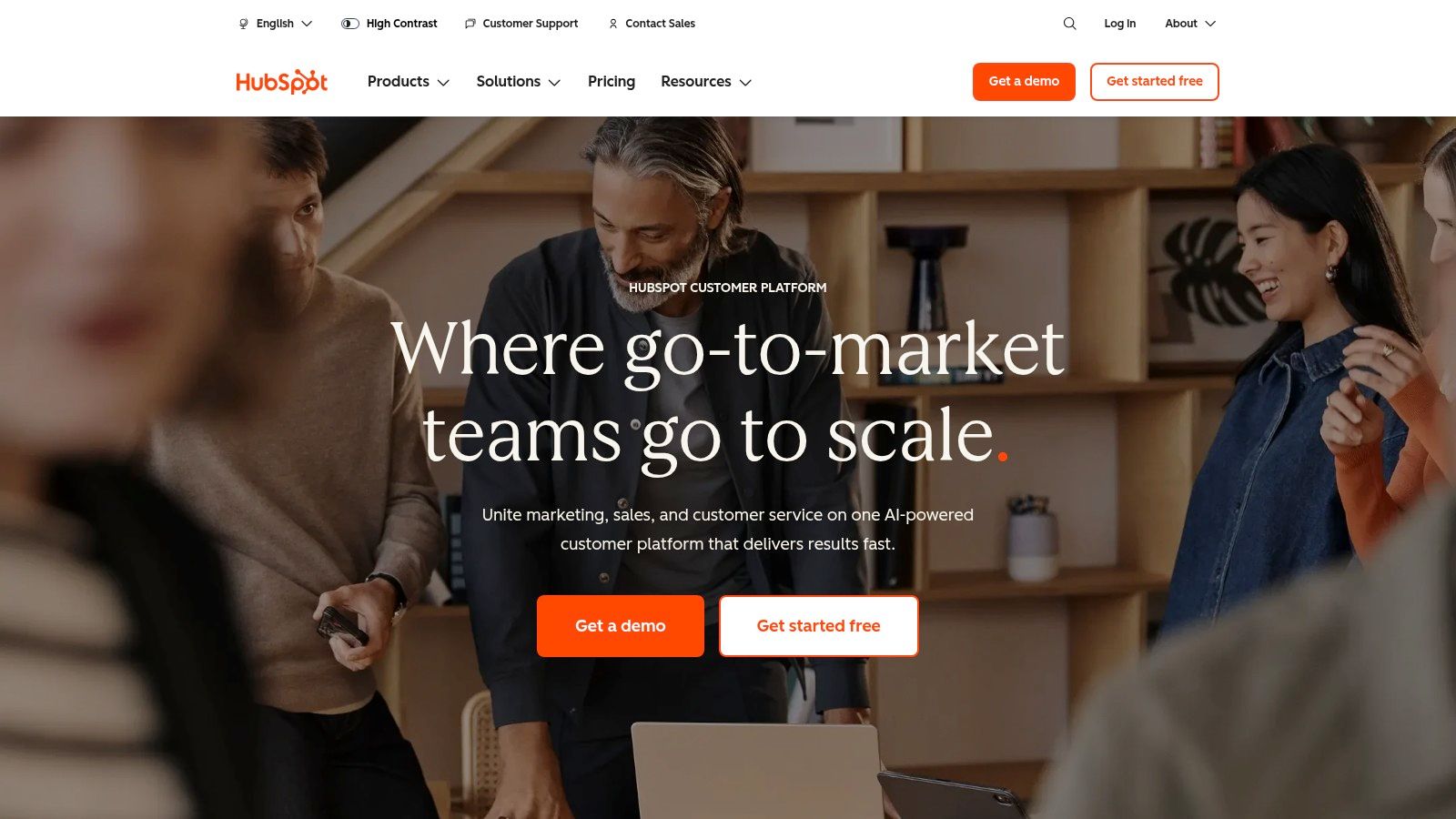
The platform’s user interface is clean and intuitive, significantly reducing the learning curve that plagues more complex systems. As your business grows, you can add paid "Hubs" for Sales, Marketing, and Service, creating a unified customer platform. This modular approach allows you to pay only for the tools you need. When considering HubSpot CRM, it's beneficial to explore its various tools, including its robust HubSpot Live Chat integration, which can streamline customer communication directly within the platform.
Key Details & Pricing
Best For: Startups and SMBs needing a low-cost entry point with strong growth potential.
Unique Feature: The comprehensive HubSpot Academy provides free, high-quality training that helps teams maximize the platform's value.
Pricing:
Free Tools: Robust free CRM with contact management, deal pipelines, and basic reporting.
Starter: From $15/user/month (billed annually), adds simple automation and removes HubSpot branding.
Professional/Enterprise: Costs increase significantly, adding advanced automation, forecasting, and sales intelligence. Mandatory onboarding fees often apply at these tiers.
Practical Insights
HubSpot’s real strength is its ecosystem. The vast marketplace of integrations means you can connect it to nearly any tool your team already uses. To get the most from it, focus on logging every interaction. Tools like Glinky can automatically sync meeting outcomes to HubSpot contact records, ensuring your team has a complete picture without manual data entry. Capturing these interactions correctly is vital; you can find effective strategies for documenting your sales call notes to maintain deal momentum. The main drawback is the sharp price jump to Professional tiers, so carefully evaluate if you need those advanced features before committing.
Website: https://www.hubspot.com
2. Attio CRM
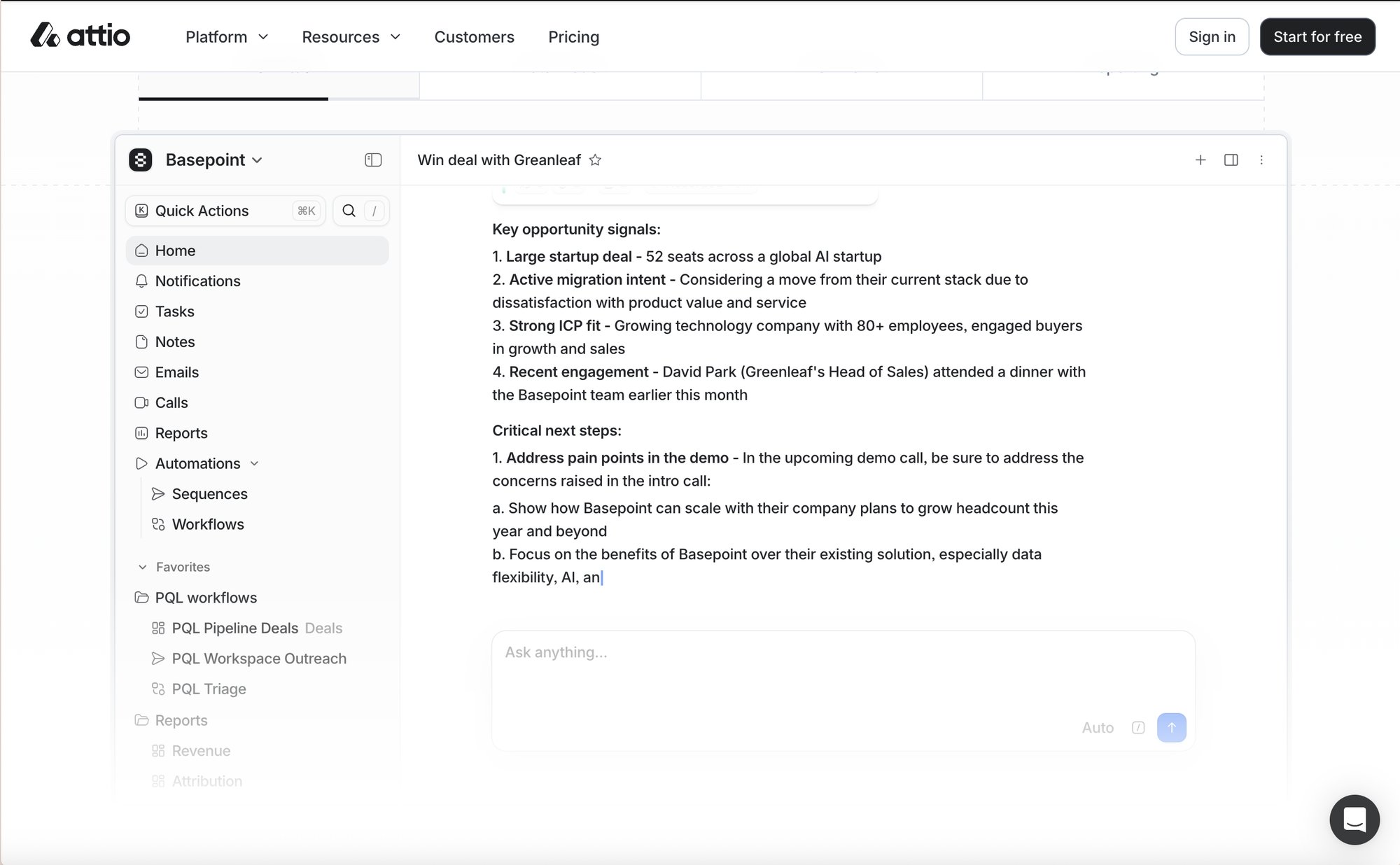
Attio is frequently one of the first platforms that small businesses explore, and there's a solid rationale for this choice. It distinguishes itself by providing a truly beneficial, free-forever core CRM that enables solopreneurs and small teams to organize contacts, track deals, and gain insight into their sales pipeline without financial commitment. This "freemium" model makes it an excellent option for those looking to explore customer relationship management.
The platform's user interface is straightforward and easy to navigate, considerably reducing the learning curve often associated with more complex systems. As your business expands, you can integrate additional paid features, creating a cohesive customer platform. This modular approach allows you to invest only in the necessary tools, making it a suitable CRM for small business owners looking to scale strategically.
Key Details & Pricing
Best For: Startups and SMBs seeking an affordable entry point with strong growth potential.
Unique Feature: Attio offers valuable insights and analytics, helping teams optimize the platform's benefits.
Pricing:
Free Tools: Comprehensive free CRM with contact management, deal pipelines, and basic reporting.
Starter: Starting at $15/user/month (billed annually), includes basic automation and branding removal.
Professional/Enterprise: Prices increase significantly, offering advanced automation, forecasting, and sales intelligence. Onboarding fees are often required at these levels.
Practical Insights
Attio's primary advantage lies in its extensive ecosystem. The wide range of available integrations allows you to connect it with almost any tool your team currently uses. To maximize its benefits, ensure every interaction is logged. Tools like Glinky can automatically synchronize meeting results with Attio contact records, providing your team with a complete overview without manual data entry. Capturing these interactions accurately is crucial; you can find effective strategies for documenting your sales call notes to maintain deal momentum. The main limitation is the significant price increase for Professional tiers, so carefully consider if you require those advanced features before making a commitment.
Website: https://www.attio.com
3. Salesforce Starter Suite (small business)
For small businesses that anticipate significant scaling, Salesforce offers a streamlined entry point with its Starter Suite. This package bundles core sales, service, and basic marketing functions, giving growing teams access to the world’s most recognizable CRM ecosystem without the complexity of its enterprise-level editions. It’s built for those who want a powerful foundation with a clear upgrade path.
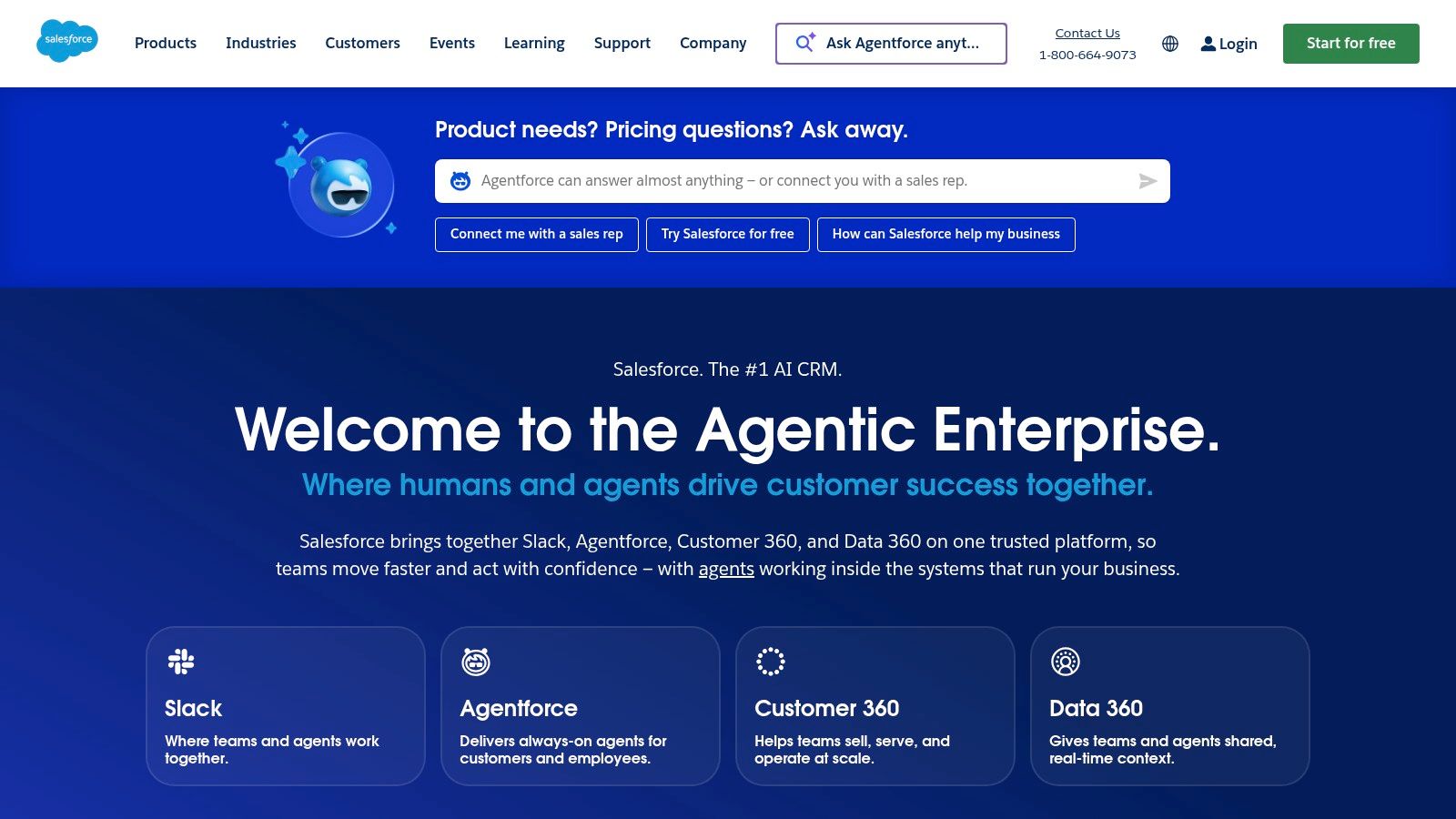
The suite provides essential tools like lead, account, and opportunity management alongside email-to-case functionality for customer support. Native Slack integration and access to the AppExchange (at higher tiers) provide strong connectivity and customization options, making it a solid contender for the best CRM for small business teams with an eye on future growth.
Key Details & Pricing
Best For: Ambitious SMBs and startups that prioritize scalability and plan to grow into a more advanced platform.
Unique Feature: Provides a direct, guided path into the broader Salesforce Cloud ecosystem as your company’s needs become more complex.
Pricing:
Starter Suite: Begins at $25/user/month (billed annually), combining sales, service, and marketing tools in one package.
Professional/Enterprise: As you upgrade, costs and feature sets increase substantially, often requiring annual contracts and specialized implementation.
Practical Insights
The key advantage of starting with Salesforce is its extensibility. You are buying into an enormous ecosystem. However, even the simplified Starter Suite can feel more rigid than SMB-first CRMs. To maximize its value, lean into process documentation from day one, defining how your team will manage leads, opportunities, and cases. A potential drawback is that feature additions and user seats can scale costs quickly, and most products are tied to annual contracts. Be sure to forecast your budget carefully as you plan your team’s expansion.
Website: https://www.salesforce.com
4. Zoho CRM
Zoho CRM is a long-standing and powerful contender, best known for offering a feature-rich platform at a highly competitive price point. It appeals to small businesses that need deep customization and process standardization without the enterprise-level cost. Its ability to create structured sales processes using workflow rules and "Blueprints" makes it an excellent choice for teams aiming to enforce consistent steps across their entire sales cycle.
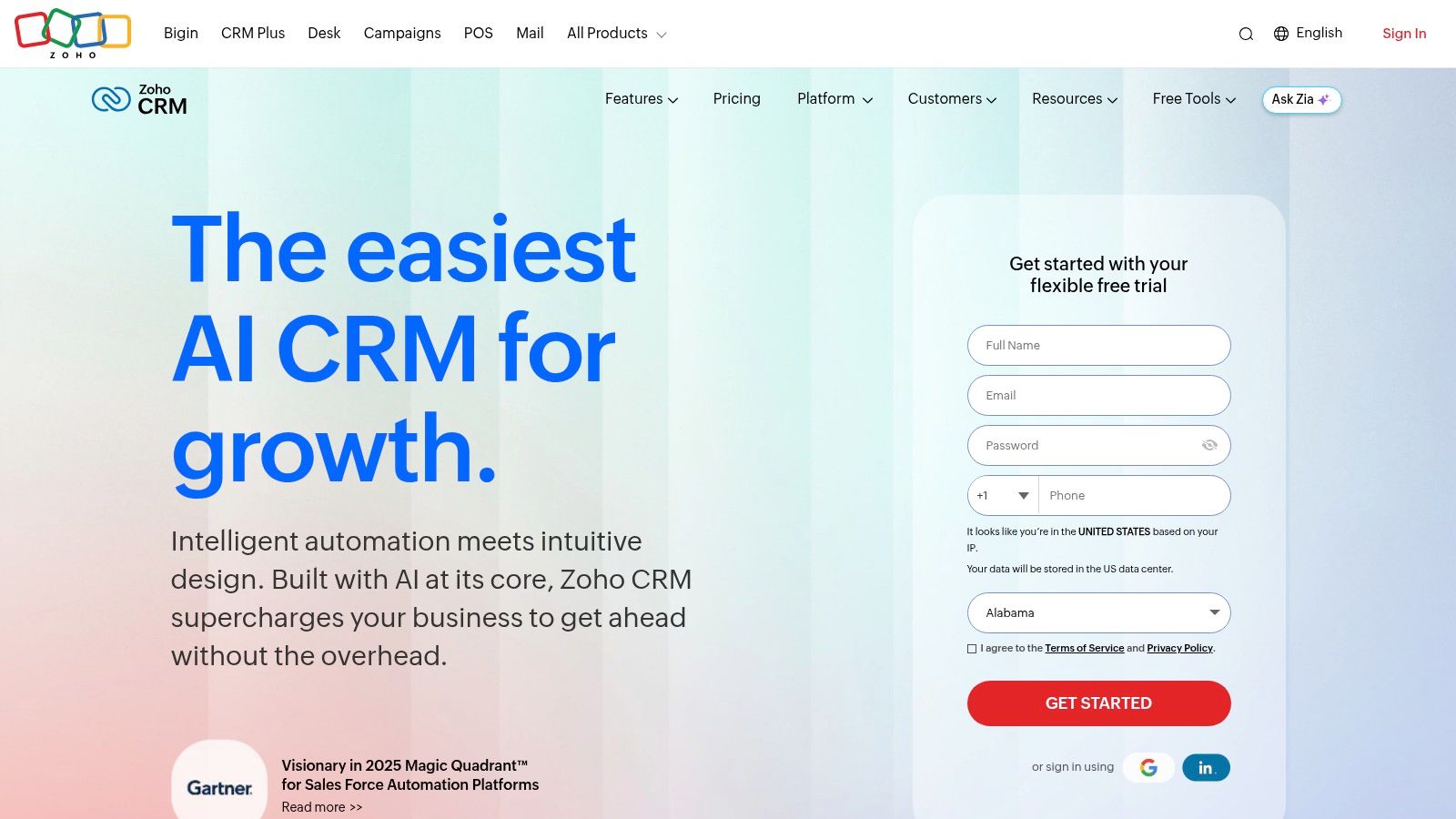
The platform is a central part of the broader Zoho ecosystem, which includes over 50 business applications for everything from finance to HR. This tight integration is a major advantage for companies looking to run their entire operation on a single suite of tools. For small businesses, Zoho CRM is one of the best CRM options when considering a balance of price, power, and scalability.
Key Details & Pricing
Best For: SMBs wanting to standardize sales processes and those invested in the wider Zoho app ecosystem.
Unique Feature: "Blueprints," a process management tool that guides sales reps through a predefined sales process, ensuring no steps are missed.
Pricing:
Free: For up to 3 users, includes leads, contacts, and deals.
Standard: From $14/user/month (billed annually), adds scoring rules, workflow automation, and multiple pipelines.
Professional/Enterprise: Tiers add more advanced features like the AI assistant (Zia), inventory management, and deeper analytics.
Practical Insights
Zoho’s strength lies in its customization and process control. To maximize its value, map out your ideal sales process before implementing it in a Blueprint. This ensures your team follows a consistent path to closing deals. While Zoho's native automation is strong, its reporting builder can feel less intuitive, especially when creating reports that span multiple modules. A common pain point is that some advanced features, like the helpful AI assistant Zia, are reserved for higher-priced tiers. When engaging leads, remember to use effective communication; you can get ideas for strong follow-up email subject lines to improve your open rates.
Website: https://www.zoho.com/crm
5. Pipedrive
Pipedrive is a CRM built by salespeople, for salespeople, and that focus is evident from the moment you log in. Its core strength lies in its visual, Kanban-style pipeline, which makes tracking deals intuitive and almost gamified. For small businesses that want to operationalize their sales process quickly without getting bogged down in administrative setup, Pipedrive offers a direct path to managing leads and activities with minimal friction.
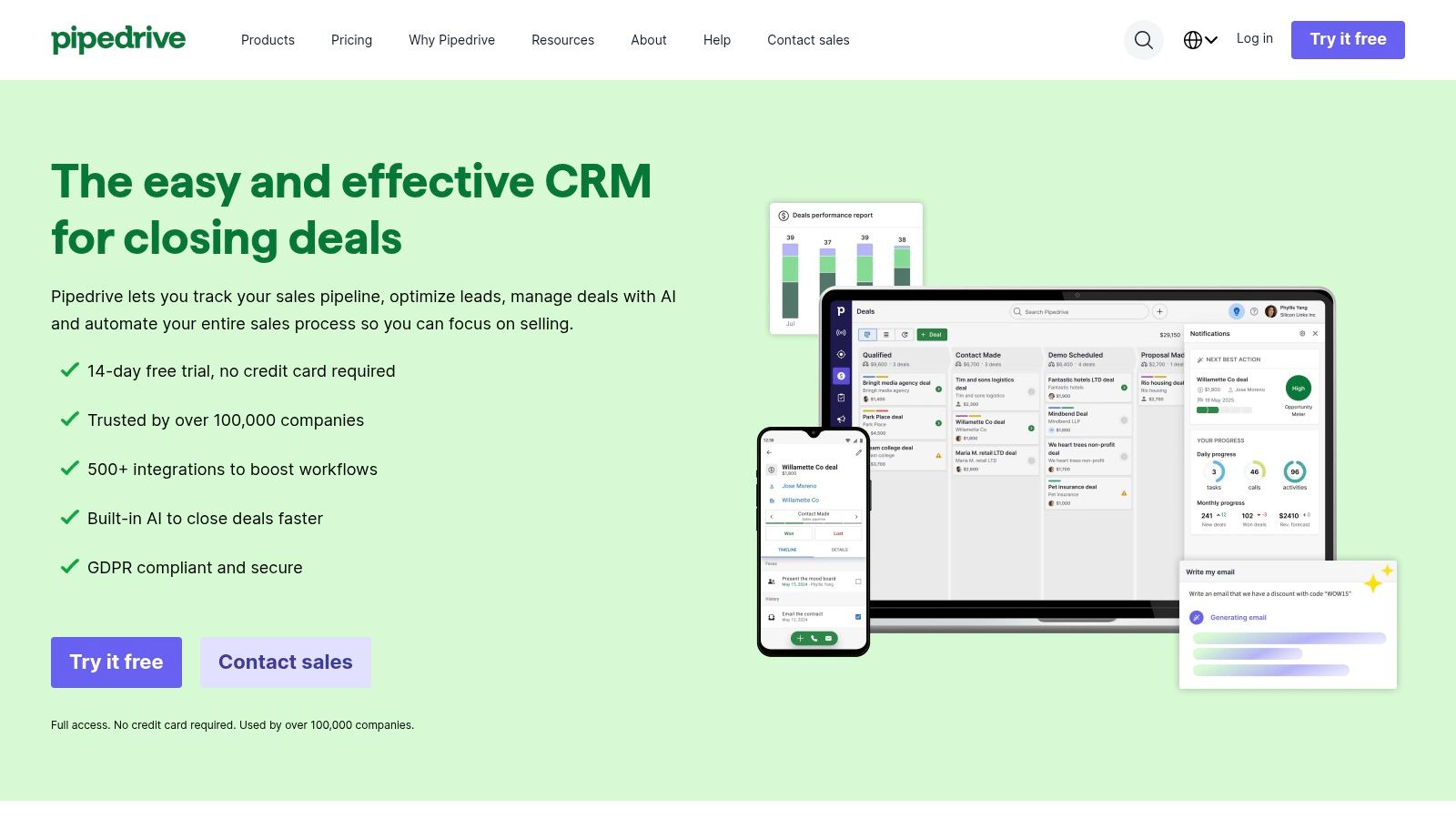
The platform is designed around an activity-based selling philosophy, prompting reps to schedule their next action for every deal. This approach helps maintain momentum and ensures no opportunities fall through the cracks. While it’s primarily a sales tool, Pipedrive's modular add-ons for lead generation (LeadBooster) and marketing campaigns (Campaigns) allow businesses to expand its capabilities as they scale, making it a flexible choice for teams with a clear sales focus.
Key Details & Pricing
Best For: Sales-driven teams who need a straightforward, visual tool to manage deal flow.
Unique Feature: The activity-based selling methodology is baked into the UI, actively guiding reps to take the next step.
Pricing:
Essential: Starts at $9.90/user/month (billed annually) for basic deal, calendar, and pipeline management.
Advanced: From $19.90/user/month, adds email sync, templates, and group scheduling.
Professional/Power: Tiers add more automation, reporting, and features like call tracking. Add-ons are priced separately.
Practical Insights
The beauty of Pipedrive is its simplicity and adoption rate among sales reps; the visual pipeline is easy to understand and use. Its main limitation is that functions beyond core sales, like advanced reporting or lead generation, often require purchasing add-ons or upgrading to a higher, more expensive tier. Pipedrive is a strong contender for the title of best crm for small business if your primary goal is to get your sales team organized and focused on closing deals without a steep learning curve. The over 500 integrations provide flexibility, but be prepared to pay for add-ons to build a more complete solution.
Website: https://www.pipedrive.com
6. Freshsales (Freshworks)
Freshsales positions itself as a modern, sales-focused CRM ideal for small businesses that want built-in communication tools from day one. It integrates phone, email, and chat directly into the platform, reducing the need for multiple subscriptions and creating a unified workspace for sales reps. Its AI assistant, Freddy, provides helpful deal insights, contact scoring, and even helps draft emails, making it a strong contender for teams looking to improve efficiency.
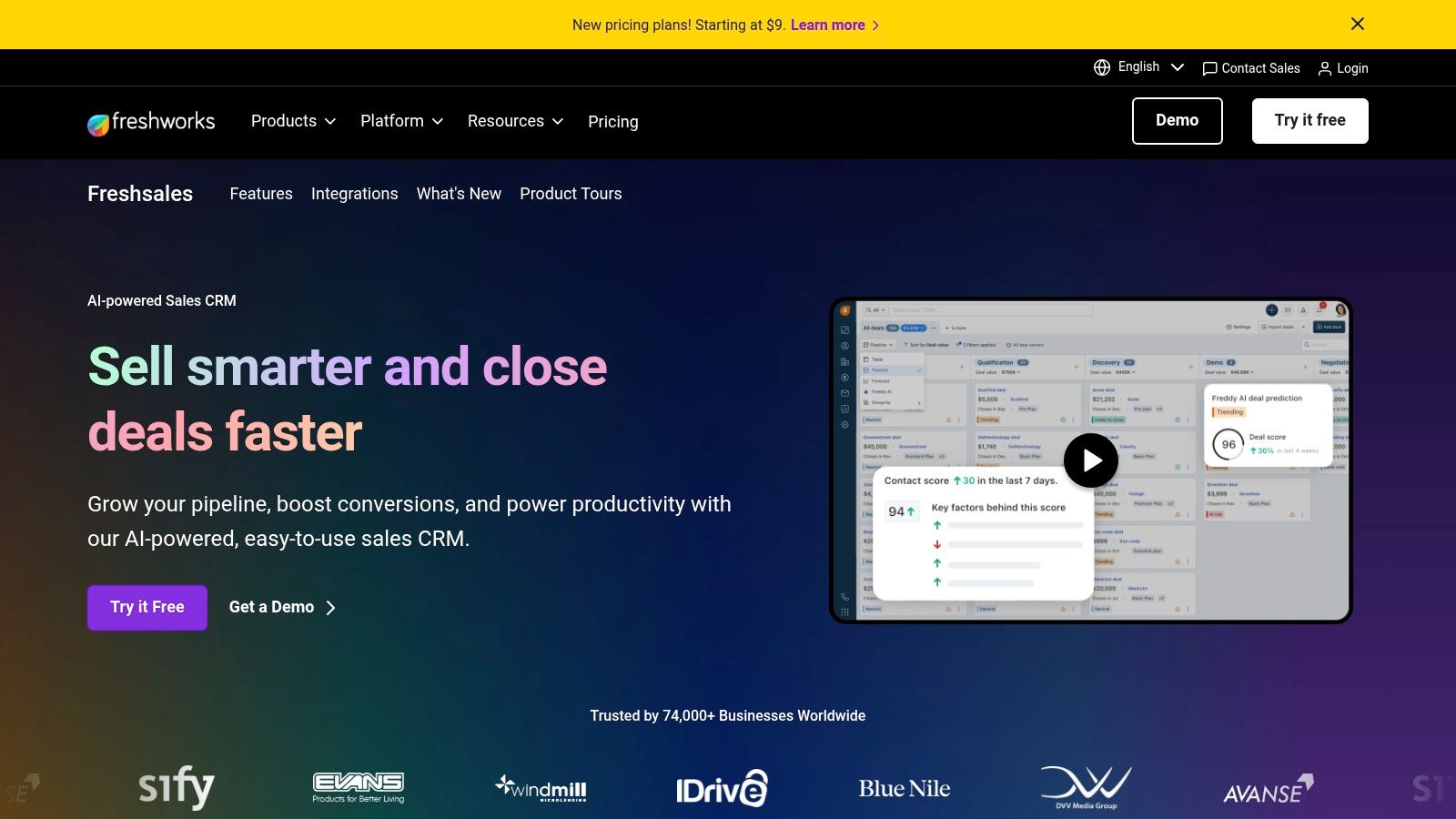
The platform's clean user interface and visual sales pipelines make it easy to get started quickly. Unlike some competitors that gatekeep core features, Freshsales offers multi-pipeline support and territory management at its Pro tier, giving growing teams the flexibility they need without a massive price jump. This makes it one of the best CRM for small business choices when balancing features and cost.
Key Details & Pricing
Best For: Sales-led SMBs wanting an all-in-one communication and sales platform with AI assistance.
Unique Feature: Built-in phone with call recording, masking, and routing, which is often a paid add-on in other CRMs.
Pricing:
Free: A generous plan for up to 3 users with contact management, built-in chat, email, and phone.
Growth/Pro: Starting from $15/user/month (billed annually), adding visual pipelines, sales sequences, and AI-powered forecasting.
Enterprise: Adds advanced features like custom modules and territory management. Some add-ons (CPQ, extra bot sessions) can increase the total cost.
Practical Insights
The true advantage of Freshsales is its unified approach. Having phone, chat, and email in one place means reps spend less time switching tabs and more time selling. To maximize its value, lean into Freddy AI for lead scoring to prioritize high-intent prospects first. However, its integration marketplace is less extensive than rivals like HubSpot. You might need to rely on Zapier or custom API work for connecting niche tools. The free plan is exceptionally useful for teams of three or fewer, offering a complete CRM experience without any initial investment.
Website: https://www.freshworks.com/crm/
7. Monday Sales CRM
Monday Sales CRM leverages the familiar, visual project management interface of its parent platform, Monday.com, to offer a uniquely flexible CRM. Its board-based system is perfect for small business teams who think in terms of tasks and workflows rather than rigid sales funnels. This approach makes it one of the best CRM for small business owners who need a system that supports both sales and post-sale project handoffs within a single environment.
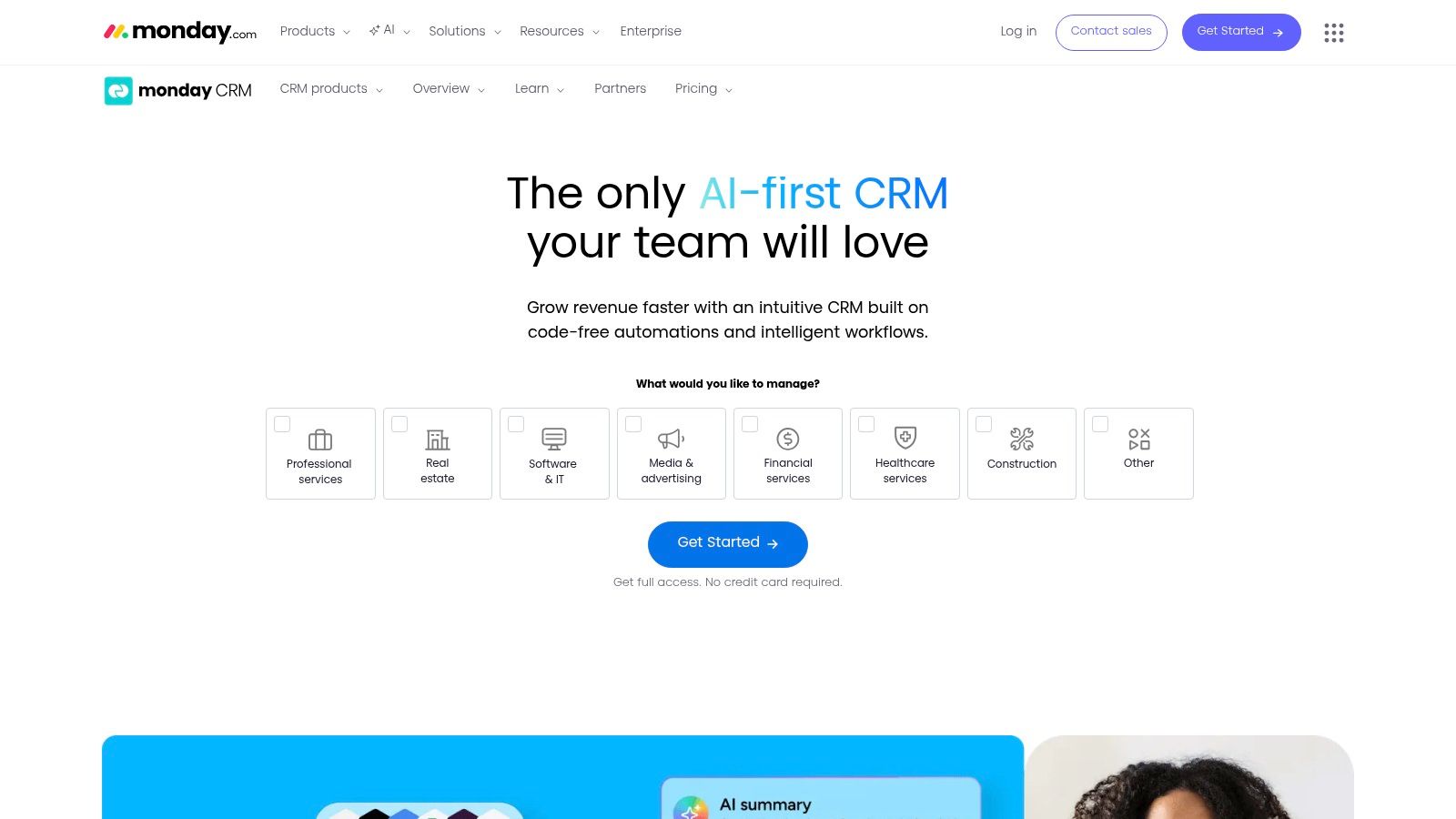
The platform shines with its highly customizable boards, allowing teams to build pipelines that perfectly match their specific processes. Lightweight automations, like moving a deal to the next stage when its status changes, reduce manual work. Two-way email integration and a large template library help teams get started quickly, with growing AI assistance to speed up tasks like email composition.
Key Details & Pricing
Best For: Teams that need a highly visual and customizable CRM that can also manage projects.
Unique Feature: The board-based workflow system makes complex sales processes easy to visualize and manage.
Pricing:
Basic CRM: From $12/seat/month (billed annually), includes unlimited customizable pipelines and contacts.
Standard CRM: From $17/seat/month (billed annually), adds automations, advanced account/contact management, and two-way email sync.
Pro/Enterprise: Higher tiers add sales forecasting, email tracking, and more powerful analytics. Note the three-seat minimum on all paid plans.
Practical Insights
Monday’s true power is its adaptability. You can use it for sales, but also for client onboarding, marketing campaigns, and internal projects, keeping everything in one place. The visual nature helps everyone see a deal's status at a glance. To maximize its value, use automations to handle follow-up reminders and task assignments after a sales call. This ensures your team can effectively track action items and next steps without letting critical details slip. The main drawback is the three-seat minimum, which may be a barrier for solopreneurs.
Website: https://monday.com/crm
8. Copper (Google Workspace CRM)
For teams that live and breathe inside Google Workspace, Copper presents a compelling proposition: a CRM that works directly within Gmail, Calendar, and Drive. It was built from the ground up to eliminate the constant tab-switching that drains productivity. By embedding itself into the Google ecosystem, Copper automatically scrapes contact details from emails and populates records, reducing manual data entry and ensuring your team works from a single source of truth without leaving their inbox.
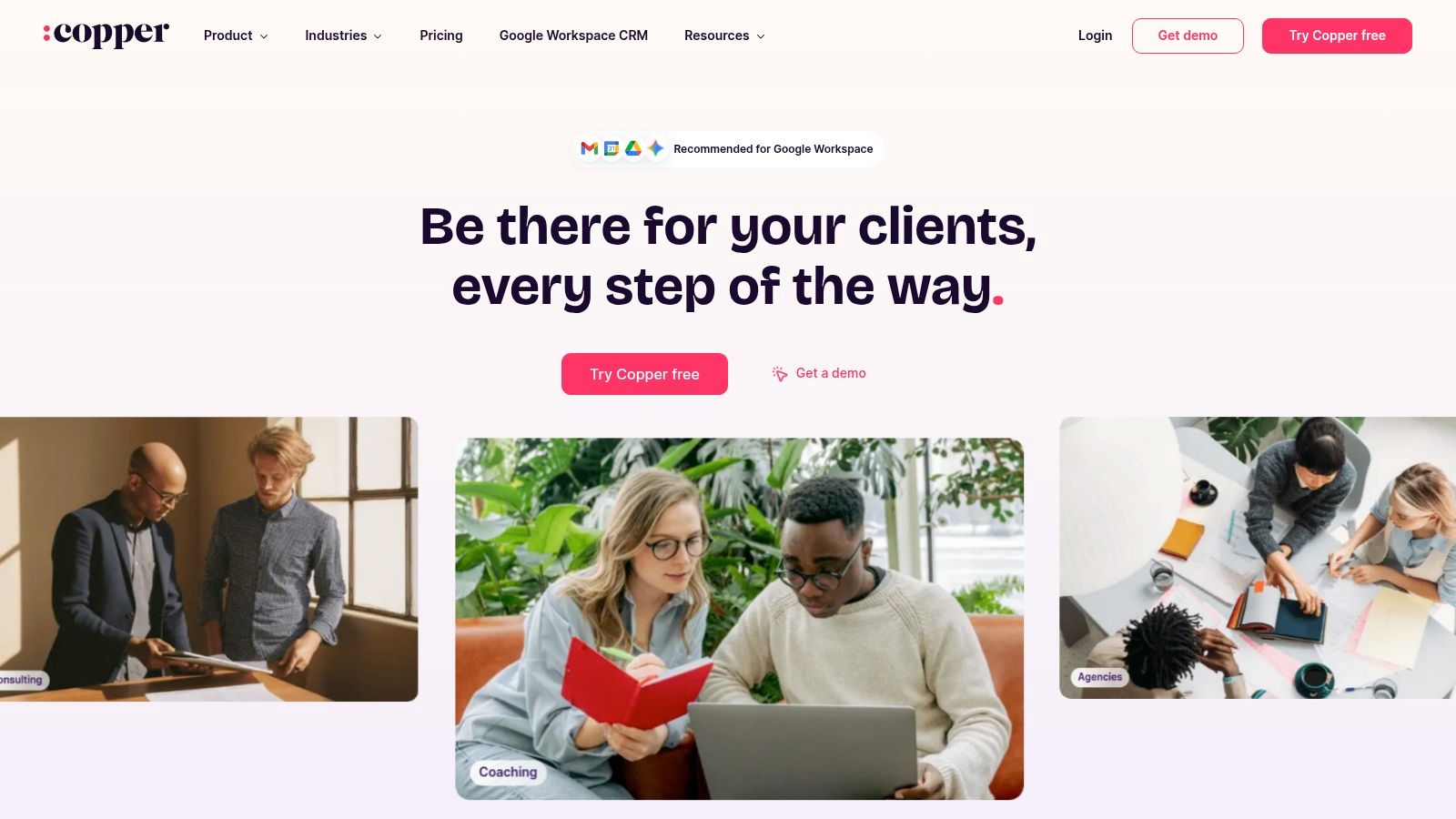
This native integration is Copper's main differentiator, making it one of the best CRM for small business owners heavily reliant on G Suite. The user experience is designed to feel like a natural extension of Google's own tools, which drastically shortens the adoption period for new users. As you scale, its workflow automation and tight integration with Google Sheets and Looker Studio provide a clear path for more advanced reporting and analysis.
Key Details & Pricing
Best For: Small to mid-sized businesses and service-based teams deeply embedded in the Google Workspace ecosystem.
Unique Feature: The native Gmail sidebar that allows users to manage contacts, deals, and tasks without ever leaving their inbox.
Pricing:
Basic: From $23/user/month (billed annually), includes Google Workspace integration for up to 3 users.
Professional: From $59/user/month (billed annually), adds workflow automation, bulk emails, and more integrations.
Business: From $99/user/month (billed annually), offers email sequences, lead scoring, and advanced reporting features.
Practical Insights
The real power of Copper is its "zero-input" philosophy. By setting it up correctly, it automatically captures meetings, emails, and contact details, building a rich history of every interaction. This makes it an ideal companion for tools like Glinky, which can sync detailed meeting notes and outcomes directly into the appropriate Copper contact record, ensuring no context is ever lost. The key is to commit fully to the Google environment. The main drawback is its narrow focus; if your team doesn't primarily use Google Workspace, its core value is diminished. Additionally, some users report rigidity in cancellation policies, so be sure to test it thoroughly during the trial period.
Website: https://www.copper.com
9. Close
Close is built from the ground up for high-velocity outbound sales teams. It combines a powerful CRM with native communication tools, including calling, SMS, and email, all within a single interface. This all-in-one approach eliminates the need for reps to switch between apps, allowing them to focus entirely on engaging prospects and closing deals faster. It’s an excellent choice for teams that prioritize activity volume and efficiency.
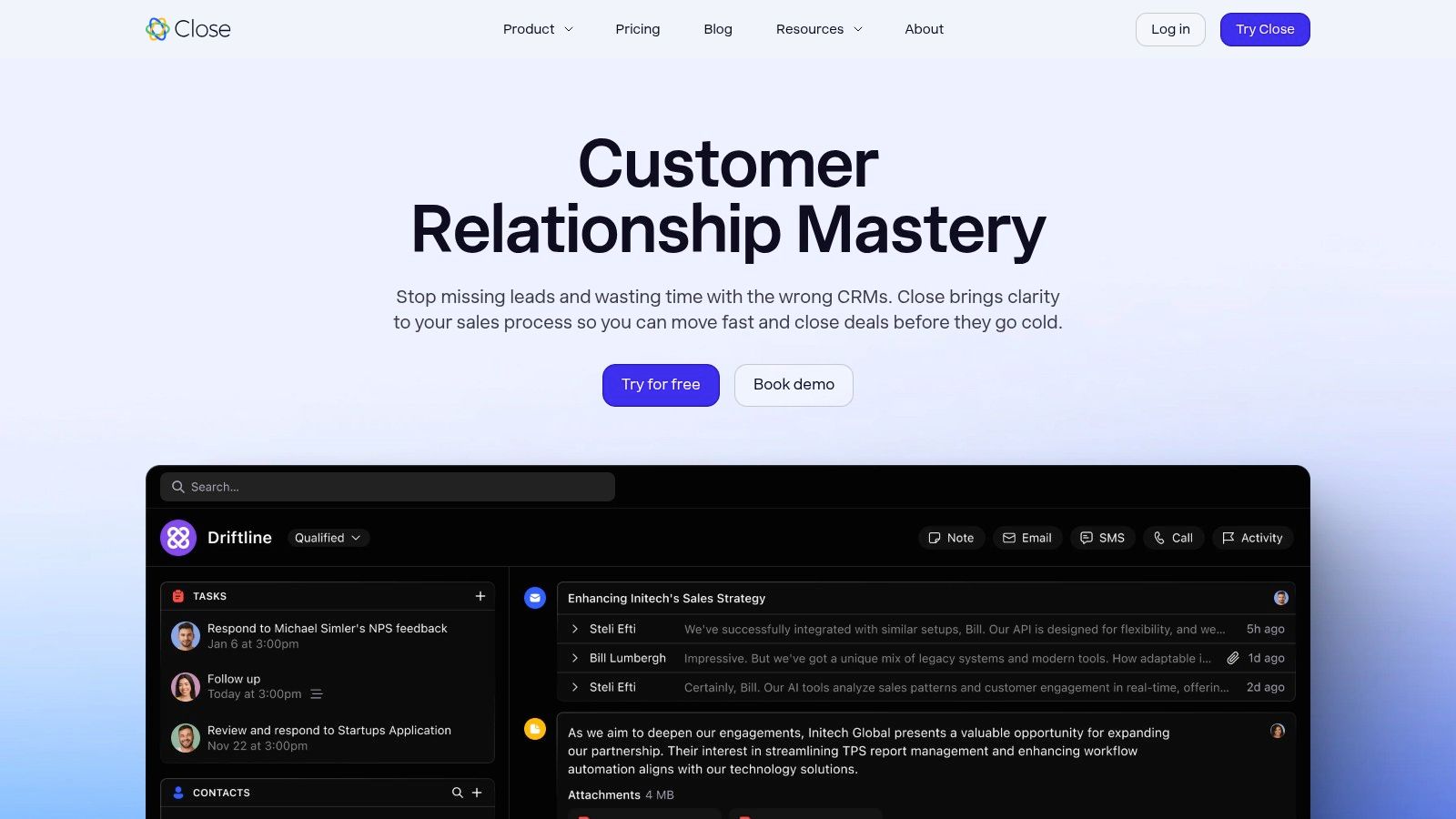
The platform is designed around a multi-channel inbox that organizes all interactions, from calls to emails, in a single timeline view. Features like its Power Dialer and automated email sequences help reps maintain momentum without manual effort. For small businesses looking for a straightforward sales machine, Close provides one of the most rep-friendly user interfaces, making it a strong contender for the best CRM for small business growth.
Key Details & Pricing
Best For: Outbound-focused sales teams that need built-in calling and high-volume communication tools.
Unique Feature: The integrated Power Dialer and Predictive Dialer (on higher tiers) allow reps to make calls sequentially and automatically, drastically increasing outbound efficiency.
Pricing:
Startup: From $49/user/month (billed annually), includes the core CRM, email sync, and basic reporting.
Professional: From $99/user/month, adds the Power Dialer, email sequences, and group calling.
Business: From $149/user/month, adds a predictive dialer, call coaching, and custom reporting. Call/SMS credits are additional costs.
Practical Insights
The core value of Close is keeping your sales reps inside one window. To get the most from it, teams should fully commit to using the built-in communication suite. The platform’s search capabilities are exceptional, allowing you to create smart views to segment leads based on any criteria, like "leads not contacted in 7 days." This makes it easy to spot opportunities that need attention. The main downside is that the costs can add up, especially with telephony add-ons and the per-user pricing model. It’s less suited for complex marketing automation or service desk functions compared to broader platforms.
Website: https://www.close.com
10. Keap (formerly Infusionsoft)
Keap, which many know by its former name Infusionsoft, positions itself as an all-in-one solution for service-based small businesses. It goes beyond a simple CRM by bundling marketing automation, invoicing, and appointment scheduling into one cohesive system. This makes it a strong contender for owners who want to consolidate their tech stack and reduce the complexity of managing multiple, disconnected tools.
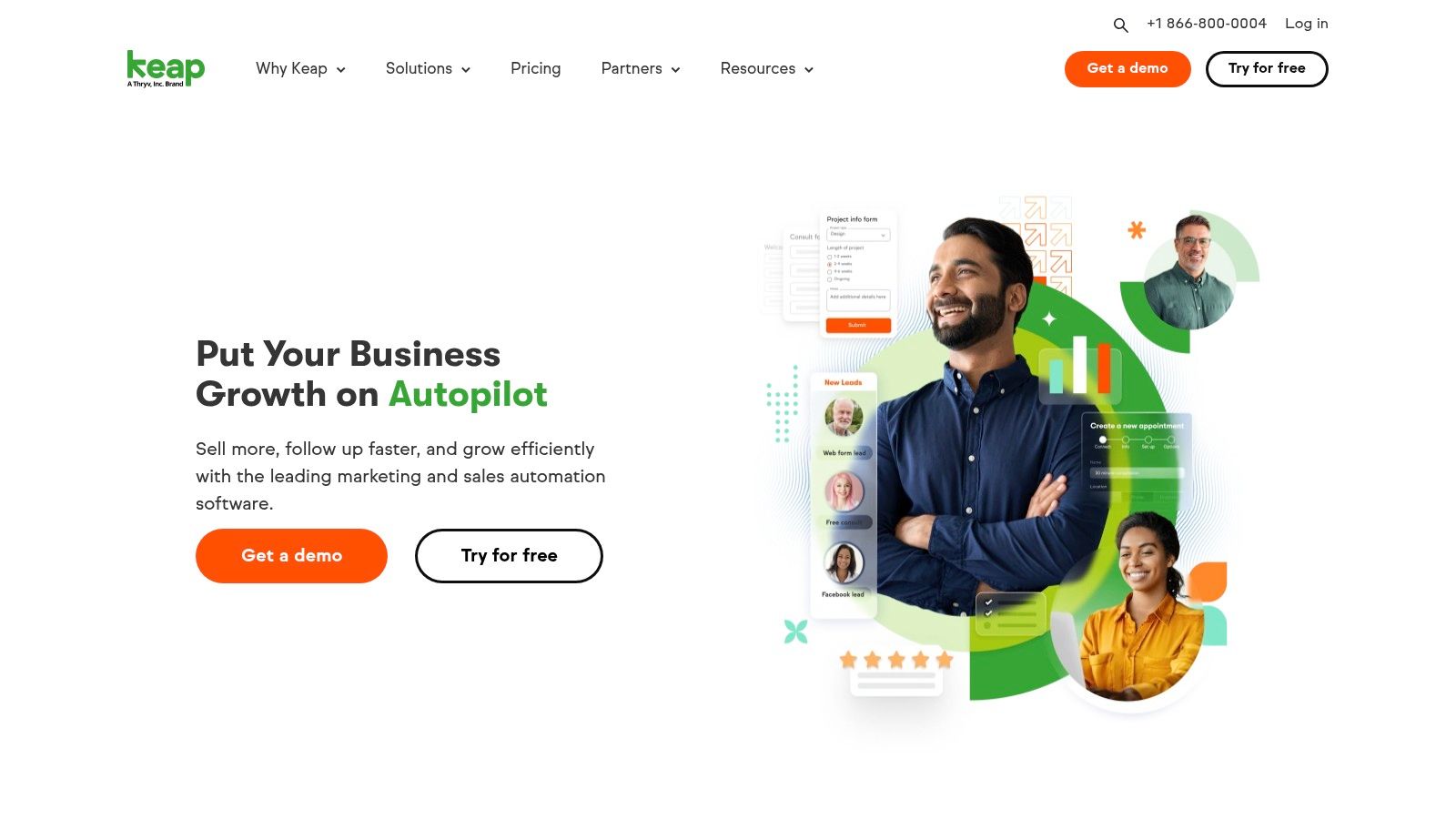
The platform is designed to automate the entire client lifecycle, from lead capture to payment collection. Its automation builder is one of its core strengths, allowing for sophisticated "if-then" campaign logic that can trigger emails, tasks, and follow-ups based on customer behavior. This focus on deep automation makes it a powerful choice for businesses ready to move beyond basic contact management and implement more complex marketing and sales workflows.
Key Details & Pricing
Best For: Service-based businesses (coaches, consultants, agencies) that need integrated sales, marketing, and invoicing tools.
Unique Feature: The visual "Easy Automations" and "Advanced Automations" campaign builder allows for powerful, customized workflows without requiring coding knowledge.
Pricing:
Pro: Starts at $159/month for 2 users and 1,500 contacts, includes CRM, marketing/sales automation, and payments.
Max: Starts at $229/month, adding lead scoring and advanced reporting.
Expert Onboarding: Mandatory one-time fees apply (starting from $499) to help with setup and strategy.
Practical Insights
Keap shines when you commit to using its full suite of tools. Its real power is in connecting a marketing campaign directly to a sales pipeline, an appointment, and an invoice, all within one platform. This makes it an ideal choice for a growing business looking for the best crm for small business that can handle multiple functions. However, the higher entry price and mandatory onboarding mean it's a significant investment. The lack of a free plan makes it less accessible for businesses just starting out. To maximize its value, map out your client journey first and then build it piece by piece inside Keap’s automation builder.
Website: https://keap.com
11. ActiveCampaign (CRM via Enhanced CRM add-ons)
ActiveCampaign is a powerhouse of marketing automation first, with its CRM capabilities delivered through specialized add-ons. It's the ideal platform for businesses whose sales process is deeply intertwined with marketing funnels, email sequences, and cross-channel communication. Unlike all-in-one CRMs, ActiveCampaign’s strength is in triggering sales actions based on marketing engagement, making it one of the best CRM for small business owners who prioritize automated lead nurturing.
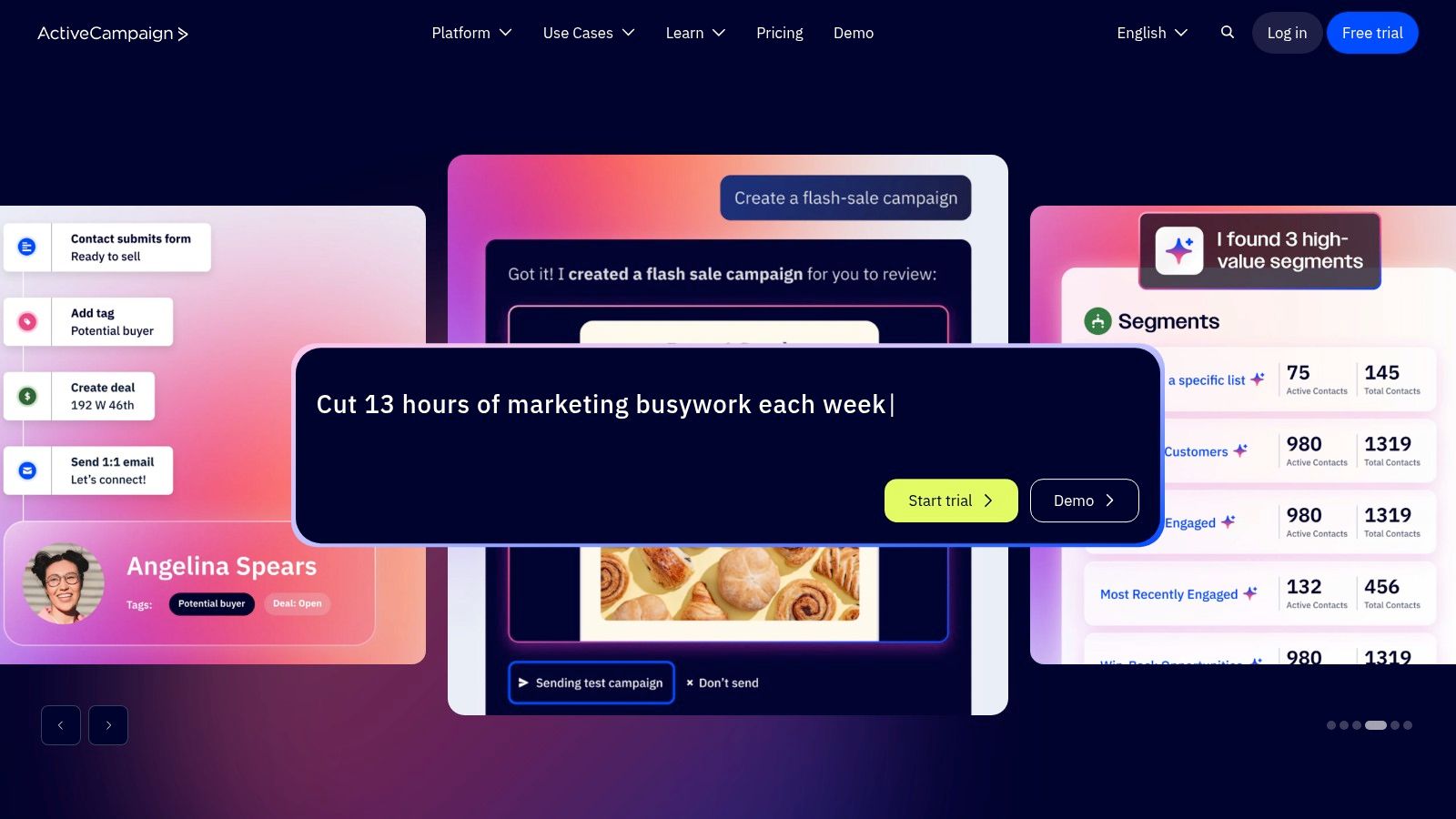
The platform enables you to build incredibly detailed automation workflows that can assign leads, create deals, and update contact records based on behaviors like website visits or email clicks. The sales features, including pipelines and lead scoring, are unlocked via the Enhanced CRM add-ons. This modular approach lets you start with world-class marketing automation and layer on sales tools as your team grows.
Key Details & Pricing
Best For: Marketing-driven businesses that need a sales pipeline directly connected to advanced automation.
Unique Feature: The visual automation builder is among the most powerful and intuitive in the SMB market, allowing for complex, logic-based workflows.
Pricing:
Marketing Plans: Start from $29/month (billed annually) for basic marketing features.
Enhanced CRM Add-ons: Sales functionality like pipelines and lead scoring requires purchasing an add-on, with pricing based on the number of users. This structure means the final cost can be complex.
Practical Insights
The key to success with ActiveCampaign is viewing it as an automation engine with a CRM, not the other way around. Its pricing can be confusing because you must have a base Marketing plan and then add the "Enhanced CRM" bundle for sales features. This makes it less of a simple per-user cost and more of a blended subscription. The primary advantage is its flexibility; you only pay for the sales seats you need. The main limitation is that the core CRM features, while solid, are not as expansive as those in a dedicated sales-first platform.
Website: https://www.activecampaign.com
12. Nutshell
Nutshell carves out its space in the market as a remarkably SMB-friendly CRM designed for teams who need functionality without complexity. It emphasizes ease of use and offers responsive live support for every user, regardless of their plan. A significant perk is the inclusion of unlimited contacts and accounts on all tiers, removing a common barrier to entry for growing businesses that need to scale their database without incurring surprise costs.
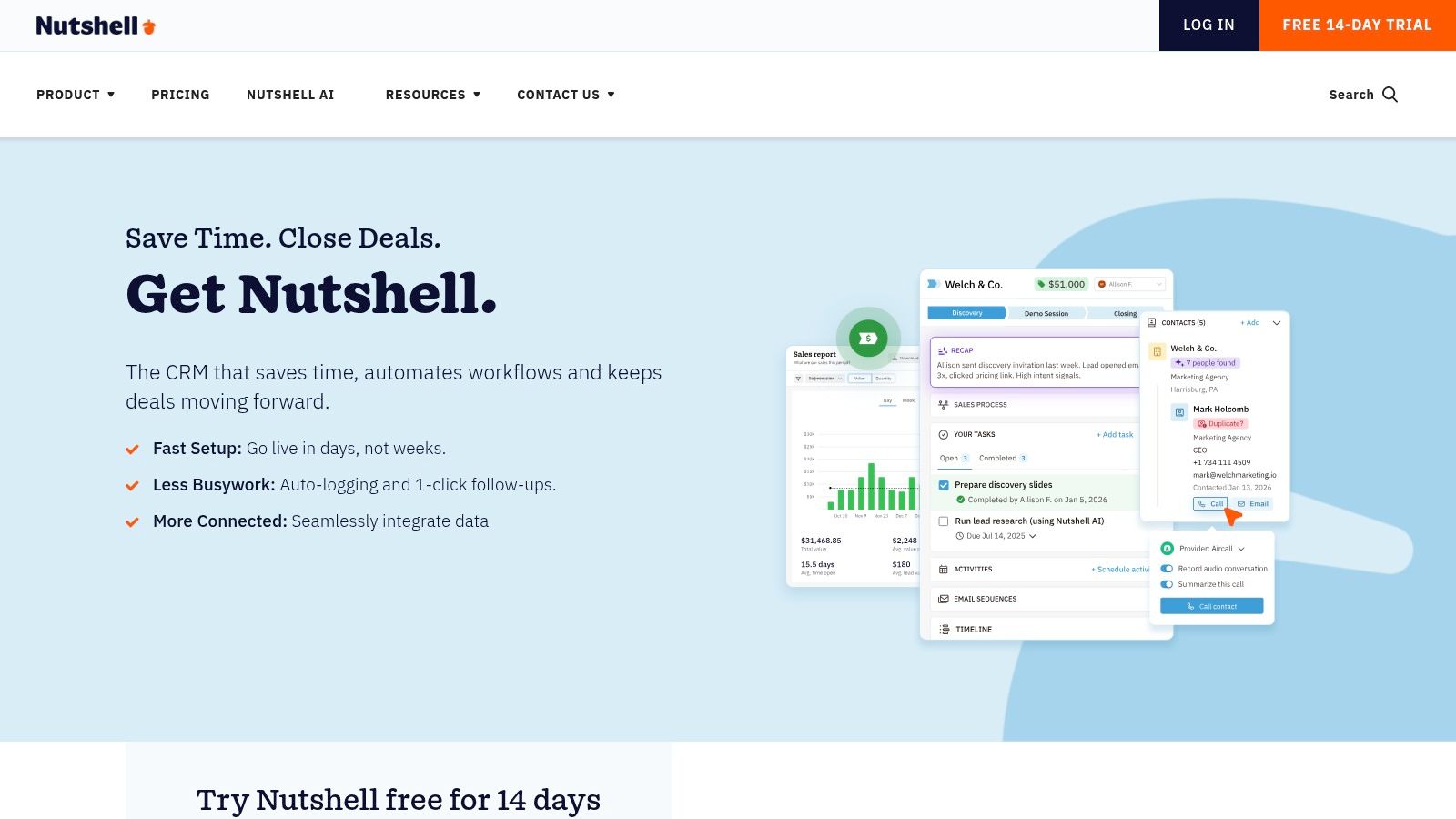
The platform provides a clear visual pipeline that helps sales teams track deals at a glance. It also includes built-in engagement tools like webchat and basic landing pages, which are often expensive add-ons with other providers. This combination of sales and light marketing features makes Nutshell a strong contender for businesses looking for an all-in-one solution that won’t break the bank.
Key Details & Pricing
Best For: SMBs wanting a straightforward, sales-focused CRM with excellent support and predictable pricing.
Unique Feature: Live, friendly human support is available on all pricing tiers, a rare and valuable feature for small teams without dedicated IT staff.
Pricing:
Foundation: From $16/user/month (billed annually), includes the core CRM, visual pipeline, and unlimited contacts.
Pro: From $42/user/month (billed annually), adds sales automation, unlimited pipelines, and basic email marketing sequences.
Add-ons: Features like advanced email marketing (Nutshell Campaigns), SMS tools, and landing pages come with additional costs.
Practical Insights
Nutshell's strength lies in its simplicity and all-inclusive feel at the base level. The clear, per-user pricing model avoids the hidden setup fees that can frustrate small business owners. To maximize its value, teams should integrate their email and calendar to automate activity logging and take advantage of the AI-powered call transcription on higher tiers. The main consideration is that while the core CRM is robust, expanding into more advanced marketing requires purchasing add-on packages. This makes it one of the best CRM for small business choices if your primary focus is sales execution and contact management.
Website: https://www.nutshell.com
Top 12 Small-Business CRM Comparison
Product | Core features | UX & Accuracy ★ | Pricing & Value 💰 | Target audience 👥 | Standout ✨ |
|---|---|---|---|---|---|
GLINKY 🏆 | Bot‑free AI notetaker; native speaker recognition; auto follow‑ups; lead discovery; CRM & calendar sync | ★★★★★ — highly accurate, hands‑off capture, optional review | 💰 Free Personal; Teams $19.99/mo; Pro $49.99/mo; free trial (no CC) | 👥 Sales, AEs, CSMs, recruiters, founders, consultants, freelancers | ✨ Native speaker recognition; unified contact timeline; verified leads; optional manual review; 🏆 Recommended |
HubSpot CRM | Core CRM + Sales Hub, automation, large integrations, training | ★★★★☆ — friendly UI, strong onboarding | 💰 Generous free tier; can scale costly at Pro/Enterprise | 👥 SMBs → scaleups, sales & marketing teams | ✨ HubSpot Academy, broad ecosystem & marketplace |
Salesforce Starter Suite | Lead/account/opportunity mgmt; Slack & AppExchange access | ★★★☆☆ — powerful but heavier for SMBs | 💰 Packaged for small biz; annual contracts; can get expensive | 👥 Small teams wanting Salesforce ecosystem & upgrade path | ✨ Seamless upgrade path to broader Salesforce clouds |
Zoho CRM | Multi‑pipeline, workflow Blueprints, Zia AI, deep app suite | ★★★★☆ — feature rich but some UX learning curve | 💰 Cost‑effective entry pricing; advanced AI on higher tiers | 👥 SMBs standardizing processes & admins who customize | ✨ Extensive customization & integrated Zoho apps |
Pipedrive | Kanban pipelines, email sync, automation, add‑ons | ★★★★☆ — intuitive pipeline-first UX | 💰 Competitive per-seat; add-ons for advanced lead gen | 👥 Sales teams focused on deal velocity | ✨ Visual pipelines & fast rep adoption |
Freshsales (Freshworks) | Built‑in phone/email/chat, AI (Freddy), pipelines | ★★★★☆ — clean UX, quick setup | 💰 Free up to 3 users; paid tiers add AI/features | 👥 Very small sales teams needing unified comms | ✨ Built‑in telephony + AI contact/deal insights |
Monday Sales CRM | Custom boards, automations, templates, dashboards | ★★★★☆ — visual, low code setup | 💰 Per‑seat pricing; 3‑seat minimum | 👥 Teams wanting visual workflows & PM overlap | ✨ Highly customizable board UX & templates |
Copper | Native Gmail/Calendar integration, auto contact creation | ★★★★☆ — inbox‑centric, low context switch | 💰 Workspace‑focused; can get pricey as you scale | 👥 Google Workspace / Gmail‑centric teams | ✨ Deep native Workspace experience inside Gmail/Calendar |
Close | Built‑in calling, SMS, email sequences, predictive dialers | ★★★★☆ — rep‑friendly for outbound velocity | 💰 Clear plans; telephony/AI add‑ons increase cost | 👥 High‑velocity outbound sales teams | ✨ All‑in‑one communications + power dialers |
Keap | CRM + marketing automation + payments & appointments | ★★★☆☆ — powerful but steeper entry | 💰 No free plan; onboarding packages & contact‑based pricing | 👥 Service‑based SMBs wanting all‑in‑one stack | ✨ Native payments, invoicing & appointment flows |
ActiveCampaign | Advanced automations, predictive sending, CRM add‑ons | ★★★★☆ — automation leader, steeper setup | 💰 Flexible bundles; CRM via Enhanced add‑ons (opaque pricing) | 👥 SMBs prioritizing marketing automation + pipelines | ✨ Best‑in‑class automation engine for cross‑channel flows |
Nutshell | Visual pipelines, unlimited contacts, email/calendar sync | ★★★★☆ — easy to learn, strong live support | 💰 Clear per‑user pricing; good value for SMBs | 👥 SMBs wanting simple CRM with responsive support | ✨ Unlimited contacts, strong support & straightforward pricing |
Making Your Final Choice: Your Actionable CRM Buying Checklist
Choosing the best crm for small business can feel like the final, toughest part of the process. You've reviewed the contenders, from all-in-one platforms like HubSpot and Zoho CRM to sales-focused powerhouses like Pipedrive and Close. Now, it's time to transition from research to a confident decision.
This isn't just about picking a tool with the longest feature list. It's about selecting a partner for your business's growth, a system that your team will actually use and that delivers a clear return on investment. Use this final checklist to guide your evaluation and make a choice that aligns perfectly with your goals, budget, and daily operations.
Step 1: Define Your "Must-Haves" vs. "Nice-to-Haves"
Before you get distracted by flashy features, go back to basics. Gather your team (sales, service, marketing) and collaboratively list your non-negotiable requirements.
List Core Processes: What are the 3-5 essential daily tasks you need the CRM to manage? (e.g., tracking deals in a pipeline, logging customer support tickets, sending email sequences).
Identify Bottlenecks: Where do things currently fall apart? Is it missed follow-ups? Is it messy contact data? Your "must-haves" should directly solve these problems.
Prioritize ruthlessly: Separate your list into two columns. For example, a visual sales pipeline might be a must-have, while AI-powered lead scoring could be a nice-to-have for now. Your final choice must satisfy everything in the first column.
Step 2: Calculate the True Total Cost of Ownership (TCO)
The sticker price is just the beginning. A "budget-friendly" CRM can become expensive quickly if you're not careful. To find the true cost, you need to dig deeper.
Per-User Pricing: How does the cost scale as your team grows? Some plans, like Salesforce Starter, have a flat fee for a set number of users, while others like Pipedrive charge per seat.
Hidden Fees: Ask about implementation costs, mandatory onboarding packages, data migration fees, and premium support charges.
Integration Costs: Will you need to pay for third-party connectors (like Zapier) to make your chosen CRM work with your existing tools? Factor these monthly subscriptions into your budget.
Contract Terms: Are you locked into an annual contract, or can you pay month-to-month? Annual contracts often offer a discount but reduce your flexibility.
Step 3: Run a Meaningful and Structured Free Trial
Never buy a CRM without test-driving it first. A successful trial is more than just logging in and clicking around; it requires a plan.
Involve the End-Users: Have at least two team members who will use the CRM daily participate in the trial. Their adoption is critical.
Use Real-World Scenarios: Don't just import dummy data. Run a few real leads or customer interactions through the system. Can you easily create a contact, log a call, advance a deal, and see a clear history?
Test the Core Functionality: Focus on your "must-have" list from Step 1. If a clean pipeline is your priority, spend 80% of your trial time in that feature.
Evaluate Support: During the trial, ask a question of the support team. Their response time and the quality of their answer are good indicators of the service you'll receive as a paying customer.
Step 4: Assess Your Integration and Automation Ecosystem
A CRM's true power comes from how well it connects to your other business tools. A siloed CRM creates more manual work, not less.
Consider how your chosen platform will interact with your email, calendar, and especially your meeting software. This is where manual data entry often becomes a major pain point. Your team finishes a sales call or a client check-in, and then has to spend time manually updating the CRM with notes, action items, and contact details.
This is precisely the problem tools like GLINKY are designed to solve. By automatically syncing meeting outcomes, key topics, and newly discovered contacts directly into your CRM, it ensures your system of record is always accurate and up-to-date. When evaluating a CRM, consider how a complementary tool can fill its gaps, particularly around data automation, to guarantee you get maximum value from your investment from day one.
Making the right choice comes down to diligent self-assessment and a structured evaluation. By following these steps, you move beyond marketing claims and focus on what truly matters: finding a CRM that empowers your team, streamlines your processes, and provides a solid foundation for sustainable growth.
Tired of manual CRM data entry after every meeting? Let GLINKY do the heavy lifting. GLINKY acts as the perfect companion to any CRM by automatically capturing meeting insights and updating contact records, ensuring your new system stays accurate and valuable without the administrative burden.
People also read

10 Sales Enablement Best Practices to Unify Your Revenue Engine in 2026
Productivity
Mar 13, 2026

How to Manage Sales Pipeline for Predictable Revenue Growth
Productivity
Mar 14, 2026

How to Qualify Leads in Sales Without Wasting Time
Productivity
Mar 17, 2026

What is Conversation Intelligence? A Practical Guide for Sales Teams
Productivity
Mar 18, 2026

Top 10 Sales Discovery Questions That Close More Deals
Productivity
Mar 25, 2026

Taking Minutes of Meeting: A Guide to Transforming Chaos into Action
Productivity
Feb 16, 2026

Action Items List: A Practical Guide to Drive Real Results
Productivity
Feb 19, 2026

Master the summary of a meeting for clear decisions and follow-ups
Productivity
Feb 22, 2026

Track Action Items: A Practical Guide to Using AI for Flawless Follow-Up
Productivity
Feb 17, 2026

Unlock: How to Take Notes on a Computer for Peak Productivity in 2026
Productivity
Feb 26, 2026

How to Record Google Meet: A Complete Guide for 2026
Productivity
Mar 4, 2026

12 Best AI Note Taking App Choices for 2026: The Definitive Guide
Productivity
Mar 6, 2026

How to Improve Customer Retention: Practical Tips to Boost Loyalty
Productivity
Mar 8, 2026

10 Client Communication Best Practices to Master in 2026
Productivity
Mar 7, 2026

The 12 Best AI Meeting Assistant Tools for 2026: A Deep Dive
Productivity
Mar 15, 2026

Your Guide to the Ultimate AI Email Writer
Productivity
Feb 27, 2026

10 Essential Customer Success Best Practices for 2026
Productivity
Mar 1, 2026

Your Guide to Sales Call Recording Software in 2026
Productivity
Mar 2, 2026

How to Take Better Meeting Notes and Drive Real Results
Productivity
Mar 5, 2026

What is an Ideal Customer Profile: A Guide to Driving Growth
Productivity
Mar 9, 2026

Automated meeting minutes: Turn talks into actionable notes
Productivity
Mar 11, 2026

The Top 12 AI Powered Sales Tools to Boost Revenue in 2026
Productivity
Mar 16, 2026

AI Note Taking For Meetings: Fast, Smart AI Notes That Drive Collaboration
Productivity
Mar 19, 2026

Understanding Transcription Service Cost: A 2026 Guide
Productivity
Mar 20, 2026

Master Your Meetings With The Note Taking Charting Method
Productivity
Feb 18, 2026

The Ultimate 2026 Guide: 8 Meeting Follow Up Email Template Scenarios
Productivity
Feb 20, 2026

Master the Art of Taking Meeting Notes for Actionable Outcomes
Productivity
Feb 25, 2026

12 Best Sales Lead Generation Tools to Boost Your Pipeline in 2026
Productivity
Mar 10, 2026

Translation Vs Transcription: Which Service Do You Really Need?
Productivity
Mar 12, 2026

Mastering the goals of a meeting to drive decisions and boost team alignment
Productivity
Mar 23, 2026

The 12 Best Free AI Email Writer Tools for 2026
Productivity
Mar 22, 2026

A Guide to AI Sales Enablement Platforms in 2026
Productivity
Mar 21, 2026

Automate Follow Up Emails: Actionable Insights for Boosting Sales & Efficiency
Productivity
Mar 26, 2026

Follow Up Email Subjects That Convert: Increase Opens and Replies
Productivity
Feb 17, 2026

Your Playbook for Outbound Lead Generation in 2026
Productivity
Feb 28, 2026

Your Essential Meeting Action Items Template to Drive Results
Productivity
Feb 23, 2026

Your Guide to Using an Email Writer AI for Maximum Impact
Productivity
Feb 23, 2026

8 Essential Ground Rules at Meetings to Maximize Productivity in 2026
Productivity
Mar 24, 2026

Otter.ai vs Glinky
Productivity
Feb 5, 2026

AI Tools for Startup Founders [2026]
Productivity
Feb 4, 2026

Best AI Tools for Startups [2026]
Tools
Feb 3, 2026

Sales Call Notes: How to Capture Every Detail Without Losing the Deal
How to
Feb 2, 2026

How to Take Meeting Notes: 7 Methods That Actually Work [2026]
How to
Jan 14, 2026
![AI Meeting Minutes | Free Forever [2026]](https://framerusercontent.com/images/zYQGRjgLX63tiouLTK65LvCcjK8.png?width=402&height=263)
AI Meeting Minutes | Free Forever [2026]
How to
Jan 13, 2026
![How to Record Zoom Meetings Without a Bot [2026] 3 Easy Methods](https://framerusercontent.com/images/gGoQV8bPb9zR5weVruinbjaxO0.png?width=402&height=263)
How to Record Zoom Meetings Without a Bot [2026]
How to
Jan 9, 2026

Bot-Free AI Meeting Notes: We Tested the 6 Best Tools in 2026
Tools
Jan 8, 2026

Glinky vs Fireflies.ai
Tools
Jan 7, 2026

15 Best AI Tools to Boost Your Productivity in 2026
Productivity
Jan 6, 2026