Nov 13, 2025
Productivity
12 Best AI Note Taking App Choices for 2026: The Definitive Guide

In a world of back-to-back meetings, capturing every detail, decision, and action item is a full-time job. But what if you could outsource it? The rise of AI has transformed note-taking from a manual chore into an automated, intelligent workflow. The best AI note taking app doesn't just transcribe; it summarizes, identifies speakers, extracts tasks, and syncs critical information directly to your CRM and project management tools.
With the rise of the modern AI meeting assistant, manually taking meeting notes is quickly becoming a thing of the past. These tools are designed to give you back your focus, allowing you to engage in conversations instead of frantically typing. However, choosing the right platform can be difficult, as the market is crowded with options that all promise similar results.
This guide provides an in-depth, hands-on review of the top 12 AI note-taking solutions available today. We move beyond marketing claims to give you actionable insights, honest limitations, and clear recommendations based on your specific role. Whether you are in sales, customer success, recruiting, or leading a company, you'll find what you need here. Each review includes:
Actionable Insight: Detailed feature analysis (transcription accuracy, speaker recognition, integrations) with a focus on how it solves real-world problems.
Pros & Cons: An honest assessment based on real-world use cases to help you understand trade-offs.
Best For: Clear, role-based recommendations and specific use cases to match the tool to your job.
Evaluation Tools: Screenshots and direct links to help you evaluate each option and start your free trial.
We'll analyze core capabilities like automation, unique differentiators, and pricing to help you find the perfect tool to reclaim your focus and drive better outcomes from every conversation. Use this resource to make a confident, informed decision and stop taking manual notes for good.
1. GLINKY
GLINKY earns its top spot by moving beyond simple transcription to become a complete meeting productivity and sales intelligence platform. It stands out as arguably the best AI note taking app for professionals who need to convert conversations into measurable business outcomes. Its core strength lies in its bot-free approach; instead of an intrusive guest joining your call, GLINKY natively records and analyzes conversations, allowing teams to remain fully present and engaged.
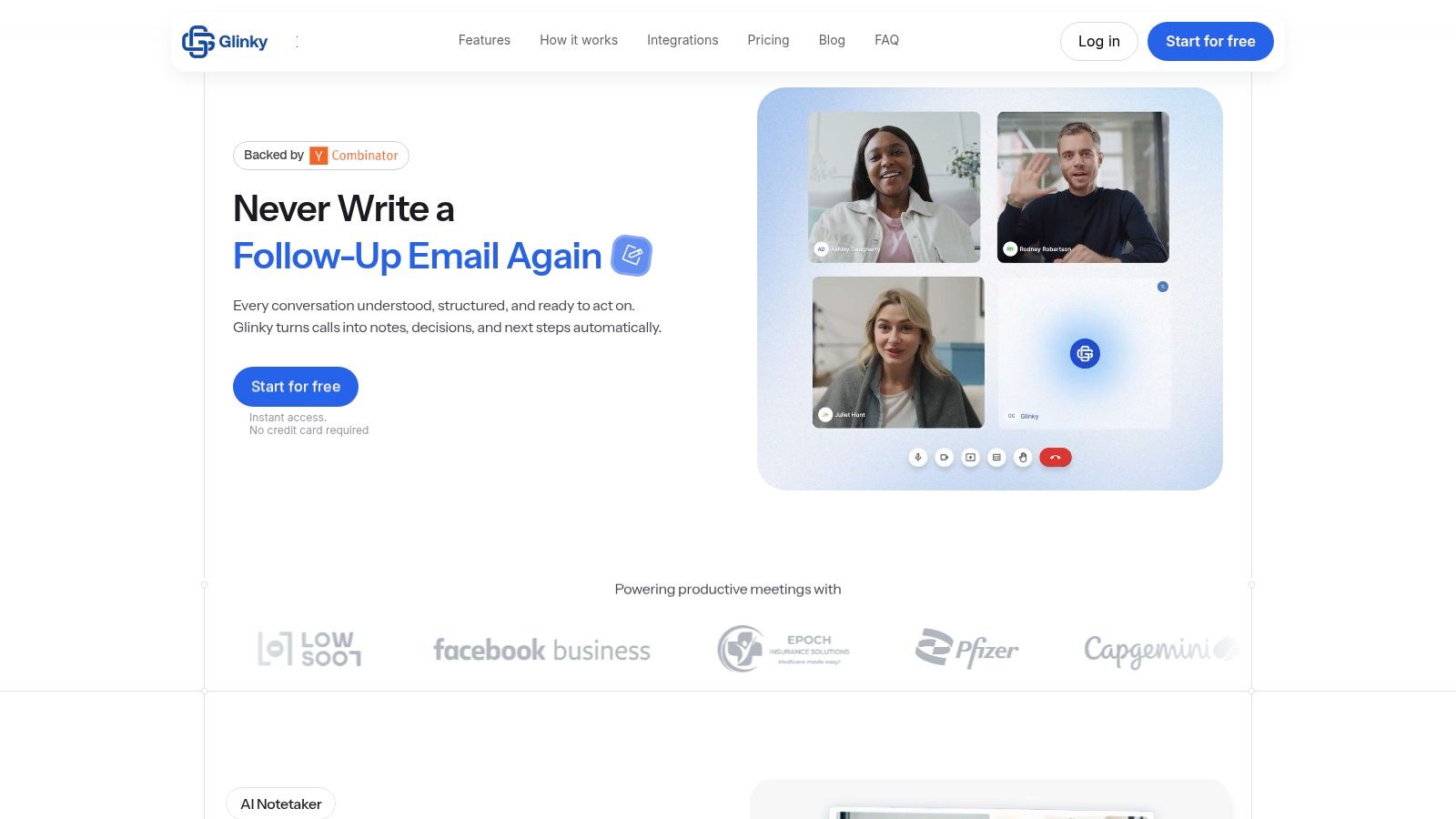
This system excels at producing structured, actionable outputs. After a meeting, it automatically generates clean notes, identifies key decisions, and extracts action items with assigned owners. It even drafts a follow-up email, which you can review and edit before sending. This end-to-end automation saves significant administrative time, particularly for client-facing roles. For a direct comparison of its features against other popular tools, see this detailed analysis of GLINKY versus Otter.ai.
Key Differentiators and Use Cases
What truly sets GLINKY apart is the integration of a lead-discovery engine. Users can run natural-language searches (e.g., "Find me marketing directors at B2B SaaS companies in California") to build prospect lists complete with verified emails and LinkedIn profiles. All interactions, from initial outreach to meeting notes and follow-ups, are logged in a unified contact timeline. This creates a single source of truth for account history, making it invaluable for sales teams, recruiters, and consultants managing a large book of business.
Actionable Insight: Use the integrated lead discovery to find key decision-makers, then schedule a meeting. GLINKY will record the call, generate notes, and log the entire interaction against the contact's profile, creating a seamless prospecting-to-closing workflow.
Best For: Sales teams, recruiters, founders, customer success managers, and freelancers who need an all-in-one tool for meeting documentation and client relationship management.
Pricing and Access
Personal: Free, for individuals just getting started.
Teams: $19.99 per user/month (billed annually), offering more meeting minutes and integrations.
Ultimate: $99.99 per user/month (billed annually), for heavy users needing extensive meeting processing and lead-generation credits.
Pros:
Bot-free recording with native speaker recognition.
Generates summaries, action items, and draft follow-up emails.
Integrated lead discovery with verified B2B contact data.
Unified contact timeline centralizes all communication history.
Cons:
Meeting length and processing limits are tied to pricing tiers.
Requires granting access to calendar and CRM, which may require internal compliance review for some organizations.
Website: https://www.glinky.ai
2. Otter.ai
Otter.ai is one of the most established and recognized names in AI-powered meeting transcription, making it a reliable choice for teams and individuals seeking a mature platform. It excels at capturing discussions from Zoom, Google Meet, and Microsoft Teams, turning spoken words into searchable, actionable notes. Its core strength lies in its robust, real-time transcription, which identifies different speakers and creates a clean, readable record of your conversations.
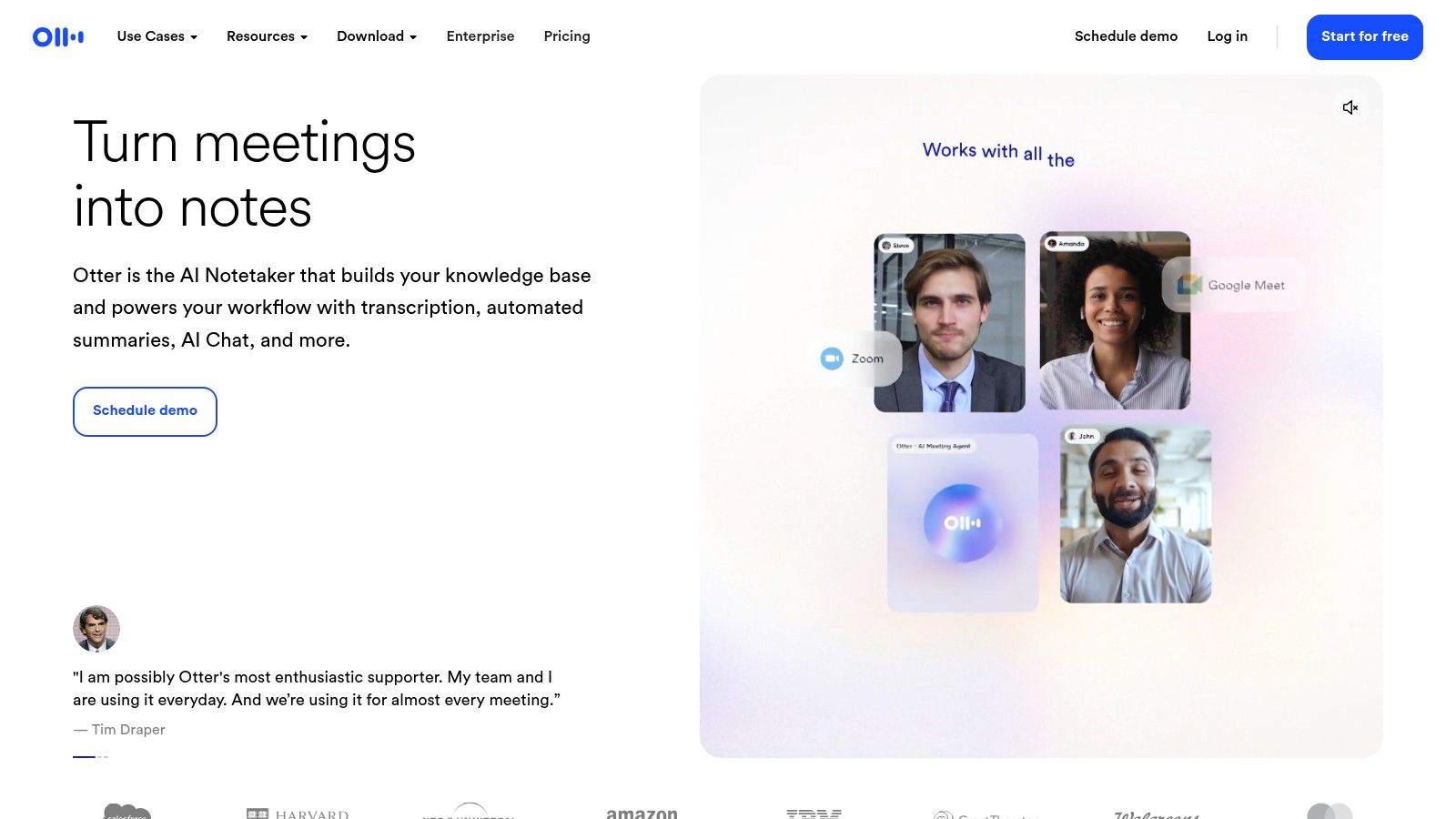
This platform stands out as a strong candidate for the best AI note taking app due to its well-developed ecosystem, including polished mobile apps and strong administrative controls. Users can create meeting templates and custom workflows to standardize note-taking across an organization, ensuring consistency. The AI Chat feature allows you to ask questions about specific meetings or even across all your past conversations, making it easy to find key decisions or data points without rereading entire transcripts.
Key Features & Pricing
Live Transcription & Speaker ID: Provides accurate, real-time transcription with clear speaker differentiation.
AI Meeting Templates: Standardize meeting outputs with predefined structures for different meeting types (e.g., sales calls, one-on-ones).
AI Chat & Advanced Search: Interactively query your transcripts to quickly pull out insights, action items, and summaries.
Pricing: A free plan is available with limited transcription minutes. Paid plans start with the Pro tier at $16.99/user/month, with the Business plan at $35/user/month offering more advanced features like CRM sync and admin controls.
Pros & Cons
Pros | Cons |
|---|---|
Mature product with reliable mobile apps | Meeting duration caps are strict on lower tiers |
Excellent admin, security, and export options | Advanced sales/CRM integrations are gated |
Strong speaker identification accuracy | Can be more expensive than newer competitors |
Actionable Insight: Use the "Custom Vocabulary" feature to teach Otter specific industry jargon, company names, and acronyms. This significantly improves transcription accuracy for technical or internal meetings.
Best for: Teams and organizations that need a proven, reliable solution with strong administrative oversight and consistent performance across devices. It’s particularly effective for internal team meetings and client-facing discussions where a detailed, searchable record is paramount.
Website: https://otter.ai
3. Fireflies.ai
Fireflies.ai positions itself as a powerful conversation intelligence platform, going beyond simple transcription to offer deep analytics for sales, recruiting, and internal meetings. It automatically records, transcribes, and analyzes voice conversations, integrating with a vast array of dialers, CRMs, and collaboration tools. The platform's core appeal lies in its generous transcription model on paid plans and its ability to track specific topics and metrics across all your team's meetings.
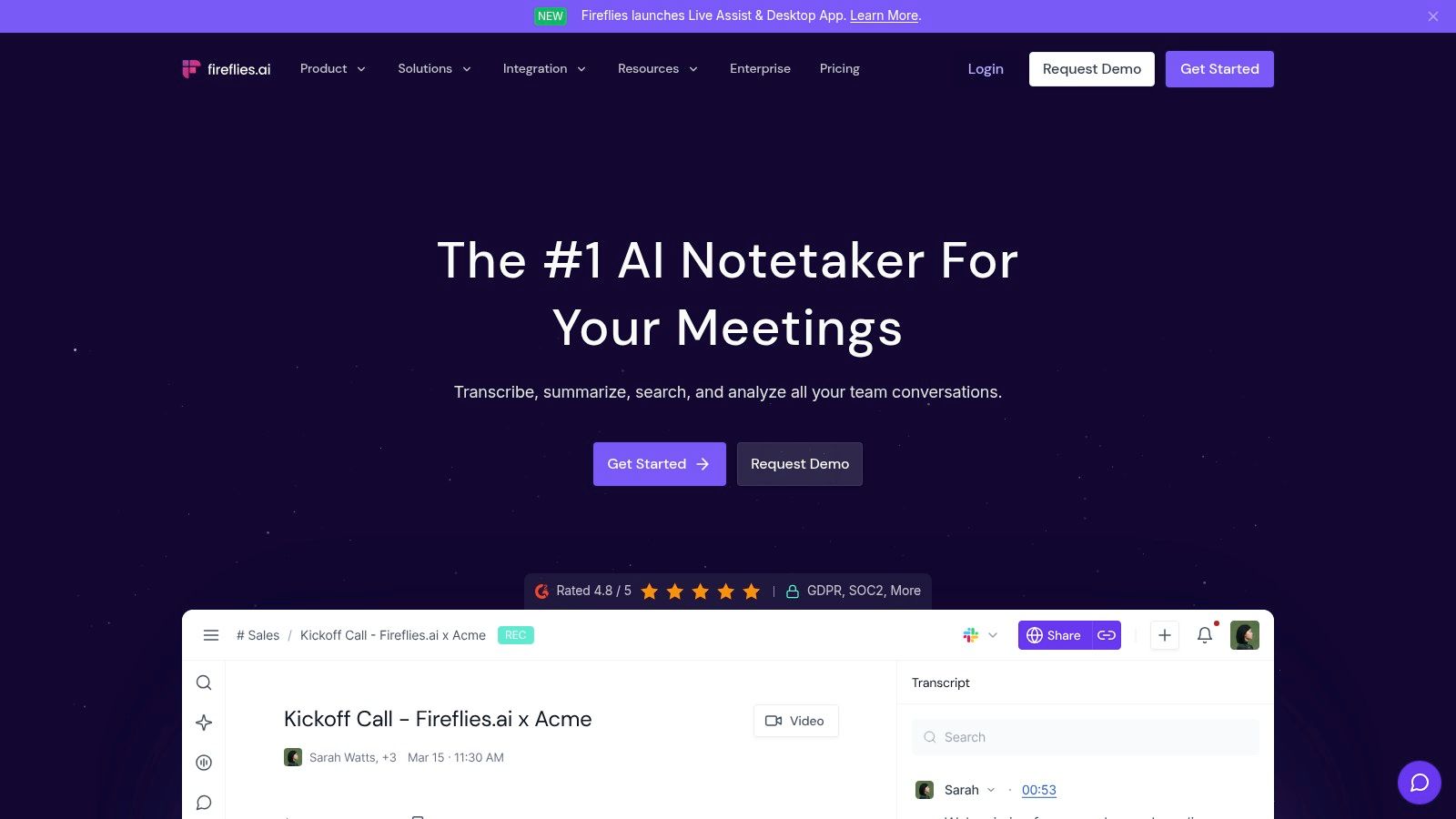
This tool is a contender for the best AI note taking app for teams that require more than just notes; they need data. The "AskFred" AI assistant can answer questions and generate content based on your meeting library, while Topic Trackers automatically monitor for keywords like competitor names or feature requests. This analytical depth makes it particularly useful for organizations looking to extract strategic insights from their daily interactions.
Key Features & Pricing
Broad Integrations & API: Connects with dozens of platforms including Salesforce, HubSpot, and Slack, with an API for custom workflows.
Conversation Intelligence: Provides analytics on talk time, sentiment, and other key metrics to help coach teams and refine strategies.
Topic Trackers & Global Search: Automatically identify and search for custom topics and keywords across all recorded conversations.
Pricing: A free plan exists with limited transcription credits. The Pro plan at $18/user/month offers unlimited transcription, and the Business plan at $29/user/month adds conversation intelligence and more integrations.
Pros & Cons
Pros | Cons |
|---|---|
Unlimited transcription on Pro and Business plans | Interface can be complex for new users |
Strong analytics and team performance insights | Some AI features and integrations are metered |
Flexible meeting capture (bot or Chrome extension) | Can be less intuitive for individual users |
Actionable Insight: Create custom "Topic Trackers" for competitor mentions, pricing objections, and feature requests. Use the analytics dashboard to see how often these topics arise, helping product and marketing teams identify market trends directly from customer conversations.
Best for: Sales and customer success teams that need to analyze call data, track performance, and extract business intelligence from conversations. Its deep integration ecosystem and analytics make it ideal for data-driven organizations.
Website: https://fireflies.ai
4. Fathom
Fathom has quickly become a standout choice for its generous free plan, offering unlimited recordings and transcriptions for individual users. It records, transcribes, and summarizes meetings from Zoom, Google Meet, and Microsoft Teams, making it an excellent entry point into AI-powered note-taking without an immediate financial commitment. Its core value proposition is delivering high-quality, structured notes and summaries instantly after a call ends, saving users significant time on post-meeting admin work.
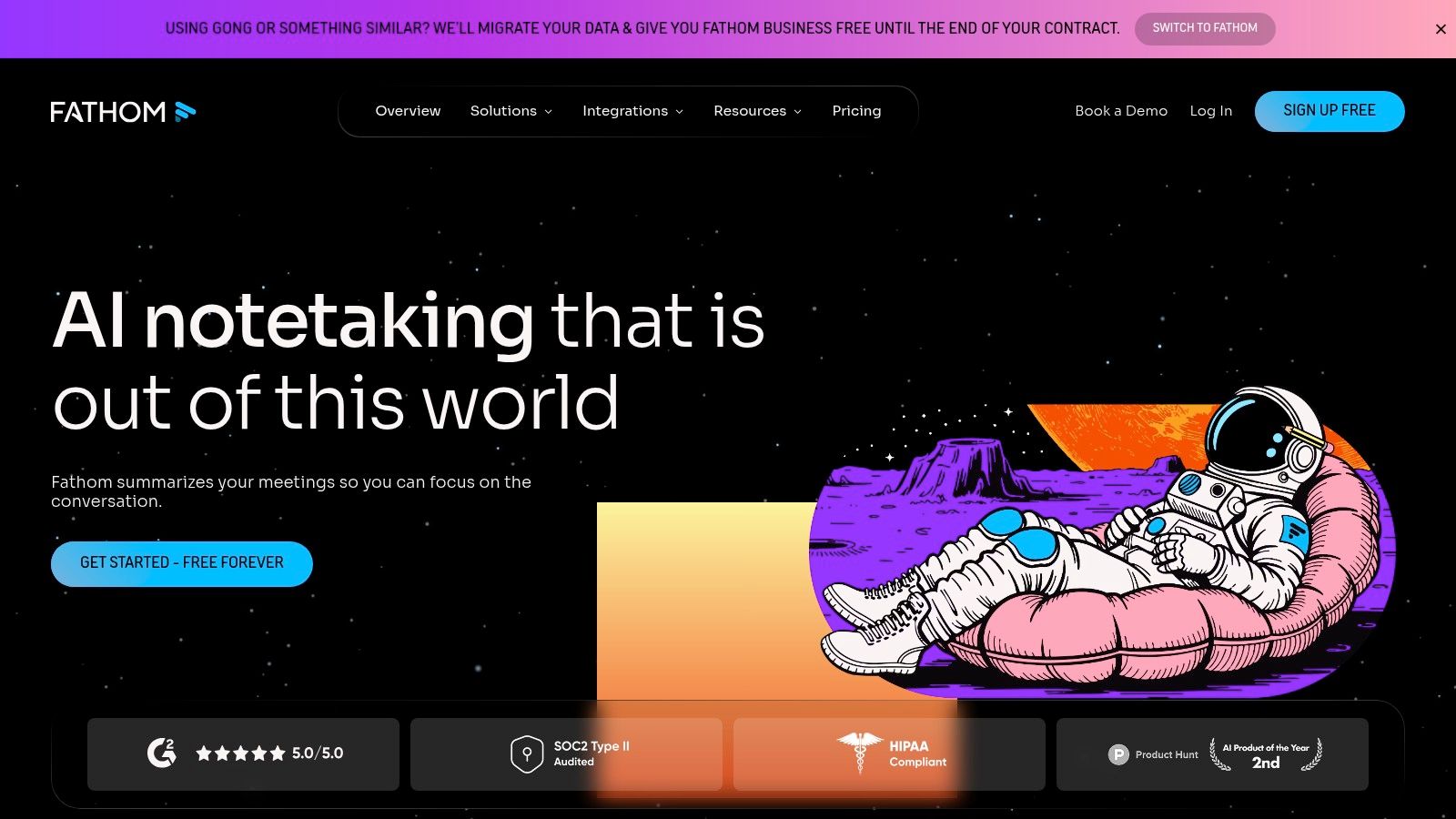
As a contender for the best AI note taking app, Fathom distinguishes itself with a strong focus on sales teams in its paid tiers. Features like CRM synchronization with Salesforce and HubSpot automatically push call notes and highlights to the right records. The "Ask Fathom" feature allows users to query their meeting history to find specific information, while highlight reels make it easy to share key moments with stakeholders. This combination of powerful individual features and scalable team functionalities makes it a versatile tool for both solo professionals and growing revenue organizations.
Key Features & Pricing
Instant AI Summaries: Generates concise, structured summaries with action items immediately after each meeting.
CRM Integration: Automatically syncs call notes, summaries, and highlights to Salesforce and HubSpot (Business plan).
Ask Fathom & Global Search: Search across all your past transcripts to find key information or ask direct questions about meeting content.
Pricing: A robust free plan is available for individuals with unlimited recording. The Team plan is $24/user/month (2-user minimum) and adds team-wide features, while the Business plan at $29/user/month includes CRM sync and SSO.
Pros & Cons
Pros | Cons |
|---|---|
Exceptionally generous free plan for individuals | Team plans have a 2-user minimum purchase |
Strong sales-oriented features in paid tiers | Advanced templates are limited compared to rivals |
Clean UI and fast summary generation | CRM sync is gated behind the highest-priced tier |
Actionable Insight: During a live call, click the highlight button for different categories (e.g., "Action Item," "Question"). After the meeting, Fathom automatically organizes these highlights in your summary, creating a ready-made to-do list and set of follow-up points.
Best for: Individuals, consultants, and small teams who want a powerful, free solution for meeting transcription and summarization. It is also an excellent fit for sales teams looking for a cost-effective way to automate their sales call notes and integrate call data directly into their CRM workflow.
Website: https://www.fathom.ai
5. Avoma
Avoma goes beyond simple transcription by positioning itself as an end-to-end meeting lifecycle platform. It’s built for revenue and customer-facing teams that need a tool for agendas, collaborative note-taking, AI summaries, and deep conversation intelligence, all connected directly to their CRM. The platform helps teams standardize their entire meeting process, from preparation to follow-up and analysis.
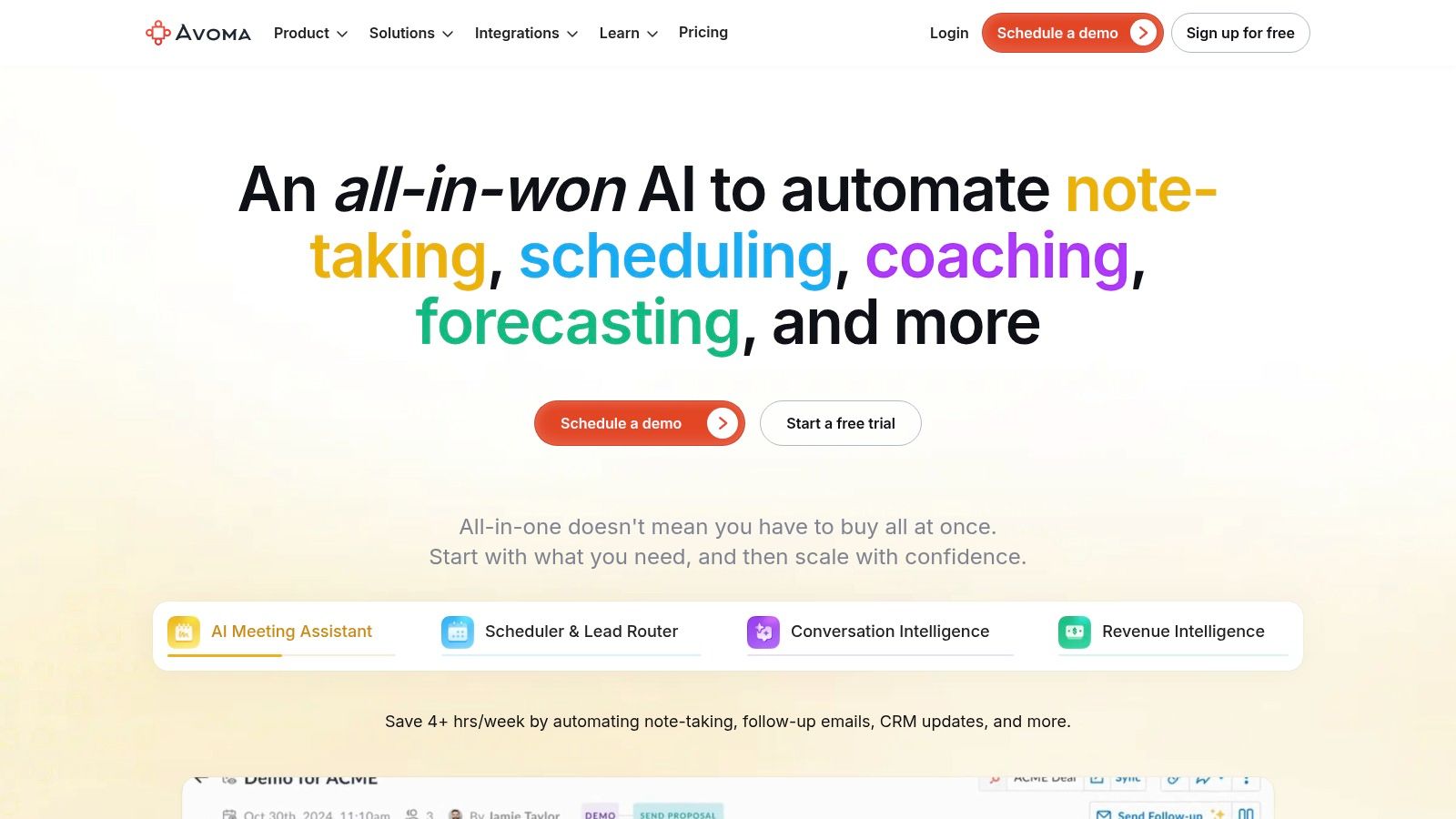
This tool earns its spot as a contender for the best AI note taking app by tying notes directly to business outcomes. Its two-way integrations with platforms like Salesforce, HubSpot, and Outreach mean that meeting notes, topics, and action items are synced automatically. Managers can use its conversation intelligence dashboards to track talk-time, topics discussed, and keyword mentions across their entire team, making it a powerful tool for coaching and performance reviews.
Key Features & Pricing
AI Summaries & Topics: Generates concise summaries with identified speakers, topics, and key points from every meeting.
Agenda Templates & Centralized Notes: Provides collaborative templates and a central workspace for all meeting-related notes and agendas.
Conversation Intelligence Dashboards: Offers deep analytics on meeting content, participation, and trends for coaching and strategy.
Pricing: A free plan is offered with basic transcription. Paid plans start with the Starter tier at $24/user/month, with the Business plan at $59/user/month adding advanced coaching and CRM sync features.
Pros & Cons
Pros | Cons |
|---|---|
Strong analytics and coaching suite for managers | Higher entry price than lightweight note-taking tools |
Deep two-way CRM and dialer integrations | Feature depth can be overkill for simple note-taking needs |
Useful admin and policy controls for scale | The interface can feel busy due to its many features |
Actionable Insight: Use Avoma's coaching dashboards to compare the talk-to-listen ratios of your top-performing sales reps against the rest of the team. This data provides a concrete metric for training reps to listen more and talk less.
Best for: Go-to-market teams (sales, customer success) and managers who need to connect meeting activities directly to revenue and customer outcomes. Its robust analytics and CRM integration make it ideal for organizations focused on data-driven coaching and process optimization.
Website: https://www.avoma.com
6. Supernormal
Supernormal delivers a clean, polished experience for teams and individuals wanting automated meeting notes without the clutter. It connects to your Zoom, Google Meet, or Microsoft Teams calls and focuses on creating highly structured, pre-formatted notes based on templates you define. Its key advantage is transforming disorganized conversation into a tidy, professional document with sections for summary, decisions, and action items, ready to be shared instantly.
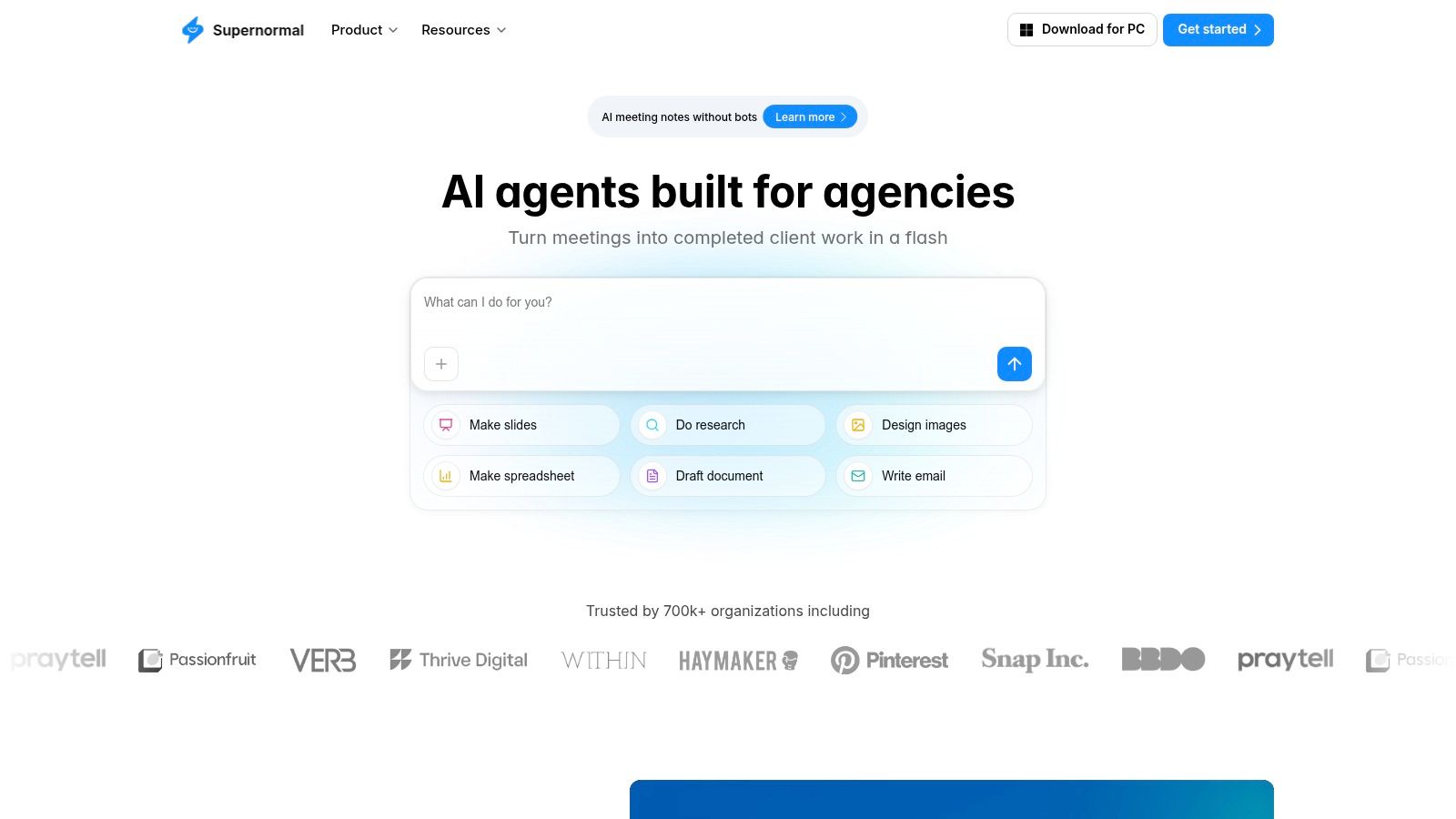
This tool is a strong contender for the best AI note taking app because of its emphasis on templating and control. Instead of a generic transcript, you get notes that fit your specific meeting purpose, whether it's a sales discovery call, a project update, or a one-on-one. For teams, administrators can enforce capture rules to ensure consistency and compliance across the organization. The availability of GPT-4 on higher-tier plans also provides a noticeable boost in the quality and nuance of the generated summaries.
Key Features & Pricing
AI Capture & Structured Notes: Automatically generates notes that are pre-formatted into clean, readable sections.
Note Templates & Custom Sections: Create and reuse templates to standardize outputs for different meeting types.
Admin Capture Rules & Business Controls: Provides team-level settings to manage how and when meetings are recorded.
Pricing: Offers a free plan for getting started. Paid plans with more features and GPT-4 support are available, though specific pricing details for tiers like Business are found within their documentation rather than a public pricing grid.
Pros & Cons
Pros | Cons |
|---|---|
Polished user experience with fast summaries | Detailed pricing is not on a single public page |
Excellent templating and collaboration features | Most advanced features are gated on the Business tier |
Strong administrative controls for teams | Lacks some of the deeper CRM integrations of competitors |
Actionable Insight: Create a custom "Project Kick-off" template with sections for Stakeholders, Key Milestones, Risks, and Action Items. Enforce this template for all new projects to ensure every kick-off meeting captures the same critical information consistently.
Best for: Individuals and teams who prioritize well-formatted, consistent note outputs over raw transcription. It’s ideal for managers, consultants, and anyone who needs to quickly share professional-looking meeting summaries without manual reformatting.
Website: https://www.supernormal.com
7. tl;dv
tl;dv has carved out a niche as a highly accessible AI meeting notetaker, particularly popular with remote-first teams and sales organizations. Its standout feature is its ability to generate instant summaries and multilingual transcripts, breaking down language barriers for global teams. The platform integrates directly with Google Meet and Zoom, providing an unobtrusive bot that captures the entire conversation for later analysis.
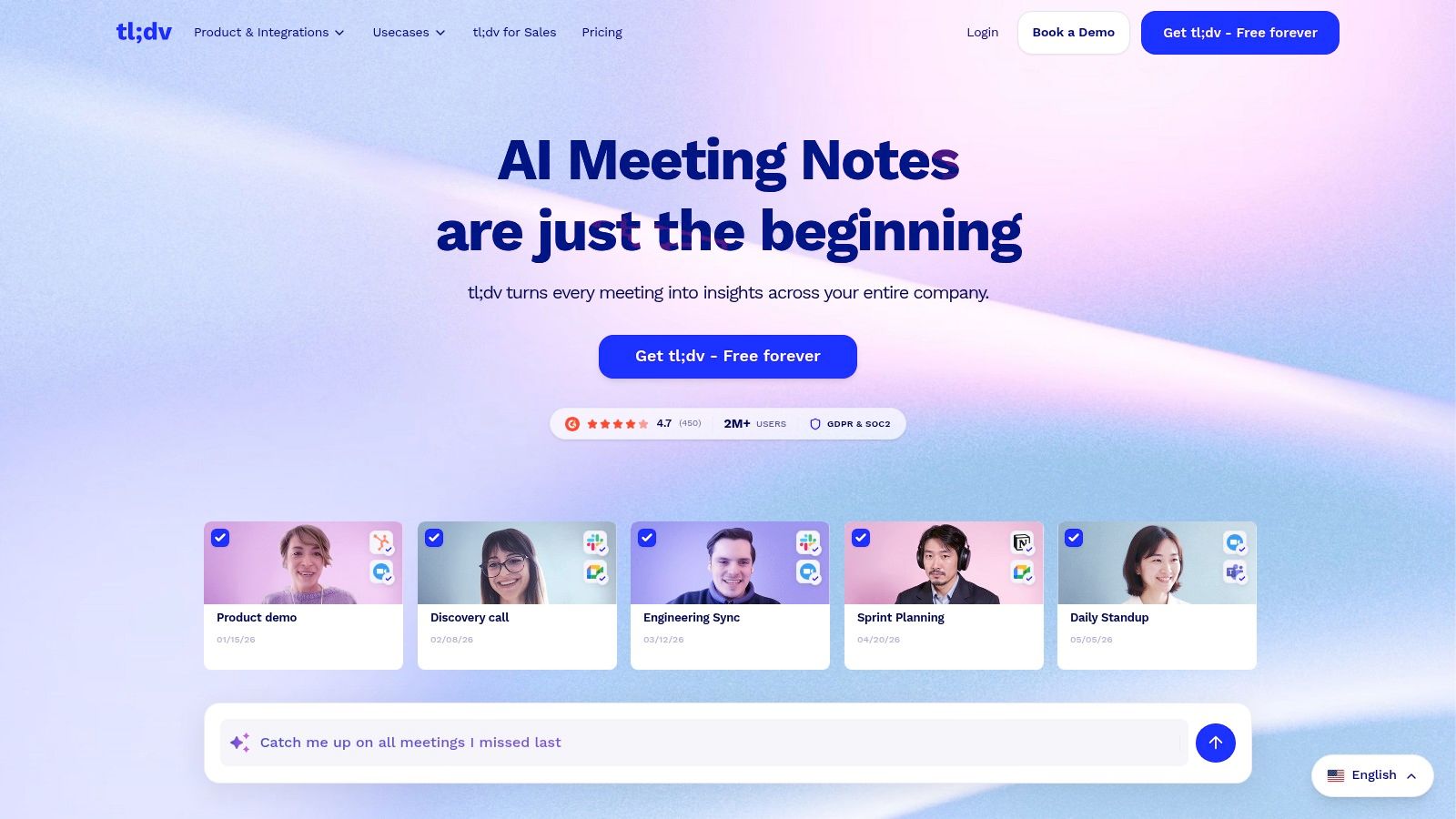
What makes tl;dv a compelling contender for the best AI note taking app is its exceptionally generous free tier, which allows users to record and transcribe unlimited meetings. This makes it a no-risk option for individuals and small teams to trial. Beyond transcription, its AI-powered features focus on creating shareable clips and providing company-wide insights into customer conversations, making it a strong tool for sales coaching and product feedback collection. Its security posture, with SOC 2 compliance and a GDPR focus, also appeals to organizations handling sensitive data.
Key Features & Pricing
AI Summaries & Multilingual Transcripts: Get instant meeting summaries and accurate transcripts in over 30 languages.
CRM & Workflow Integrations: Connects with Salesforce, HubSpot, and workflow tools like Zapier, Slack, and Notion to push meeting data where it's needed.
Company-Wide Insights: Aggregates data from all recorded meetings to identify trends, objections, and coaching opportunities.
Pricing: A robust free plan is available with unlimited recordings. Paid plans start at $25/user/month for the Pro plan, which unlocks advanced AI features, integrations, and analytics.
Pros & Cons
Pros | Cons |
|---|---|
Strong free tier for unlimited recordings | Advanced analytics are gated to paid tiers |
Sales-coaching and aggregated insights capabilities | Detailed plan pricing can require checking the app |
Excellent for multilingual teams and global orgs | Interface is more focused on video clips than text notes |
Actionable Insight: When a customer gives crucial feedback during a call, create a timestamped highlight and share the video clip directly in your product team's Slack channel. This provides immediate, unfiltered "voice of the customer" feedback.
Best for: Sales teams, customer success managers, and globally distributed organizations that need to record, transcribe, and analyze meetings at scale. Its free plan makes it an excellent starting point for any team looking to adopt an AI notetaker without an upfront investment.
Website: https://tldv.io
8. Read.ai
Read.ai positions itself as a meeting intelligence platform, focusing heavily on providing deep, actionable metrics alongside standard transcription and summarization. It excels at analyzing not just what was said, but how it was said, offering insights into participant engagement, sentiment, and talk time. This makes it a powerful tool for leaders and teams aiming to improve their meeting culture and effectiveness.
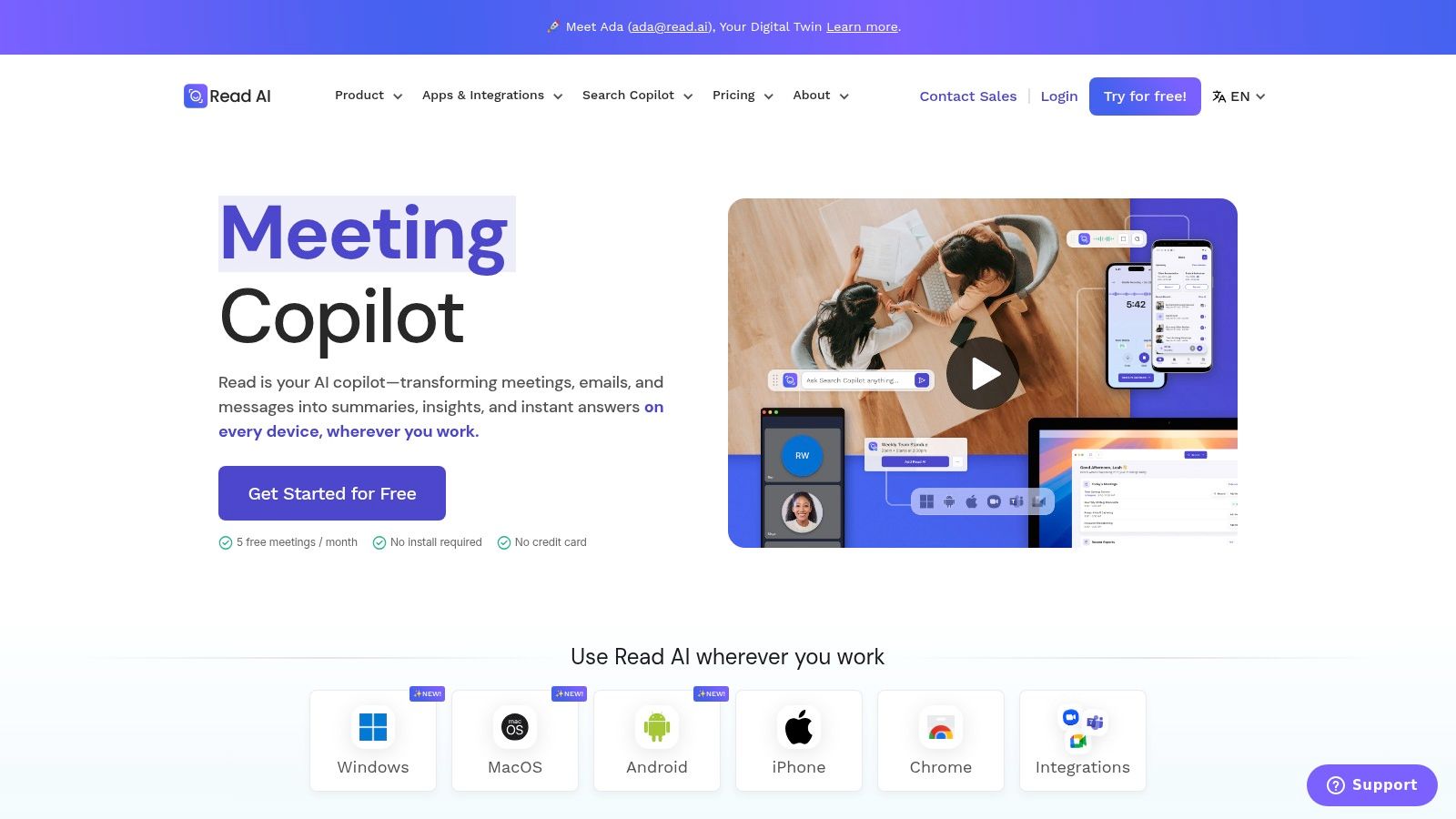
The platform’s strength is its robust reporting and cross-meeting search capabilities, making it a contender for the best AI note taking app for organizations focused on data-driven discovery. Teams can search for topics, decisions, and action items across all their recorded meetings and even uploaded files, breaking down information silos. Its live in-meeting notes and metrics give participants real-time feedback, a feature not commonly found in other tools.
Key Features & Pricing
Live In-Meeting Metrics: Provides real-time data on engagement, sentiment, and speaker talk time during the call.
Enterprise Search: Search across all meeting transcripts and uploaded files to find key information and reduce knowledge gaps.
Premium Integrations: Connects with key business tools like Notion, Salesforce, HubSpot, Jira, and Zapier to streamline workflows.
Pricing: A free plan is offered with basic features. The Pro plan is $19.99/user/month for unlimited reports and more integrations. The Enterprise plan provides advanced features like video playback and custom analytics.
Pros & Cons
Pros | Cons |
|---|---|
Strong cross-workspace discovery features | File upload capacity is based on monthly credits |
Provides unique live engagement metrics | Video playback and highlights are Enterprise-only |
Clear and detailed feature breakdown by plan | Focus on metrics might be overkill for simple needs |
Actionable Insight: Use the post-meeting report to check the "Engagement Score" for your weekly team syncs. If the score is consistently low, it's a data-backed indicator that you need to change the meeting format or agenda to be more inclusive.
Best for: Data-focused teams and managers who want to analyze and improve meeting performance. Its enterprise search is particularly useful for larger organizations looking to create a centralized, searchable knowledge base from their meeting history.
Website: https://www.read.ai
9. Sembly AI
Sembly AI positions itself as a professional-grade meeting assistant with a strong focus on team-wide deployment and security compliance. It integrates seamlessly with Google Meet, Microsoft Teams, Zoom, and Webex, providing an AI agent that can attend meetings on your behalf. Its core value is turning lengthy discussions into structured, high-quality meeting minutes, summaries, and detectable tasks, which is ideal for organizations that require a formal record of their conversations.
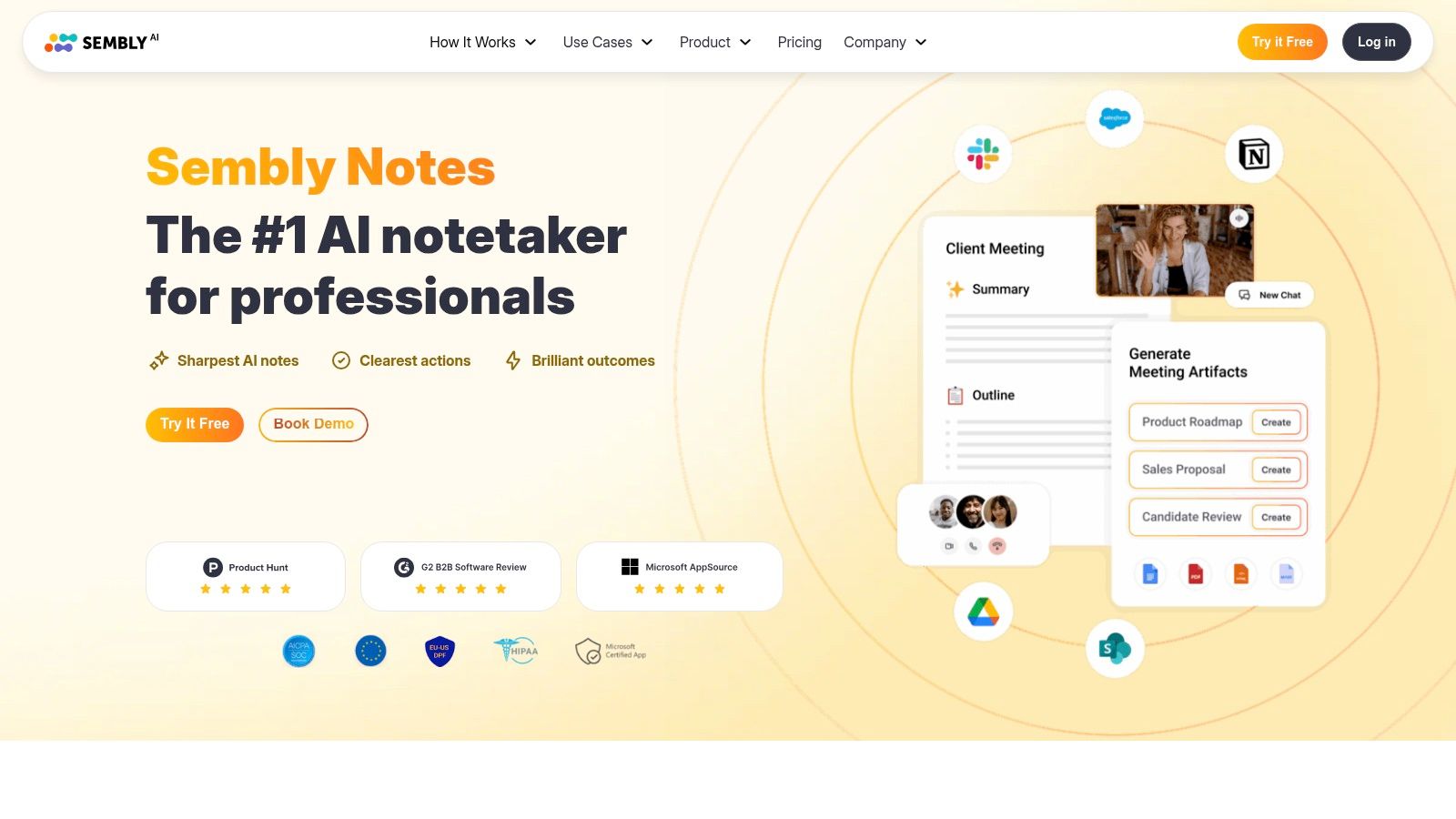
This platform is a contender for the best AI note taking app because it offers clear, unlimited meeting capture on its paid tiers and robust administrative controls. Sembly’s emphasis on compliance, with SOC 2 and GDPR disclosures, makes it a safe choice for businesses handling sensitive data. Workspace automations and webhook access allow for deeper integration into existing company workflows, making it more than just a simple transcription tool.
Key Features & Pricing
Unlimited Meeting Capture: Paid plans remove limits on the number of meetings recorded and analyzed, a key benefit for high-volume teams.
AI Meeting Minutes & Task Detection: Automatically generates structured summaries, minutes, and a list of actionable tasks from conversations.
Compliance & Security: Adheres to SOC 2 and GDPR standards, with HIPAA compliance available on enterprise plans, ensuring data security.
Pricing: Offers a free Personal plan. Paid tiers start with the Professional plan at $10/month, Team at $20/user/month, and custom pricing for Enterprise, which includes features like SSO.
Pros & Cons
Pros | Cons |
|---|---|
Strong security and compliance posture | Plan structure can be complex to compare |
Generous meeting capture limits on paid plans | HD video capture is limited to higher tiers |
Excellent options for large team management | Automations and webhook access require a team plan |
Actionable Insight: Configure Sembly to automatically attend recurring meetings you can't make. Use the "Glance" view in the summary to quickly catch up on key decisions and action items without needing to read the full transcript.
Best for: Businesses and large teams in regulated industries that need a secure, compliant, and scalable AI meeting assistant. Its strong administrative features and automation capabilities make it a great fit for organizations looking to standardize their meeting documentation process across departments.
Website: https://www.sembly.ai
10. MeetGeek
MeetGeek is a compelling, budget-friendly AI note-taker that appeals to startups and small to medium-sized businesses with predictable costs. It provides multiple ways to capture meetings, including bot-free options via a desktop app or browser extension, and bases its quotas on hours rather than a strict meeting count. Its AI generates adjustable summaries and suggests “AI Next Steps,” offering control over the output's depth and layout.
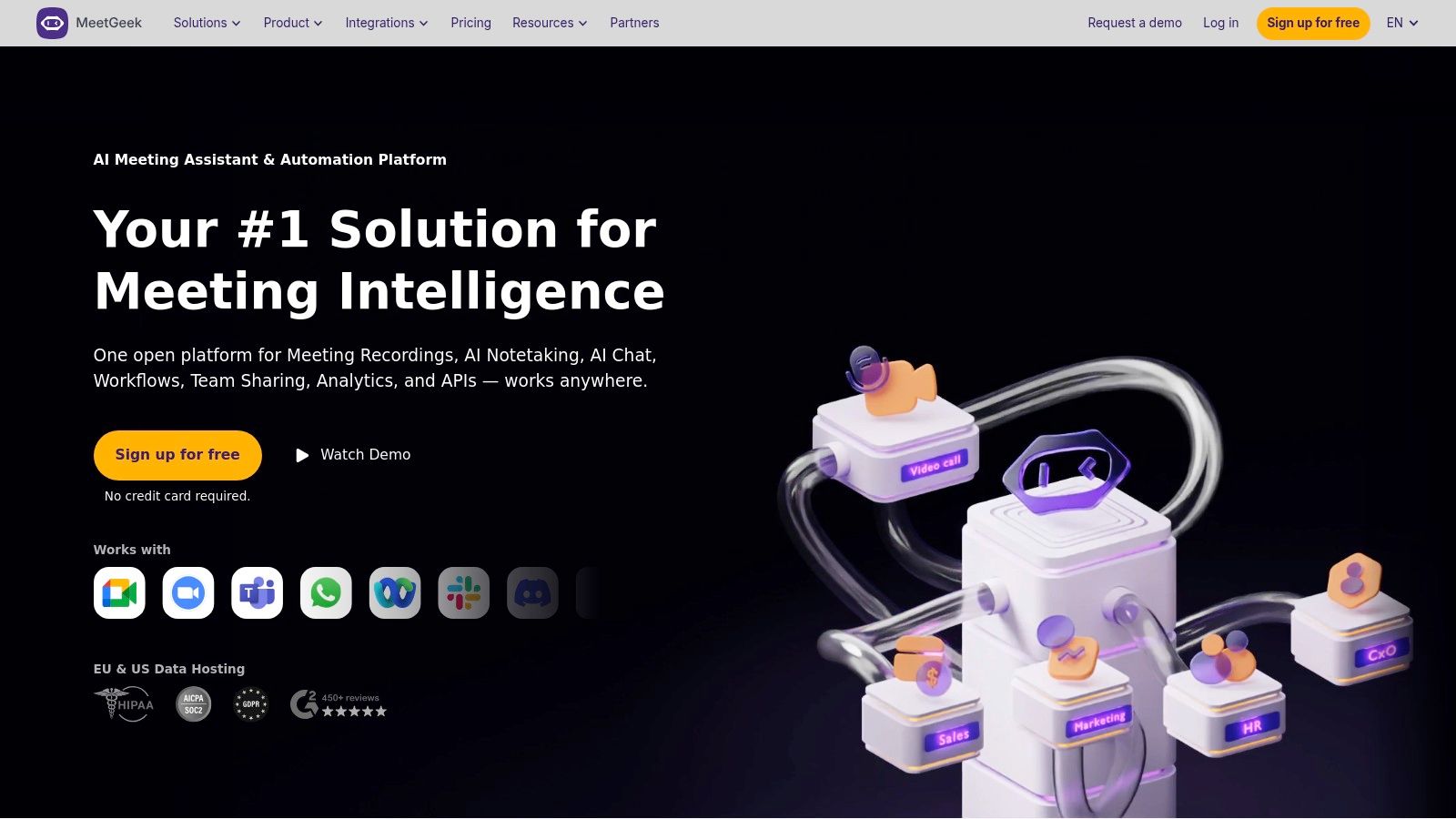
This platform's position as a candidate for the best AI note taking app comes from its deep automation capabilities. With native support for Zapier, Make, and n8n, plus a robust API, MeetGeek can connect to almost any workflow or CRM system. This makes it a powerful choice for teams that want to automate tasks based on meeting outcomes, like creating tickets in a project management tool or updating a sales pipeline without manual data entry.
Key Features & Pricing
No-Bot Recording: Capture meetings without an extra participant joining via a desktop app, browser extension, or mobile app.
AI Agents & Workflows: Build custom automations to push meeting data and action items to CRMs and task management tools.
Adjustable AI Summaries: Control the depth and format of meeting summaries to fit your team's needs.
Pricing: A free plan is available. The Professional plan starts at a very competitive $19/user/month, with the Business plan at $39/user/month adding features like HD video and advanced integrations.
Pros & Cons
Pros | Cons |
|---|---|
Very competitive pricing with clear overage rates | Storage and usage limits differ by plan and must be monitored |
Good integration coverage and admin controls | Some advanced features like voice agents are on higher tiers |
Flexible recording options (bot and bot-free) | User interface can feel less polished than some premium rivals |
Actionable Insight: Use the Zapier integration to create a workflow where any "Action Item" identified in MeetGeek automatically creates a new task in Asana or Trello, assigned to the correct person. This closes the loop between discussion and execution.
Best for: Startups, SMBs, and agencies looking for a cost-effective solution with powerful automation. It’s ideal for teams that rely on tools like Zapier or Make to connect their software stack and want to automate post-meeting workflows.
Website: https://meetgeek.ai
11. Notta
Notta positions itself as a powerful, cross-platform transcription service with a strong focus on providing generous minute allotments and accessible AI summaries. It combines a clean user interface with a meeting recorder bot for Zoom, Google Meet, Microsoft Teams, and Webex, making it a flexible choice for individuals and small teams. With the consolidation of Airgram into its platform, Notta has broadened its feature set, appealing to users who need a straightforward yet capable transcription tool.
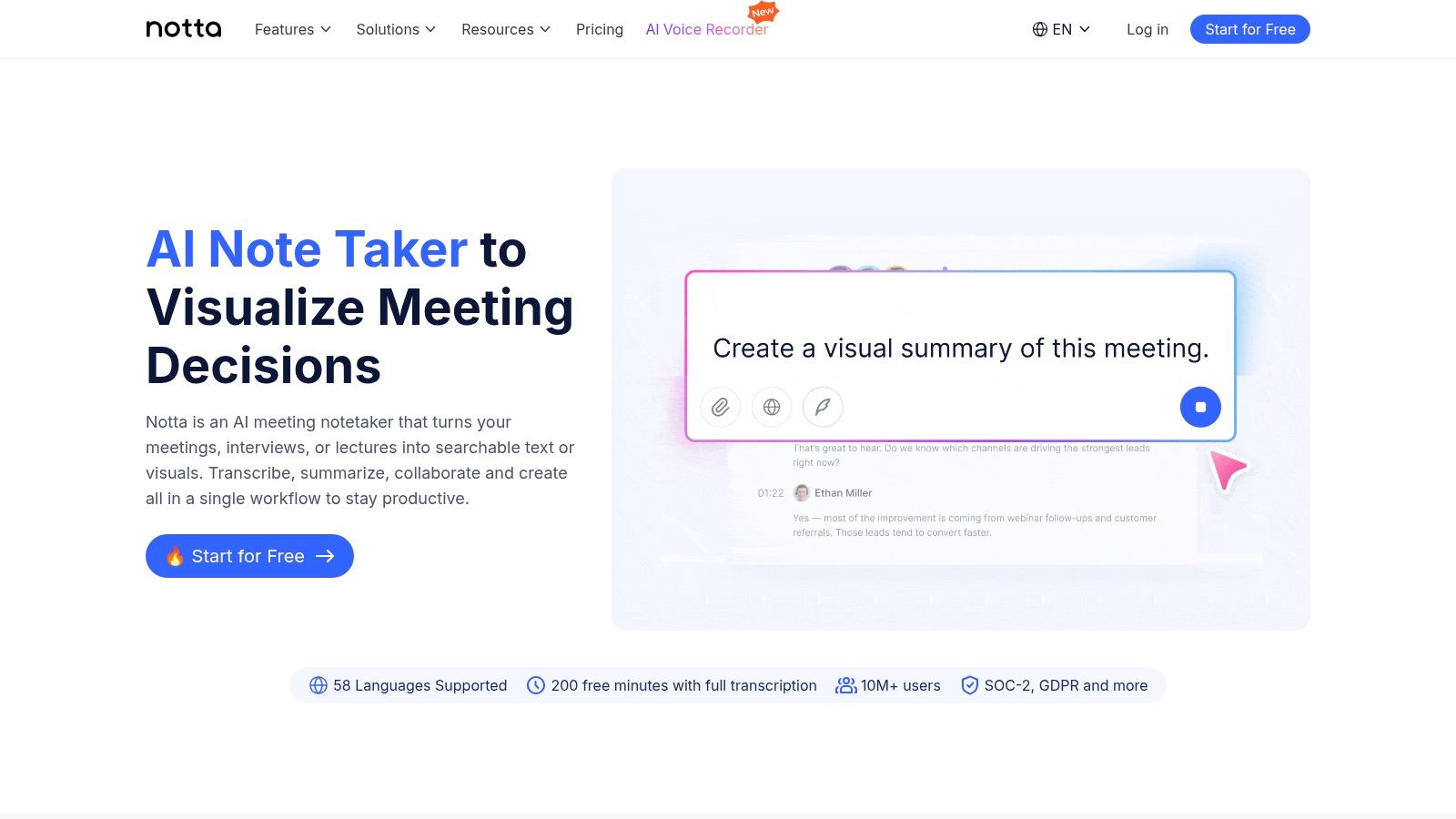
This tool earns its place as a contender for the best AI note taking app by balancing core functionality with competitive pricing. Its AI Summary feature provides a concise overview, action items, and key chapters from long recordings, saving users from manual review. The platform also supports file uploads and real-time transcription, available through its web, mobile, and browser extension apps, ensuring you can capture notes wherever you work.
Key Features & Pricing
Generous Transcription Limits: Offers one of the higher monthly minute allotments on its entry-level paid plan.
AI Summary & Chapters: Automatically generates summaries, extracts action items, and creates a navigable outline of your meeting.
Cross-Platform Availability: Works across web, mobile (iOS/Android), and includes a meeting bot for all major video conferencing platforms.
Pricing: A free plan is offered with limited minutes. The Pro plan is $13.99/user/month, including 1,800 minutes. The Business plan at $27.99/user/month adds team collaboration features and more minutes.
Pros & Cons
Pros | Cons |
|---|---|
High monthly minute allotment per user on Pro plan | Advanced admin and file upload caps require Business plan |
Simple pricing and straightforward user onboarding | User reports on support responsiveness are mixed |
Supports translation and custom vocabulary | Lacks the deep CRM integrations of sales-focused tools |
Actionable Insight: Use the mobile app to record and transcribe in-person meetings or impromptu brainstorming sessions. The audio is then synced to your account, and you can get an AI summary just as you would for a virtual call.
Best for: Freelancers, consultants, and small teams who need a high volume of transcription minutes without the complexity or cost of enterprise-level platforms. Its simplicity and strong core features make it ideal for capturing client calls, interviews, and internal discussions efficiently.
Website: https://www.notta.ai
12. Zoom AI Companion
For teams deeply embedded in the Zoom ecosystem, the Zoom AI Companion presents a compelling, frictionless option. Instead of adding another third-party tool, this AI assistant is built directly into the Zoom Workplace platform. It offers meeting summaries, next steps, and smart chapters, providing a solid layer of AI-powered note-taking without ever leaving the familiar Zoom interface. Its primary value is convenience and consolidation, eliminating the need to manage a separate subscription or vendor.
This native integration makes it a strong contender for the best AI note taking app for organizations that prioritize a unified workflow. The AI Companion can automatically generate meeting notes and deliver them via email and the Team Chat app, ensuring stakeholders stay informed. Critically, administrators can set domain-wide policies to manage how these AI features are used, maintaining control over data and privacy. It's a practical solution for capturing meeting intelligence with zero added complexity.
Key Features & Pricing
In-Meeting Summaries & Smart Chapters: Get real-time, AI-generated summaries and navigable video chapters during a live meeting.
Automated Meeting Notes: Receive post-meeting summaries with highlights and action items delivered directly through Zoom.
Centralized Admin Controls: Configure and manage AI features at the account, group, or user level for consistent governance.
Pricing: Included at no additional cost with most paid Zoom Workplace plans. Note that specific agentic capabilities or advanced features may require add-ons or higher-tier plans.
Pros & Cons
Pros | Cons |
|---|---|
Seamlessly integrated into the Zoom UX | Lacks the deep CRM/task integrations of specialist tools |
No extra cost for users on eligible paid plans | Feature availability can vary significantly by Zoom plan |
No separate vendor or app to manage | May not be as feature-rich as dedicated AI notetakers |
Actionable Insight: If you join a meeting late, use the AI Companion's "catch me up" feature. It provides a quick summary of what you've missed without you having to interrupt the conversation.
Best for: Organizations already using Zoom for their primary communication needs who want to add AI note-taking capabilities without introducing new software. It is ideal for internal team alignment and general meeting documentation where convenience trumps the need for advanced, specialized workflows.
Website: https://zoom.com/en/products/ai-assistant/
Top 12 AI Note-Taking Apps Comparison
Product | Core features | ✨ Unique selling points | ★ Quality | 💰 Pricing | 👥 Target audience |
|---|---|---|---|---|---|
GLINKY 🏆 | Bot‑free AI notetaker, native speaker recognition, auto notes/actions, CRM & calendar sync, lead discovery | ✨ Bot‑free capture; review‑before‑push CRM sync; verified contact discovery; unified contact timeline | ★★★★★ (4.9/5) | 💰 Free Personal → Teams $19.99/mo → Ultimate $99.99/mo (annual) | 👥 Sales, recruiters, founders, CS, consultants |
Otter.ai | Live transcription, speaker ID, templates, meeting search | ✨ Mature apps & admin controls; strong security/export options | ★★★★☆ | 💰 Freemium → Business/Enterprise tiers | 👥 Teams, knowledge workers |
Fireflies.ai | Meeting recorder, AskFred AI, conversation analytics, broad integrations | ✨ 100+ languages, generous analytics, unlimited transcription on Pro+ | ★★★★☆ | 💰 Freemium; Pro+ for unlimited transcription | 👥 Cross‑functional teams, ops |
Fathom | Instant summaries, action items, global search, CRM sync on Business | ✨ Unlimited capture on free individual plan; sales features | ★★★★☆ | 💰 Free individual → Business upgrades | 👥 Solo users, sales reps & revenue teams |
Avoma | Agenda→notes→coaching→intelligence, dashboards, 2‑way CRM/dialer | ✨ Deep conversation intelligence & coaching suite | ★★★★☆ | 💰 Paid plans; higher entry price | 👥 GTM teams, managers, sales ops |
Supernormal | Auto‑formatted notes, templates, admin rules, GPT‑4 on higher tiers | ✨ Polished UX with fast templating & collaboration | ★★★★☆ | 💰 Freemium → Business (GPT‑4 on paid tiers) | 👥 Individuals & small teams |
tl;dv | Instant summaries, multilingual transcripts, CRM/workflow integrations | ✨ Strong free tier; translations + company insights | ★★★★☆ | 💰 Generous free tier; paid for advanced analytics | 👥 Remote teams, sales teams |
Read.ai | Live in‑meeting metrics, post‑meeting reports, enterprise search | ✨ Cross‑workspace discovery; strong integrations (Notion/SF/HubSpot) | ★★★★☆ | 💰 Paid plans; file upload credits vary | 👥 Enterprise teams needing reporting |
Sembly AI | Agent options, unlimited capture on paid tiers, automations & webhooks | ✨ Transparent feature limits; SOC 2/GDPR/HIPAA options | ★★★★☆ | 💰 Freemium → Paid; enterprise features | 👥 Large teams, regulated orgs |
MeetGeek | No‑bot recording, AI Chat, workflows, multilingual transcription | ✨ Budget‑friendly with clear overage rates & automations | ★★★★☆ | 💰 Competitive budget plans; hour quotas | 👥 Startups & SMBs |
Notta | Cross‑platform recorder, AI summaries, translation, custom vocab | ✨ High per‑user minutes on Pro; simple pricing | ★★★☆ | 💰 Freemium; Pro for higher minutes | 👥 Individuals & teams needing lots of minutes |
Zoom AI Companion | Native Zoom notes & summaries, expanding agents, admin controls | ✨ Built‑into Zoom — no extra vendor; unified UX | ★★★☆☆ | 💰 Often included with Zoom Workplace (agent extras may cost) | 👥 Zoom‑first organizations |
Making Your Choice: How to Select the Right AI Notetaker for Your Workflow
We’ve explored a dozen powerful contenders for the title of best AI note taking app, from established players like Otter.ai to specialized tools like Avoma and GLINKY. The sheer volume of options can feel overwhelming, but this variety is a good thing; it means there’s a near-perfect solution waiting to fit your specific workflow, budget, and professional role. Making the right choice isn't about finding a single "best" app, but about identifying the one that aligns most closely with your daily tasks and strategic goals.
The journey to automated meeting intelligence starts with understanding your core problem. Are you a freelancer drowning in client calls who just needs accurate transcripts and summaries? Or are you a sales leader needing deep analytics, CRM integration, and coaching tools for your team? The answer will guide your decision-making process significantly.
From Individual Productivity to Team-Wide Intelligence
Your immediate needs are the most critical factor. For individuals, consultants, or small teams just starting out, the primary goal is often simple: reclaim time spent on manual note-taking.
For the Individual User: Tools with generous free tiers like Fathom, tl;dv, or Supernormal are excellent starting points. They provide core functionalities such as transcription, summarization, and clip sharing without an initial financial commitment. This allows you to test the waters and see how an AI assistant fits into your routine. The key here is to assess the quality of the output and the ease of use.
For the Revenue-Focused Team: Sales, customer success, and account management teams operate differently. Their focus extends beyond simple note-taking to conversation intelligence. For them, the best AI note taking app is one that integrates deeply into their revenue operations stack. Platforms like Avoma, Fireflies.ai, and GLINKY shine here. They connect directly with your CRM (like Salesforce or HubSpot), automatically logging call notes, identifying action items, and providing data that helps managers coach reps and forecast more accurately.
Key Factors to Guide Your Final Decision
Before you commit to a subscription, run a final check against these critical implementation factors. A tool is only effective if it's adopted and used correctly.
Integration Depth: Don't just check if a tool has an integration; evaluate how deep it goes. Does it just dump a transcript into a CRM field, or does it intelligently map data, create new contacts, and update deal stages? A tool like GLINKY stands out with its 'review-before-push' functionality, giving you a crucial layer of control to ensure data hygiene in your CRM.
Transcription and Summary Accuracy: This is non-negotiable. During your trial period, run the same meeting recording through your top two or three choices. Compare the transcripts for accuracy, especially with industry-specific jargon or accents. Assess the summaries: are they genuinely insightful, or just a generic regurgitation of the conversation?
Onboarding and Adoption: How easy is it to get your team started? The ideal tool should be intuitive, requiring minimal training. Solutions that operate without adding another bot to the meeting (a key feature of GLINKY and Zoom AI Companion) often face less resistance and client friction, making team-wide adoption smoother.
Beyond the Meeting: Consider what happens after the call ends. Do you need a tool that just records what was said, or one that helps you find what to do next? Some platforms now include features for prospecting and lead discovery, turning a reactive note-taker into a proactive business growth engine.
Ultimately, the best AI note taking app will feel like a natural extension of your brain, not another piece of software you have to manage. It should quietly capture the important details, surface the critical insights, and give you back your most valuable asset: time. Take advantage of the free trials we've discussed. Use them in real-world scenarios, from internal stand-ups to high-stakes client pitches. The tool that consistently delivers the most accurate, actionable, and easy-to-digest results is your winner.
Ready to see how an AI notetaker can do more than just transcribe? GLINKY goes beyond notes by integrating a powerful prospecting engine, helping you turn every conversation into a new opportunity. Discover how GLINKY can unify your meeting workflow and revenue goals today.
People also read

10 Sales Enablement Best Practices to Unify Your Revenue Engine in 2026
Productivity
Mar 13, 2026

How to Manage Sales Pipeline for Predictable Revenue Growth
Productivity
Mar 14, 2026

How to Qualify Leads in Sales Without Wasting Time
Productivity
Mar 17, 2026

What is Conversation Intelligence? A Practical Guide for Sales Teams
Productivity
Mar 18, 2026

Top 10 Sales Discovery Questions That Close More Deals
Productivity
Mar 25, 2026

Taking Minutes of Meeting: A Guide to Transforming Chaos into Action
Productivity
Feb 16, 2026

Action Items List: A Practical Guide to Drive Real Results
Productivity
Feb 19, 2026

Master the summary of a meeting for clear decisions and follow-ups
Productivity
Feb 22, 2026

Track Action Items: A Practical Guide to Using AI for Flawless Follow-Up
Productivity
Feb 17, 2026

Unlock: How to Take Notes on a Computer for Peak Productivity in 2026
Productivity
Feb 26, 2026

How to Record Google Meet: A Complete Guide for 2026
Productivity
Mar 4, 2026

How to Improve Customer Retention: Practical Tips to Boost Loyalty
Productivity
Mar 8, 2026

10 Client Communication Best Practices to Master in 2026
Productivity
Mar 7, 2026

The 12 Best AI Meeting Assistant Tools for 2026: A Deep Dive
Productivity
Mar 15, 2026

Your Guide to the Ultimate AI Email Writer
Productivity
Feb 27, 2026

10 Essential Customer Success Best Practices for 2026
Productivity
Mar 1, 2026

Your Guide to Sales Call Recording Software in 2026
Productivity
Mar 2, 2026

How to Take Better Meeting Notes and Drive Real Results
Productivity
Mar 5, 2026

Top 10 Picks for best crm for small business
Productivity
Mar 3, 2026

What is an Ideal Customer Profile: A Guide to Driving Growth
Productivity
Mar 9, 2026

Automated meeting minutes: Turn talks into actionable notes
Productivity
Mar 11, 2026

The Top 12 AI Powered Sales Tools to Boost Revenue in 2026
Productivity
Mar 16, 2026

AI Note Taking For Meetings: Fast, Smart AI Notes That Drive Collaboration
Productivity
Mar 19, 2026

Understanding Transcription Service Cost: A 2026 Guide
Productivity
Mar 20, 2026

Master Your Meetings With The Note Taking Charting Method
Productivity
Feb 18, 2026

The Ultimate 2026 Guide: 8 Meeting Follow Up Email Template Scenarios
Productivity
Feb 20, 2026

Master the Art of Taking Meeting Notes for Actionable Outcomes
Productivity
Feb 25, 2026

12 Best Sales Lead Generation Tools to Boost Your Pipeline in 2026
Productivity
Mar 10, 2026

Translation Vs Transcription: Which Service Do You Really Need?
Productivity
Mar 12, 2026

Mastering the goals of a meeting to drive decisions and boost team alignment
Productivity
Mar 23, 2026

The 12 Best Free AI Email Writer Tools for 2026
Productivity
Mar 22, 2026

A Guide to AI Sales Enablement Platforms in 2026
Productivity
Mar 21, 2026

Automate Follow Up Emails: Actionable Insights for Boosting Sales & Efficiency
Productivity
Mar 26, 2026

Follow Up Email Subjects That Convert: Increase Opens and Replies
Productivity
Feb 17, 2026

Your Playbook for Outbound Lead Generation in 2026
Productivity
Feb 28, 2026

Your Essential Meeting Action Items Template to Drive Results
Productivity
Feb 23, 2026

Your Guide to Using an Email Writer AI for Maximum Impact
Productivity
Feb 23, 2026

8 Essential Ground Rules at Meetings to Maximize Productivity in 2026
Productivity
Mar 24, 2026

Otter.ai vs Glinky
Productivity
Feb 5, 2026

AI Tools for Startup Founders [2026]
Productivity
Feb 4, 2026

Best AI Tools for Startups [2026]
Tools
Feb 3, 2026

Sales Call Notes: How to Capture Every Detail Without Losing the Deal
How to
Feb 2, 2026

How to Take Meeting Notes: 7 Methods That Actually Work [2026]
How to
Jan 14, 2026
![AI Meeting Minutes | Free Forever [2026]](https://framerusercontent.com/images/zYQGRjgLX63tiouLTK65LvCcjK8.png?width=402&height=263)
AI Meeting Minutes | Free Forever [2026]
How to
Jan 13, 2026
![How to Record Zoom Meetings Without a Bot [2026] 3 Easy Methods](https://framerusercontent.com/images/gGoQV8bPb9zR5weVruinbjaxO0.png?width=402&height=263)
How to Record Zoom Meetings Without a Bot [2026]
How to
Jan 9, 2026

Bot-Free AI Meeting Notes: We Tested the 6 Best Tools in 2026
Tools
Jan 8, 2026

Glinky vs Fireflies.ai
Tools
Jan 7, 2026

15 Best AI Tools to Boost Your Productivity in 2026
Productivity
Jan 6, 2026